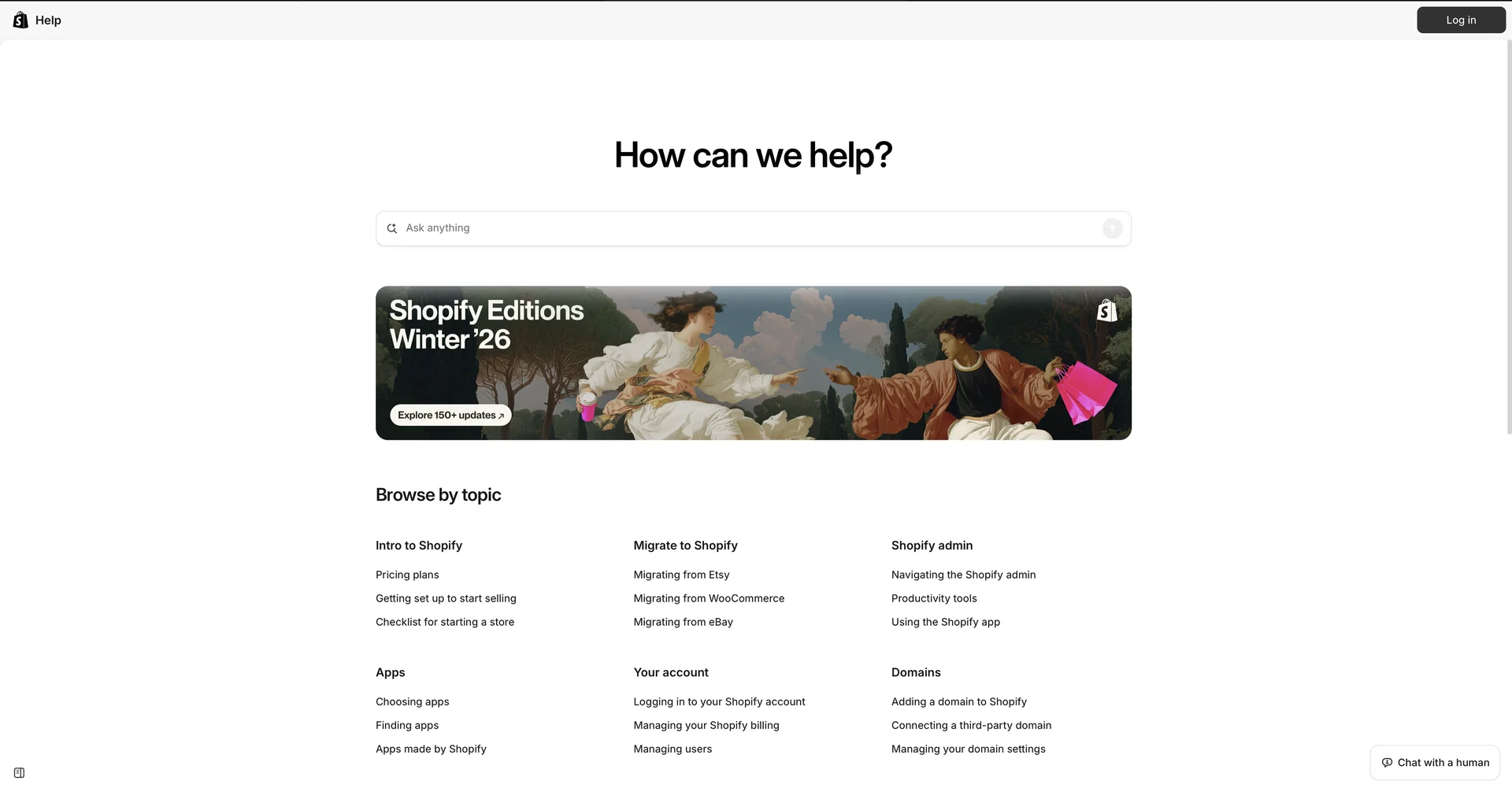
Description

🖼️Tool Name:

Shopify SimGym

✏️ Overview & Key AI Features (2026 Edition):

  • Zero-Risk Testing: SimGym allows you to run "Simulations" on a draft theme. You can see how a new design affects your Add-to-Cart rate without risking a single dollar of live revenue.

  • Human-Like AI Personas: (2026 Update) You can choose specific "Shopper Profiles," such as the "Impulsive Buyer," the "Discount Seeker," or the "Mobile Researcher," to see how different segments navigate your store.

  • Qualitative Feedback: AI shoppers don't just provide numbers; they give text-based feedback like: "I couldn't find the sizing chart easily" or "The checkout button was hidden on my screen."

  • Impact Analytics: The tool predicts changes in Conversion Rate, Average Order Value (AOV), and Navigation Depth based on the simulation results.

  • Friction Point Identification: It highlights "dead ends" in your store—places where AI shoppers get confused or "bounce" (leave the site).

  • Pre-Launch Confidence: Ideal for massive sales events like Black Friday/Cyber Monday, ensuring your promotional banners and navigation are intuitive under high-pressure scenarios.

⭐️ User Experience (2026):

  • "The Holy Grail of CRO": Rated 4.9/5 by top-tier Shopify Plus brands. It effectively solves the "A/B testing flaw" where merchants traditionally had to lose money on a "bad" version of a site just to get data.

💵 Pricing & Plans (February 2026 Status):

SimGym typically follows a Pay-per-Simulation model, integrated into the Shopify billing system:

FeatureCost (Approx.)Details
Research PreviewFree / Trial CreditsMerchants can often join a waitlist and receive trial credits to run their first few simulations.
Standard Simulation1 Credit / ~$10-$20Run a full simulation with a set of AI shoppers on a specific theme.
Enterprise / PlusIncluded / BundledHigh-volume merchants may have a monthly allowance of simulations included in their specialized plans.

🎁 How to Get Started:

Go to your Shopify Admin > Apps > SimGym. If you are part of the early access, you can start a simulation by selecting your Live Theme and a Draft Theme to compare. Click "Run Simulation" and wait about 15 minutes for the AI report to generate.

⚙️ Access or Source:

  • Official Website

  • Category: Conversion Rate Optimization (CRO), AI Testing, E-commerce Analytics.

  • Primary Use Case: Testing theme changes, seasonal updates, and navigation structures before going live.

🔗 Experience Link: 

https://help.shopify.com/en

Pricing Details

💵 Pricing & Plans (February 2026 Status): SimGym typically follows a Pay-per-Simulation model, integrated into the Shopify billing system: Feature Cost (Approx.) Details Research Preview Free / Trial Credits Merchants can often join a waitlist and receive trial credits to run their first few simulations. Standard Simulation 1 Credit / ~$10-$20 Run a full simulation with a set of AI shoppers on a specific theme. Enterprise / Plus Included / Bundled High-volume merchants may have a monthly allowance of simulations included in their specialized plans. 🎁 How to Get Started: Go to your Shopify Admin > Apps > SimGym. If you are part of the early access, you can start a simulation by selecting your Live Theme and a Draft Theme to compare. Click "Run Simulation" and wait about 15 minutes for the AI report to generate.