The Librarian
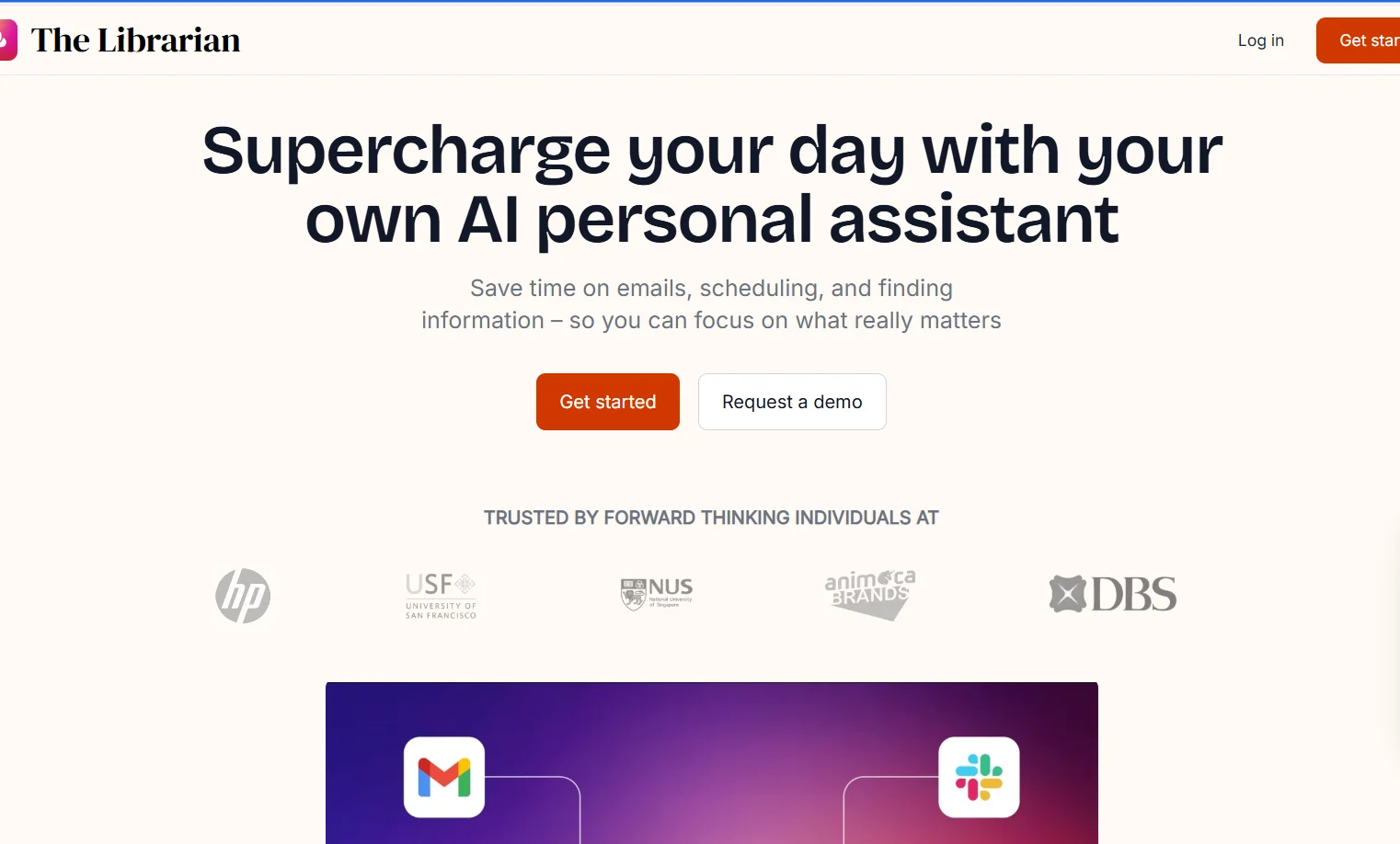
Description
️ 🖼Tool name:
The Librarian
🔖 Tool category:
Automation and Smart Agents
Productivity and Scheduling
Meeting and note summarization
️ ✏What does this tool offer?
An AI tool that acts as an executive assistant within WhatsApp, helping users manage email, schedule meetings, create reminders, and quickly search for information and files, saving time and organizing the day efficiently.
⭐ What does it actually offer based on user experience?
Deep integration with everyday work tools, a direct chat interface via WhatsApp, a focus on privacy and data protection, and features such as smart morning summaries, pre-meeting summaries, and unlimited queries, making it suitable for professionals and businesspeople.
🤖 Does it include automation?
Yes
It includes meeting scheduling automation, reminders, email summaries, and organization of files and daily tasks.
💰 Pricing model:
Freemium + paid monthly subscriptions with advanced features for each plan.
🆓 Free plan details:
– 14-day free trial with no credit card required
– Access to basic features such as reminders, scheduling, and image generation
💳 Paid plan details:
Basic
– $9.99 per month
– Smart morning summaries
– Unified search tools in documents and the web
Pro
– $19.99 per month
– Unlimited queries
– Send without branding
– Pre-meeting summaries
Enterprise
– Custom plans
– Special integrations
– Advanced security
– Dedicated support
🧭 How to access the tool:
Direct access via WhatsApp without the need for an additional application, after registering on the platform.
🔗 Trial link or official website:
https://thelibrarian.io/pricing