Description

🖼️ Tool Name:

Grammar Checker.cc

✏️ Overview & Key AI Features (2026 Edition)

  • Contextual Error Mapping: Unlike basic spell-checkers, it analyzes the "intent" of a paragraph to catch correctly spelled but wrongly used words (e.g., affect vs. effect in technical contexts).

  • Dialect Switching: Specifically optimized for regional variations, allowing users to toggle between US, UK, Canadian, and Australian English standards.

  • Non-Native Fluency Mode: A specialized 2026 feature that identifies "awkward phrasing" typical for ESL (English as a Second Language) learners and suggests more idiomatic alternatives.

  • Punctuation Precision: Uses an AI model trained on modern style guides (AP, Chicago, MLA) to fix everything from missing Oxford commas to misplaced semicolons.

  • Readability Score: Provides a real-time "Grade Level" and "Complexity Index," helping writers tailor their tone for specific audiences.

  • Plagiarism & AI Detection: Integrated 2026 "Light-Scan" that checks for high-level textual similarities across the web and flags sections that look "overly synthetic."

⭐️ User Experience (2026):

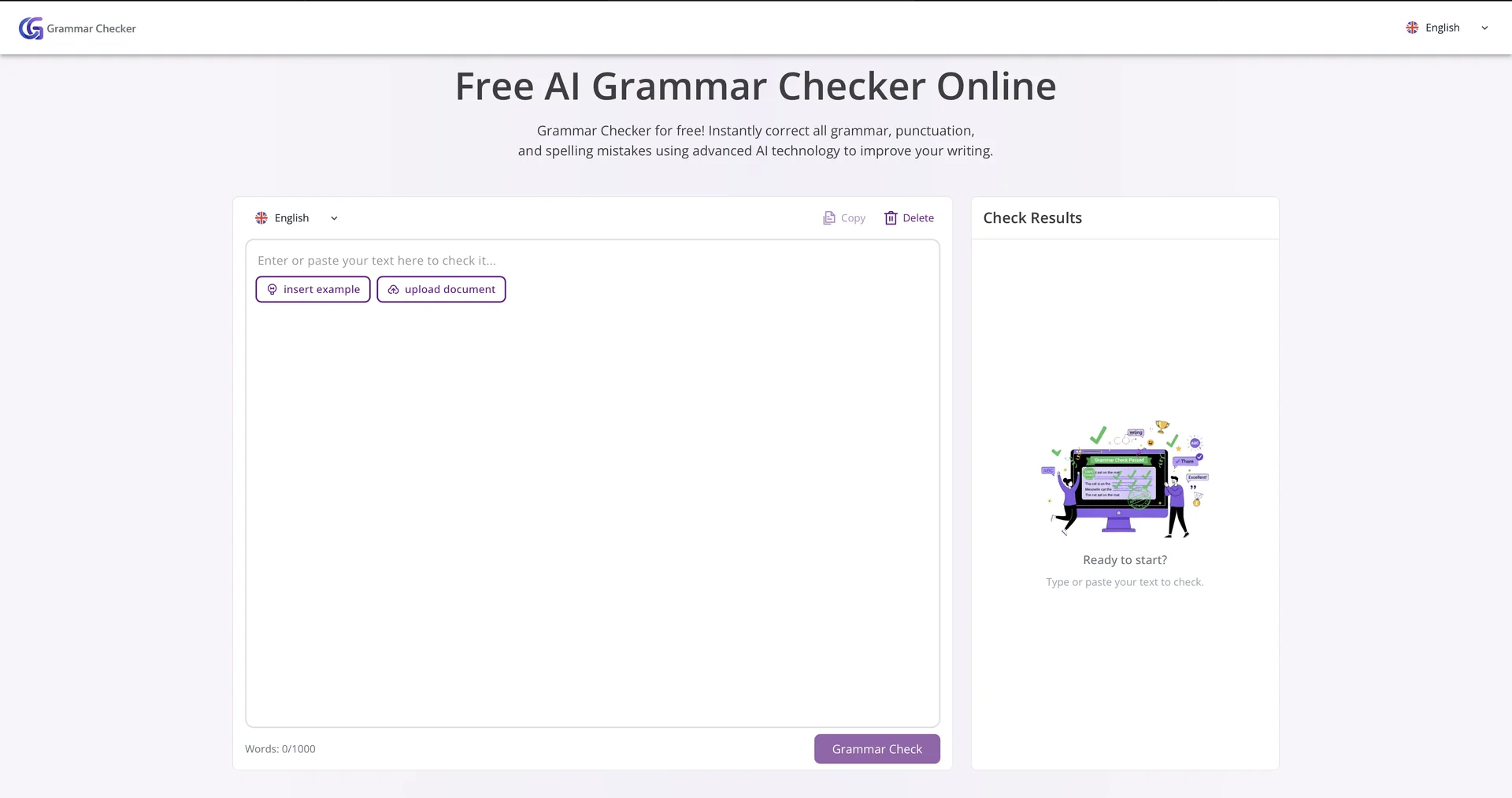
  • "The Distraction-Free Proofreader": Rated 4.7/5 by freelance writers and students. It is praised for its "clean, white-space design" that allows writers to focus purely on their words.

  • Speed Performance: Users consistently note that the tool is significantly faster than competitors, making it the go-to for quick email or social media caption checks.

💵 Pricing & Plans (March 2026 Status):

PlanPrice (Approx.)Key Features
Basic (Free)$0Up to 1,000 words per check; standard grammar/spelling; no signup required.
Premium Solo~$5.99 / moUnlimited words; Advanced style/tone suggestions; Ad-free; Plagiarism scans.
Team/Business~$15.00 / mo5 User seats; Shared style guides; API access; Enterprise-grade encryption.

🎁 How to Get Started:

Visit Simply paste your text into the central editor. The AI will instantly underline errors in red (Spelling) and blue (Grammar/Style). Click on any underline to see the suggested correction and a brief explanation of the rule.

⚙️ Access or Source:

  • Official Website

  • Category: AI Writing Support, Proofreading, Educational Tools.

  • Primary Use Case: Helping students, non-native speakers, and professionals quickly polish their writing for clarity and correctness without the complexity of a full-scale word processor.

🔗 Experience Link: 

https://grammarchecker.cc

Pricing Details

💵 Pricing & Plans (March 2026 Status): Plan Price (Approx.) Key Features Basic (Free) $0 Up to 1,000 words per check; standard grammar/spelling; no signup required. Premium Solo ~$5.99 / mo Unlimited words; Advanced style/tone suggestions; Ad-free; Plagiarism scans. Team/Business ~$15.00 / mo 5 User seats; Shared style guides; API access; Enterprise-grade encryption. 🎁 How to Get Started: Visit Simply paste your text into the central editor. The AI will instantly underline errors in red (Spelling) and blue (Grammar/Style). Click on any underline to see the suggested correction and a brief explanation of the rule.