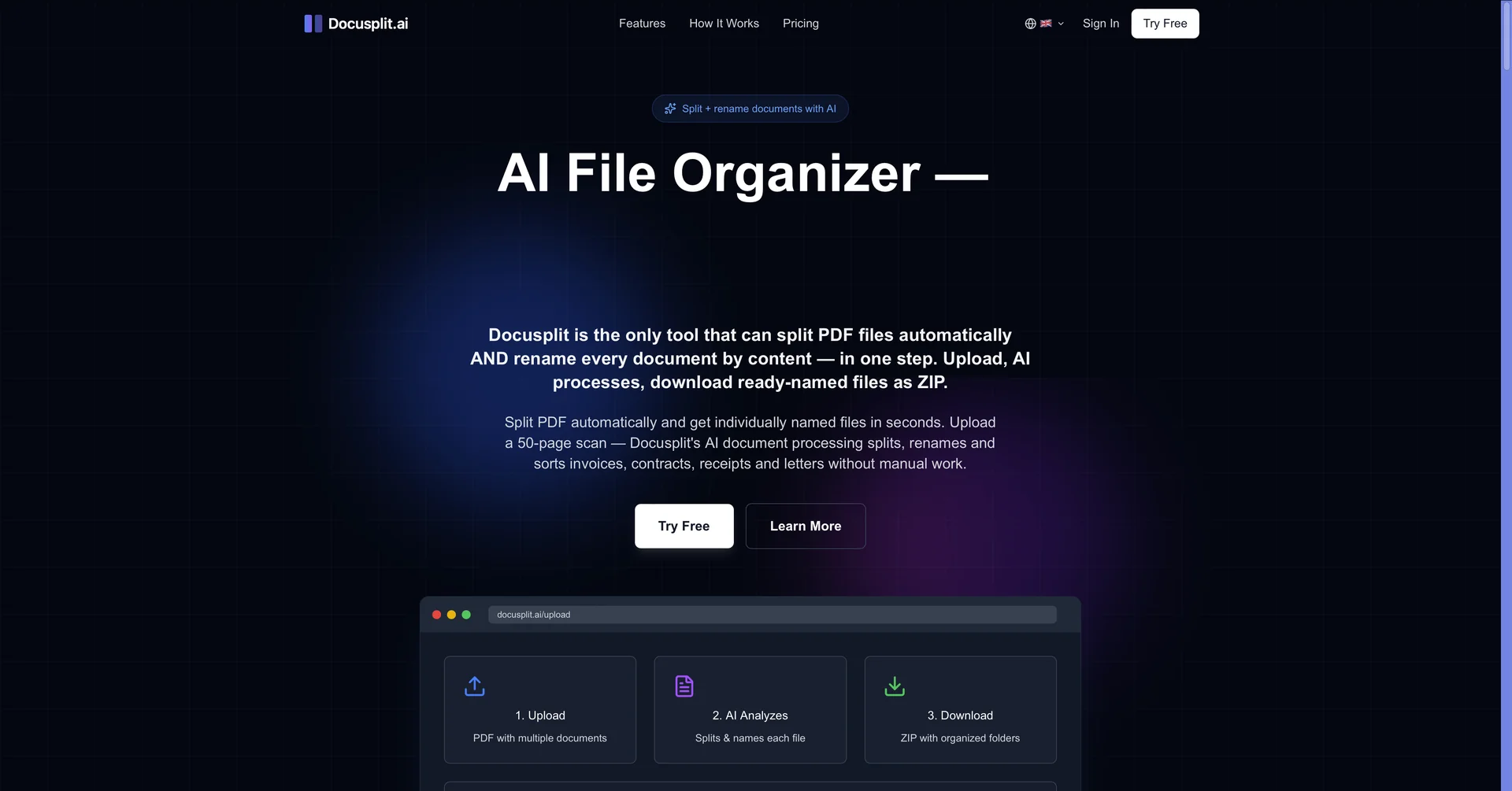
Description
🖼️ Tool Name:
Docusplit
🔖 Assigned Classifications:
Governance & Compliance (Secure document redaction and audit-ready handling)
Business Docs Automation (Auto-naming conventions and meta-keyword generation)
Object & Background Editing (Image markup, annotations, and redaction)
Integrations & APIs (Native Salesforce integration and API-driven workflows)
No-Code Workflows (Rule-based document routing and field mapping)
Data Preparation & Cleaning (Parsing and splitting multi-page PDFs into clean records)
Knowledge Base & Self-Service (Enhancing file searchability within CRM systems)
✏️ Overview & Key AI Features:
The "Native Document Surgeon": Docusplit is a high-utility document processing tool built natively for the Salesforce ecosystem. It is designed to bridge the gap between physical paper/PDF scans and organized digital records, ensuring sensitive data never has to leave the secure CRM environment.
Intelligent Document Splitting: As of 2026, Docusplit uses enhanced pattern recognition to take massive, multi-page PDFs (like a single scan containing 50 different invoices) and automatically split them into individual, record-specific files.
Seamless Salesforce Integration: It allows users to annotate, redact, and assign documents directly to Salesforce records without ever downloading a file to a local machine—a critical feature for maintaining SOC2 and HIPAA compliance.
Dynamic Naming & Meta-Tagging: You can configure the AI to follow strict naming conventions (e.g.,
[Date]_[ClientName]_[DocType]) and automatically add meta keywords to files, making "lost documents" impossible to find via global search.Omnichannel Import: Supports document ingestion from flatbed scanners, desktop uploads, and directly from email queues, ensuring that attachments are processed and categorized as soon as they arrive.
Markup & Redaction Suite: Provides professional-grade tools to "black out" sensitive information (like credit card numbers or IDs) or add annotations before a document is permanently saved to a client record.
Field Mapping Automation: The interface can be customized to include specific Salesforce object fields, allowing agents to update record data (like "Amount Paid" or "Expiration Date") at the same moment they are processing the document.
⭐️ User Experience:
"The Compliance Officer’s Dream": In April 2026, Docusplit is highly rated (4.8/5) on the Salesforce AppExchange. Users in legal, finance, and healthcare industries praise it for eliminating the "security risk" of saving sensitive PDFs to local downloads folders. The speed at which it "segments" bulk scans into individual records is cited as its #1 time-saving feature.
💵 Pricing & Plans (April 2026 Status):
Pricing is structured for enterprise scalability and per-user utility.
🎁 How to Get Started:
Install Docusplit from the Salesforce AppExchange. Start a 15-day free trial and configure your first "Document Type" with a dynamic naming rule. Try scanning a multi-page document directly into your "Unallocated Files" queue and use the split tool to assign each page to a different Lead or Account.
⚙️ Access or Source:
Official Website
🔗 Experience Link:
https://docusplit.ai/
