Description

🖼️ Tool Name:

AI Image Extender

🔖 Assigned Classifications:

  • Editing, Enhancement & Upscaling (Core focus: AI Outpainting & Uncropping)

  • Object & Background Editing (Context-aware background synthesis)

  • Social Templates & Auto-Editing (One-click resizing for platform-specific ratios)

  • Generative Art & Illustration (Expanding creative frames with AI)

  • No-Code Workflows (Simple web-based automation for image resizing)

✏️ Overview & Key AI Features:

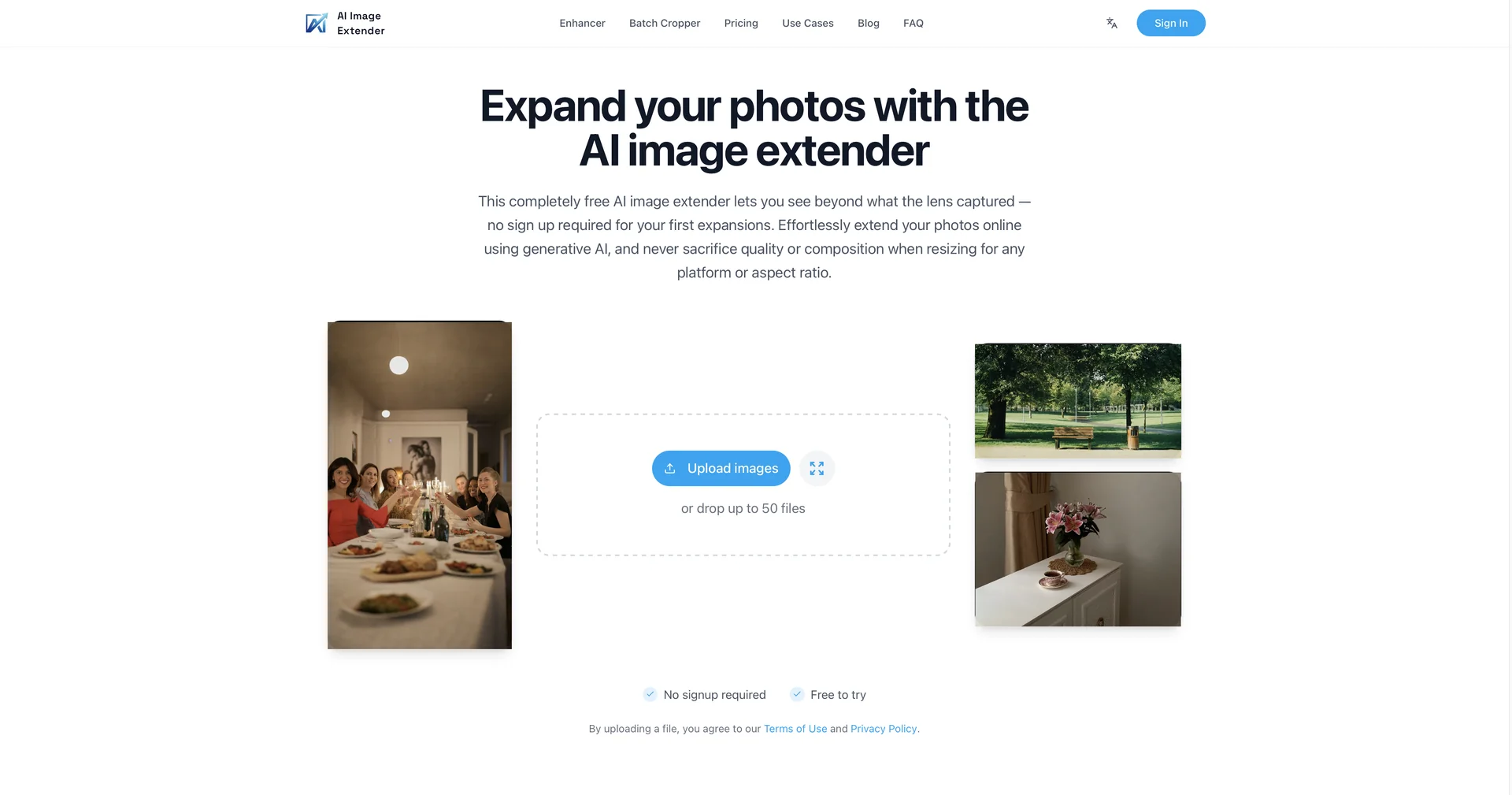
  • The "Uncrop" Specialist: AI Image Extender.io is a lightweight, purpose-built utility focused entirely on AI Outpainting. It allows users to expand the borders of any photo beyond its original frame, using generative AI to "guess" what the surrounding scenery would look like.

  • Context-Aware Background Synthesis: Unlike traditional stretching or blurring, this tool uses a 2026-gen generative model to analyze the textures, lighting, and subjects of your original photo to create a seamless extension that looks like part of the original shot.

  • One-Click Ratio Transformation: Specifically designed for content creators, it features a library of preset aspect ratios (e.g., 9:16 for TikTok/Reels, 16:9 for YouTube, and 1:1 for Instagram). You can take a vertical photo and instantly turn it into a horizontal banner without losing the subject.

  • Detail Preservation: The AI is optimized to keep the central subject high-definition while synthesizing the outer edges, ensuring the "new" pixels match the resolution of the "old" ones.

  • Creative Freedom: Users can choose to expand in any direction (Top, Bottom, Left, Right) or expand the entire frame equally to center a subject that was originally off-balance.

  • No-Install Browser Workflow: Operating entirely in the cloud, it provides a fast alternative to heavy software like Photoshop for simple background extensions and composition fixes.

⭐️ User Experience:

  • "The Fixer for Bad Crops": In April 2026, the tool is a viral favorite for photographers and e-commerce managers. Users give it a high rating (4.6/5) for its "instant gratification" and the fact that it saves hours of manual content creation. It is particularly praised for making product photos look more high-end by adding "breathing room" to tight shots.

💵 Pricing & Plans (April 2026 Status):

The tool typically operates on a credit-based or freemium model.

PlanPrice (Approx.)Key Features
Free / Basic$0Daily free credits; Standard resolution; Watermark (sometimes applied).
Pro / Premium$9 - $15 / moUnlimited extensions; 4K output; No watermarks; Priority processing.
Credit PacksOne-timePay-as-you-go credits for occasional users.

🎁 How to Get Started:

  • Visit ai-image-extender.io, upload your cropped photo, and select your target aspect ratio. Adjust the placement of your original image within the new frame, then click "Generate." Preview the four variations provided by the AI, pick your favorite, and download it in high resolution.

⚙️ Access or Source:

  • Official Website

🔗 Experience Link:

https://www.aiimageextender.io/

Pricing Details

💵 Pricing & Plans (April 2026 Status): The tool typically operates on a credit-based or freemium model. Plan Price (Approx.) Key Features Free / Basic $0 Daily free credits; Standard resolution; Watermark (sometimes applied). Pro / Premium $9 - $15 / mo Unlimited extensions; 4K output; No watermarks; Priority processing. Credit Packs One-time Pay-as-you-go credits for occasional users. 🎁 How to Get Started: Visit ai-image-extender.io, upload your cropped photo, and select your target aspect ratio. Adjust the placement of your original image within the new frame, then click "Generate." Preview the four variations provided by the AI, pick your favorite, and download it in high resolution.