Description
️ 🖼Tool name️ 🖼
Cora
🔖 Tool category:
No-code workflow
Integrations and APIs
Documentation and software development kit
Chat/voice agents
️ ✏What does this tool offer?
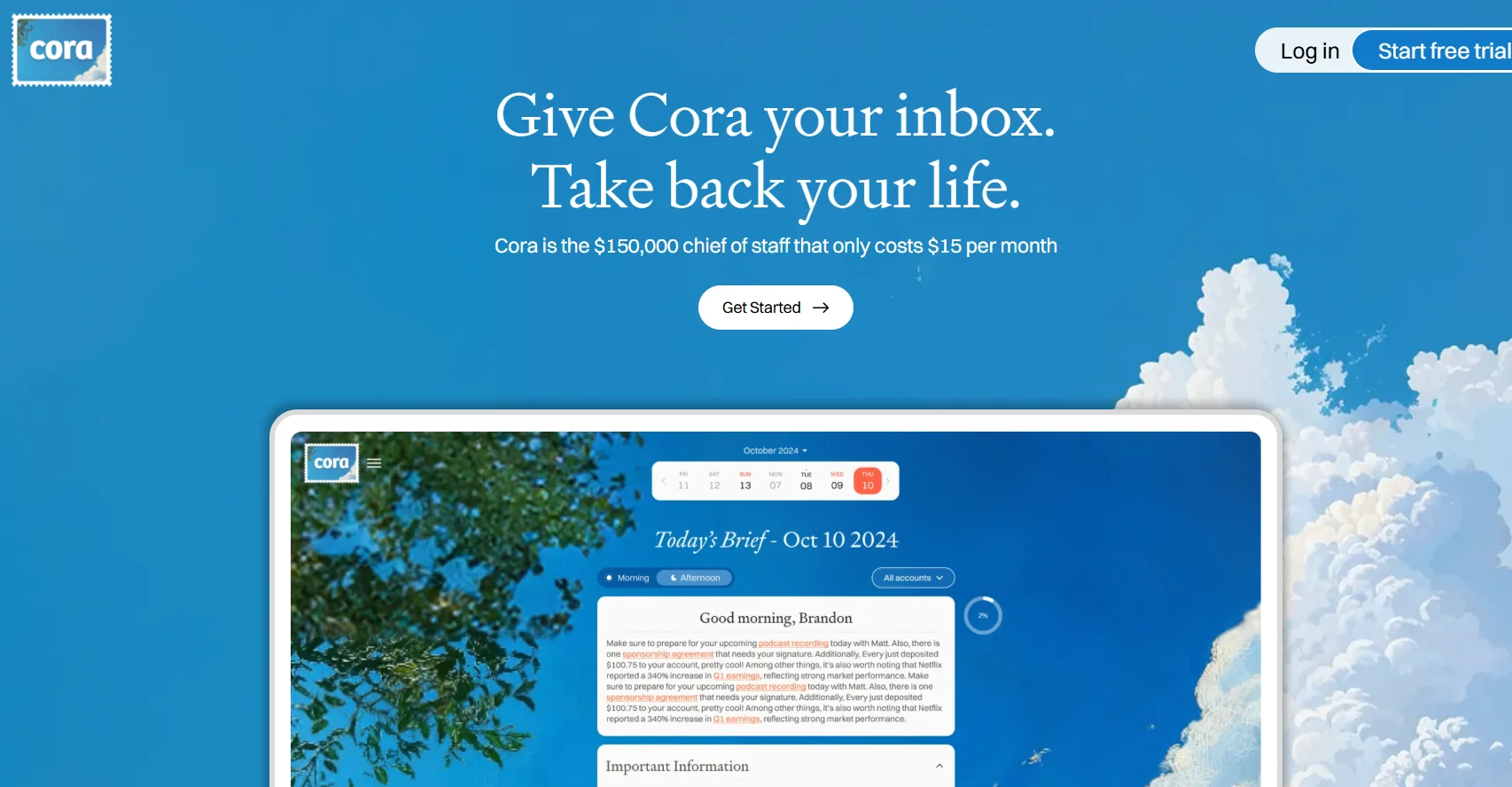
Cora is an AI assistant designed to manage your email inbox like a high-level executive assistant—it scans incoming emails, drafts replies in your personal tone of voice, and provides twice-daily summaries of non-urgent messages. It filters your inbox so you only see emails that require your attention, while archiving everything else and providing context-aware summaries.
⭐ What does the tool actually offer based on user experience?
- Automatically identifies important emails and keeps them visible
- It drafts reply suggestions that match your writing style and previous behavior
- Sends twice-daily summaries of low-priority emails for quick review
- Lets you approve, edit, or ignore suggested replies before sending
- Learns your preferences over time to improve classification and style matching
- Helps users achieve zero inbox and spend less time managing email
🤖 Does it include automation?
Yes - Cora automates many email workflow tasks:
- Sorts email by filtering messages and flagging what matters to you
- Drafting automatic replies in your own voice
- Generate email summaries twice a day
- Learning from edits and comments to personalize future actions
💰 Pricing model:
Subscription-based with monthly and yearly plans
🆓 Free plan details:
- 7-day free trial with no credit card required
💳 Paid plan details:
- Professional plan - $12 per month (paid annually): Up to two email accounts, inbox management, draft creation, summaries, and support
- Unlimited Plan - $24 per month (paid annually): All Pro features with unlimited email accounts
- Bundle Plan - About $20 per month includes Kora and complementary apps
🧭 Access:
- Works alongside Gmail (integrated into your inbox)
- No separate desktop app - Works directly within the Gmail interface
🔗 Trial link:
https://www.cora.computer/