Logomakerr.ai
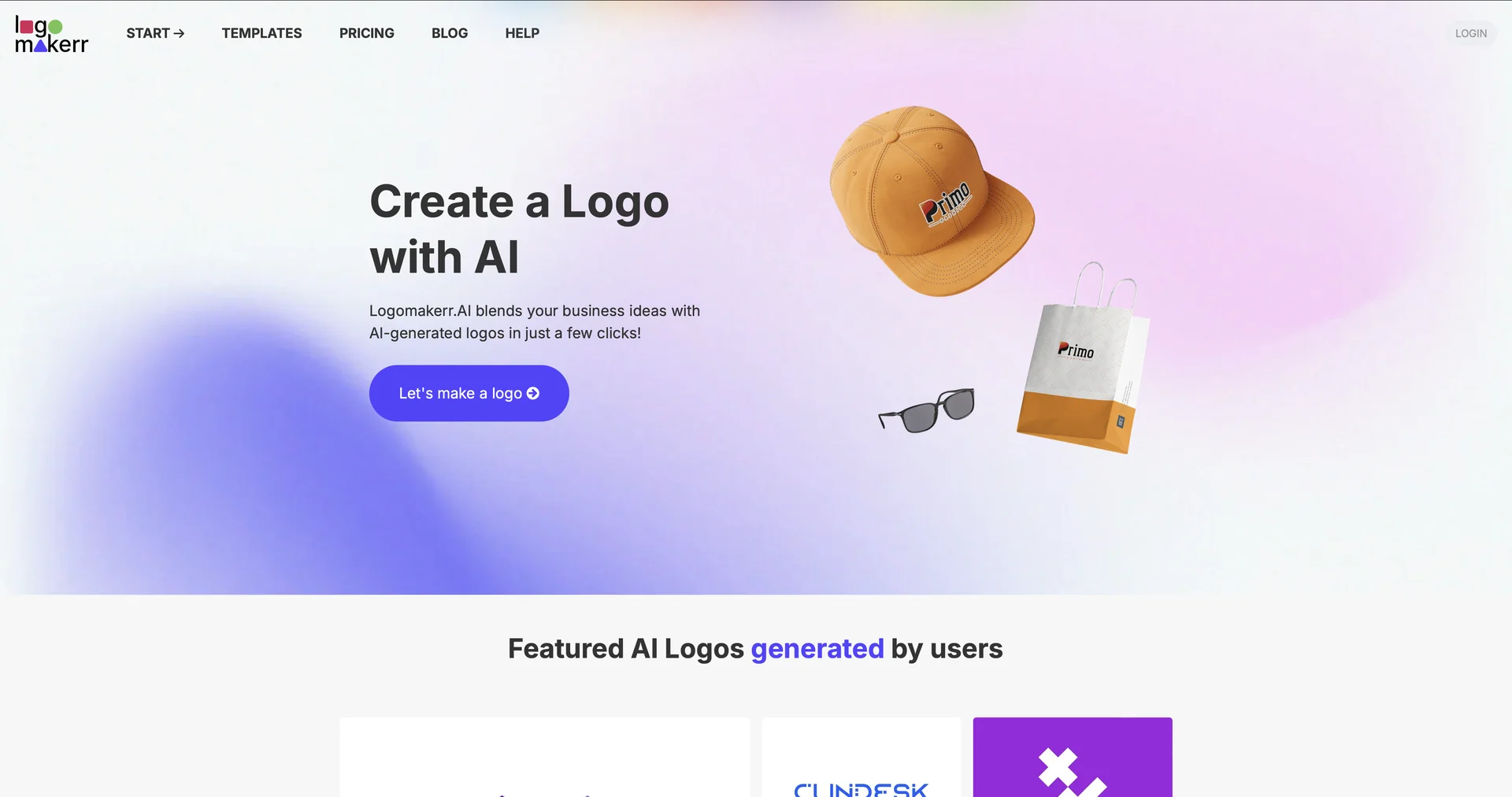
Create your logo with AI in minutes
Last updated
Features
- Generates logo options from business name, slogan, industry, colors and style
- Edits fonts, icons, colors, text arcs and transparency in a vector editor
- Applies the logo to 200+ brand materials such as business cards and social banners
- Exports PNG, JPG, PDF, SVG and EPS files
- Creates brand guidelines and pitch deck templates
- Offers optional human designer assistance
- Previews unlimited logo variations before purchase
Pricing Details
💰 Pricing Model
Item Details: Free-to-Design / Pay-per-Download One-Time Packages.
General Concept: Free to generate and edit logo concepts. Users pay a one-time fee to download high-resolution asset packages and vector files, with no recurring subscriptions.
🆓 Free Access Details
Feature: Free Design & Editing Canvas.
Details: Users can create an account, generate unlimited logo ideas, and use the design canvas for free. Payment is only required when ready to export high-res or vector files.
Cost: Free ($0) Workspace Access.
💳 Subscription / Export Packages (Official Standards)
Upgrading to higher tiers unlocks high-res files, scalable vector formats (SVG, EPS), brand guidelines, and full marketing kit assets.
| Package Tier | Standard One-Time Rate | Primary Workspace Scope & Allowances |
|---|---|---|
| 🌱 Free Design | $0 | Unlimited concept generation, design editing, and low-res web preview. |
| 🚀 Basic Package | $29.00 One-time | High-res PNG & JPG files (including transparent background), full commercial rights. |
| 💼 Pro Package | $59.00 - $60.00 One-time | High-res PNG & JPG, vector formats (SVG, EPS, PDF), transparent files, brand guidelines, full commercial rights. |
| 🏢 Brand / Business Package | $99.00 - $120.00 One-time | Complete brand kit (200+ marketing templates, business cards, social media headers), vector files, and expanded design credits. |
Related Tips
- How to Use the Pokecut Tool to Easily Extract Images · Image Design and Creation, Editing, Enhancement & Upscaling…
- AI Room Designer Explained: How to Redesign Rooms in Your Home Using a Single Photo? · Image Design and Creation, Editing, Enhancement & Upscaling…
- AI Room Designer Explained: How to Redesign Rooms in Your Home from a Single Photo? · Image Design and Creation, Editing, Enhancement & Upscaling…
- An explanation of the Kittl Vectorizer tool for converting images into editable vectors · Image Design and Creation, Editing, Enhancement & Upscaling…
- An explanation of the Kittl Vectorizer tool for converting images into editable vectors · Image Design and Creation, Editing, Enhancement & Upscaling…