Description
🖼️ Tool Name:
Pismo
🔖 Tool Category:
AI-powered Writing, Proofreading, and Translation Assistant
✏️ What does this tool offer?
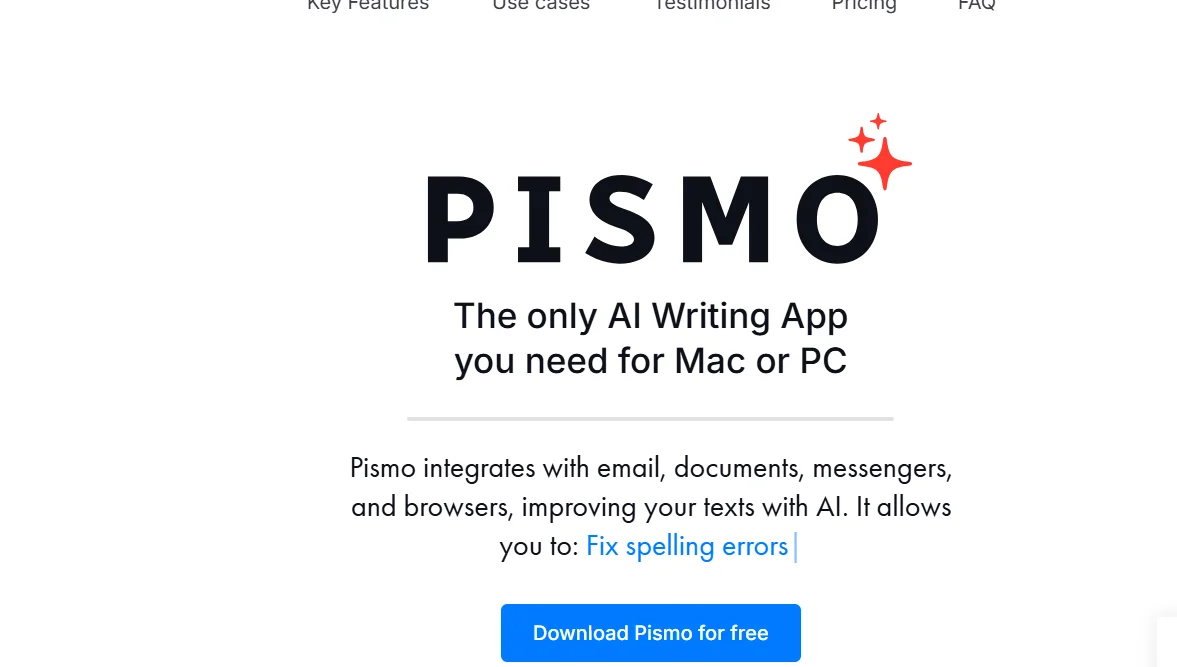
Pismo is a desktop writing assistant for macOS and Windows that enhances your text across all applications. It offers AI-powered rewriting, grammar correction, tone adjustment, summarization, and real-time translation. With a floating widget and hotkey commands, it works inside any desktop app—whether you're writing emails, creating documents, messaging, or posting on social media.
⭐ What does the tool actually deliver based on user experience?
• Real-time rewriting suggestions to improve clarity, tone, or length
• Grammar and punctuation correction with context-aware edits
• Instant summaries and bullet-point breakdowns of longer content
• One-click content expansion or shortening
• Multilingual translation for seamless international communication
• Floating assistant accessible in apps like Slack, Outlook, Word, Figma, Notion, and more
• Highly praised for its cross-app compatibility and productivity benefits
🤖 Does it include automation?
Yes — Pismo automates writing improvements by:
• Instantly applying grammar and tone suggestions
• Rewriting or expanding text on command
• Summarizing or translating content with hotkeys
• Allowing users to save and reuse custom prompts
💰 Pricing Model:
Subscription-based, with free trial options
🆓 Free Plan Details:
• Free trial available
• No credit card required to start testing core features
💳 Paid Plan Details:
• Standard plan around $16/month
• Annual billing discounts available
• Occasional lifetime deals with unlimited requests and prompt customization
🧭 Access Method:
• Installable desktop app for macOS and Windows
• Operates via floating widget and keyboard shortcuts
• No browser extension needed—works system-wide across all applications
🔗 Experience Link:
Official website: pismo.ai