Description
Tool name:
Quin
Tool category: 🔖
• Automation and smart agents
• Business and Operations Management
• Meeting and note summarization
• Productivity and scheduling
️ What does this tool offer? ✏
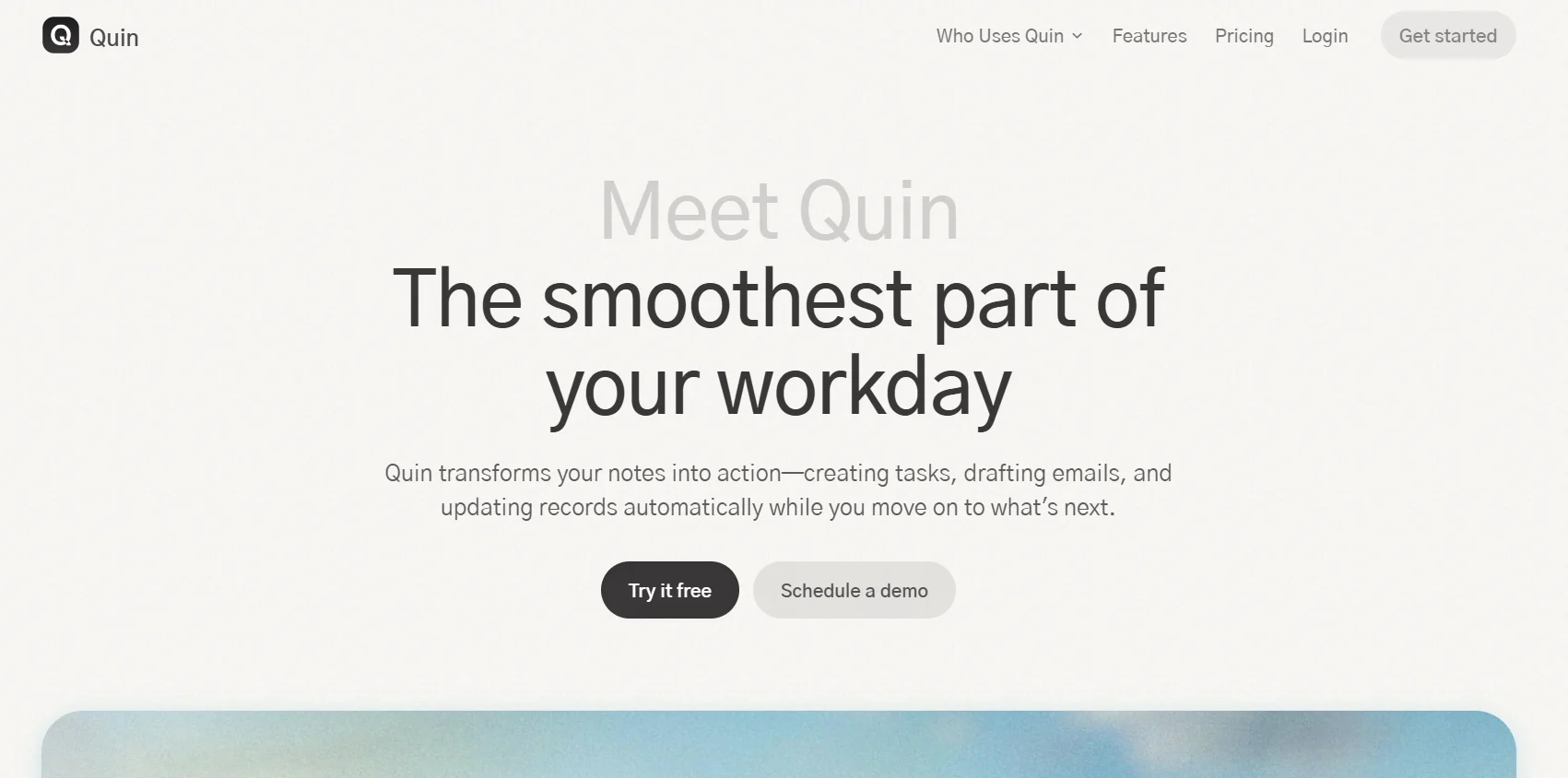
Quin offers a comprehensive solution for managing daily tasks and meetings with high efficiency, automatically following up on meetings, taking notes, entering data, coordinating tasks, scheduling appointments, searching and creating documents, with the ability to manage these tasks throughout the day and not just during meetings. Quin relies on intelligent learning of user preferences, allowing it to add notes to contacts, create and assign tasks, update customer management records, manage calendars, and generate advanced documents and scenarios, with more than 70 smart skills to reduce routine administrative work.
What does it actually offer based on user experience? ⭐
Users such as financial advisors, sales representatives, executives, recruiters, and real estate agents benefit from automatically converting conversations into notes, records, and action items, while maintaining the user's style and consistency in messaging. Quin also lets you work from anywhere via the app, email, text, Slack, or Teams, facilitating team collaboration and providing comprehensive automation of routine tasks, saving significant time and helping you focus on customers and decision-making.
Does it include automation? 🤖
Yes, automation covers all aspects of administrative work, such as summarizing meetings, drafting correspondence, managing follow-ups, updating records, and automating hundreds of repetitive tasks. Quin also allows you to create new tasks, assign them, and manage daily operations completely automatically.
Pricing model: 💰
Quin is based on a monthly subscription model with flexible plans for individuals, teams, and organizations, including comprehensive automation of routine tasks and full customization according to user needs.
🆓 Free plan details:
The platform offers a 14-day free trial that includes all the smart features for managing notes, follow-ups, and automatic updates, allowing users to test all of Quin's capabilities before subscribing to paid plans.
Paid plan details: 💳
Paid plans start at $49 per month and include summarizing about 10 meetings, drafting about 100 emails or follow-ups, and automating about 250 recurring tasks per month, with unlimited access for all users on the same plan.
The platform offers customized plans for large organizations to meet their system, team size, and security requirements, with comprehensive automation of all possible tasks and flexible pricing options based on usage and organizational needs.
Paid plans provide full access to all smart skills and integration with multiple tools such as Slack, Teams, and email, enabling highly efficient day-to-day business management and reducing wasted time and errors.
How to access the tool: 🧭
Quin can be accessed via the official website. Create a new account to try the platform for free or subscribe to paid plans, with the option of direct support via email and answers to frequently asked questions to ensure a smooth and effective experience.
Trial link or official website: 🔗
https://www.heyquin.io/app/onboarding