Dropbase AI
A self-hosted platform for web app development and building custom apps.
875 results
Open the Programming & Development category page
A self-hosted platform for web app development and building custom apps.
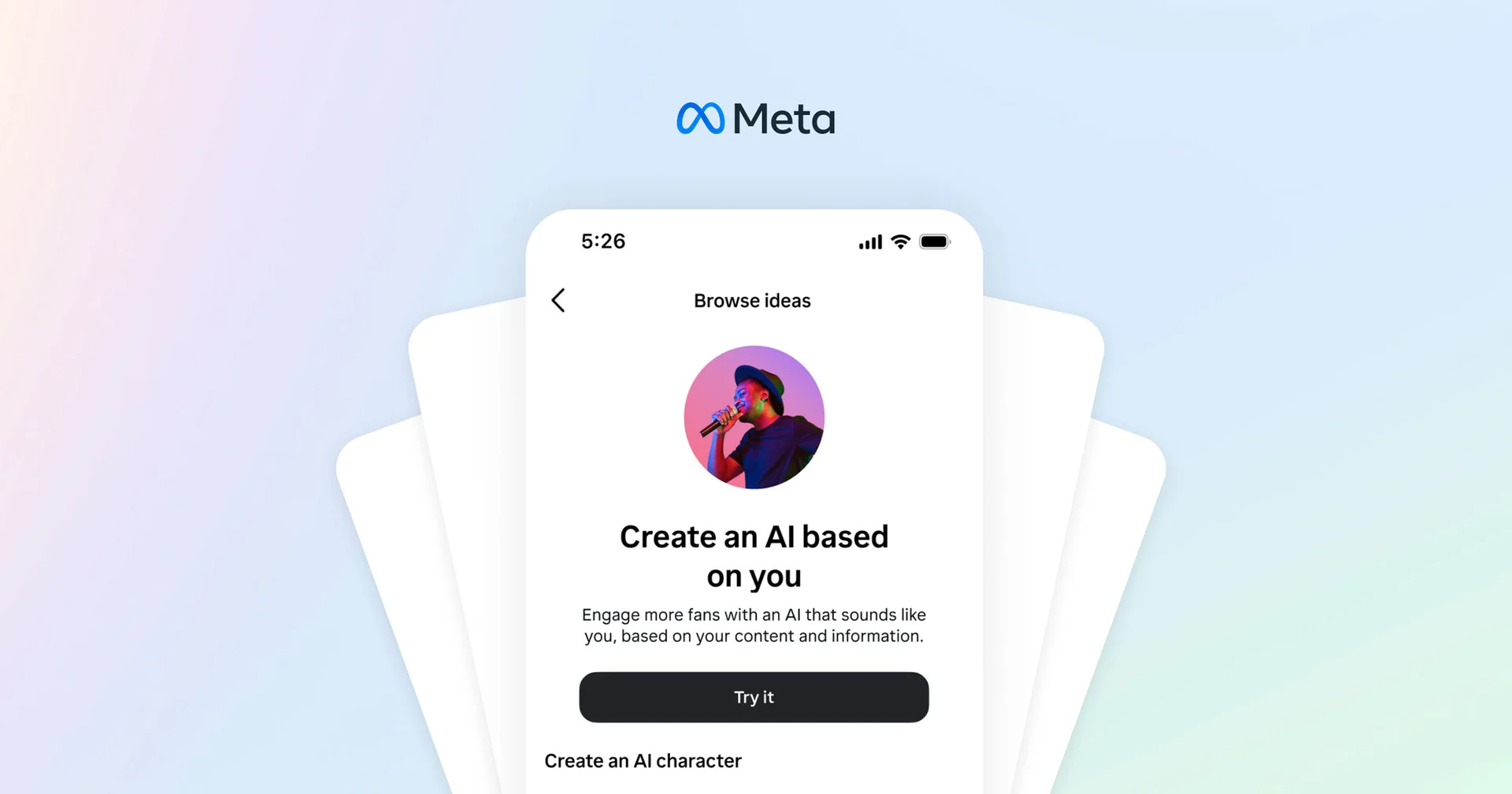
A tool to create personalized AI characters for automated social media interactions.

An AI Fact Checker to verify the accuracy of news claims and rumors.
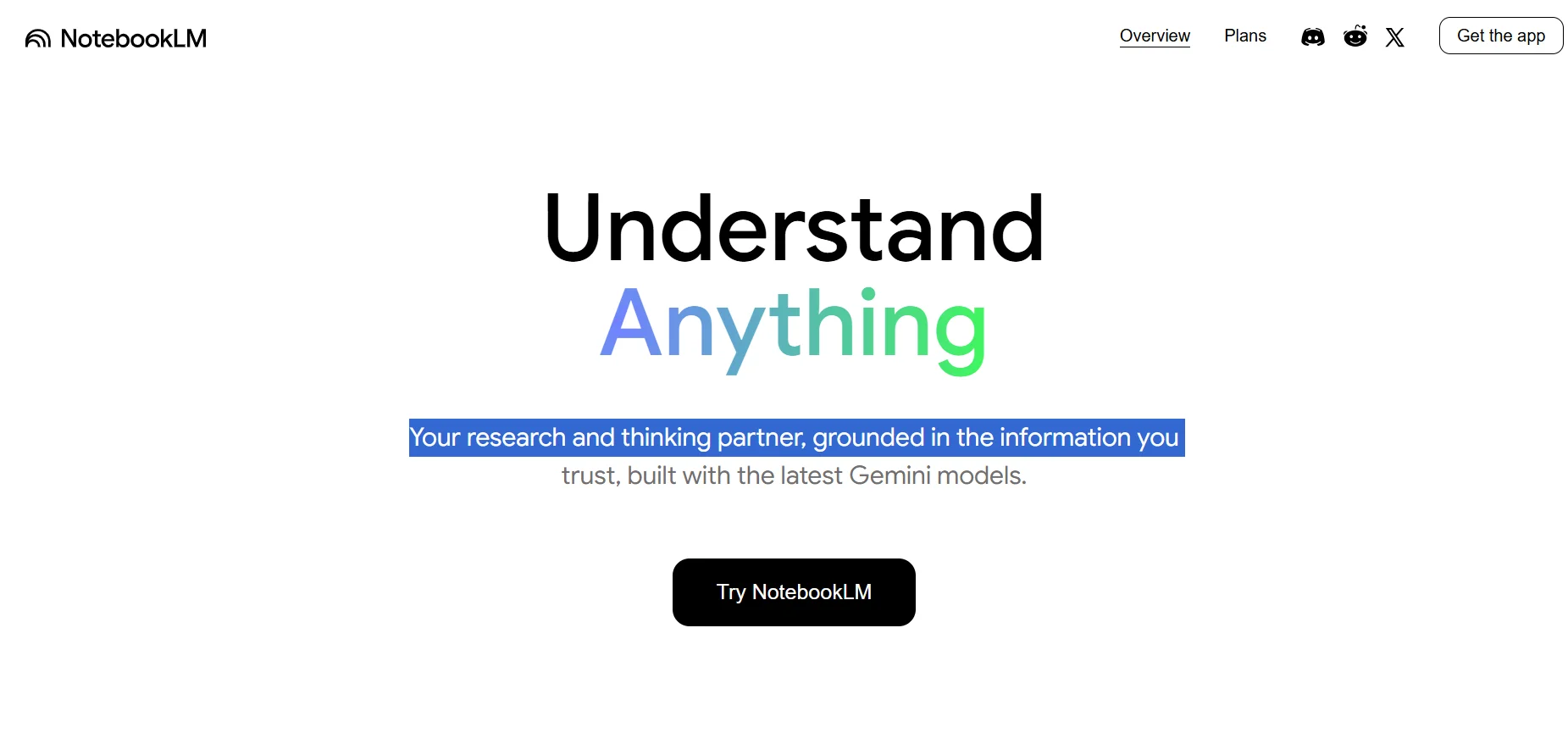
NotebookLM by Google lets you create smart notebooks packed with your own sources — and chat with them like a personal researcher who understands everything you’ve uploaded. The free plan is great for studying, summarizing, or casual use. But if you’re a university student or doing deep research, NotebookLM Plus (included in Google One AI Premium) unlocks 5x the capacity, powerful sharing tools, extra storage, and access to other advanced AI tools like Gemini and Whisk.
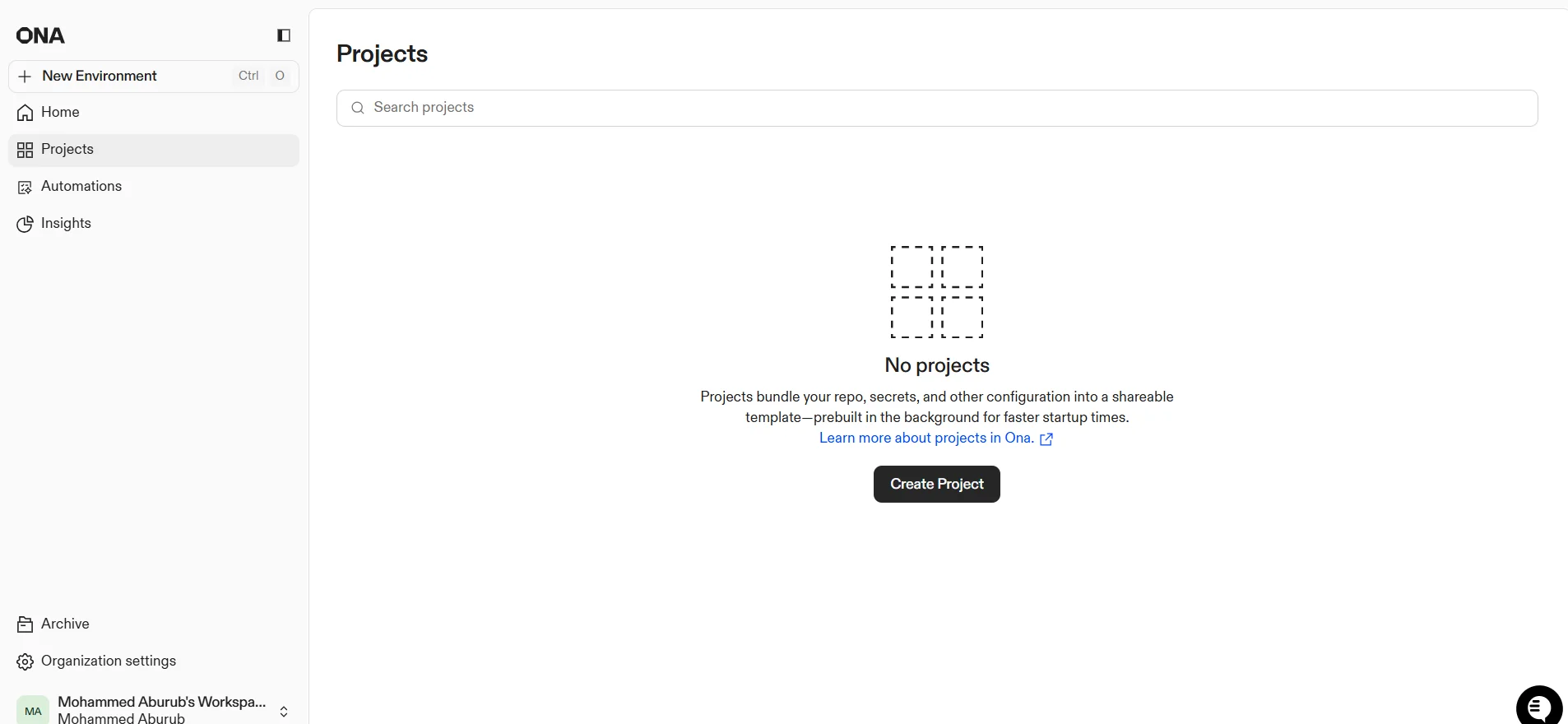
ONA provides an advanced AI platform for developers and software teams, enabling the full automation of software tasks through intelligent agents. The tool can link user projects and analyze code, detect errors, update dependencies, generate documentation, and prepare ready-to-submit PRs, as well as automatically generate release notes and optimize development environments. It also supports integrations with external tools such as Linear, Notion, Figma, and Sentry to create multi-step automations that include code analysis, modification, testing, and deployment.
DeepSeek offers an advanced AI platform that provides tools for accessing various models for data processing, coding, and technical projects. Regular users can use the platform for free under a "fair use" policy, with access to models such as V3 and R1, while the system provides developers and business owners with an API for professional use. The tool efficiently processes text, code, and data, with the ability to customize models according to user needs. The platform enables the integration of AI into various development environments and improves productivity, while also supporting direct project management and data analysis.

Aider offers a completely free, open-source tool that helps transform the programming experience into a smart, interactive one powered by artificial intelligence. Users can install the tool using `python -m pip install aider-install`, then run it to set up the environment and integrate it with their current project. Aider supports connecting to models via APIs such as DeepSeek V3, Claude 3.5, Sonnet, and GPT-4o to automatically generate code or modify existing projects. Users can type requests directly into the Terminal interface—such as creating a website or modifying code—and the tool analyzes the request, suggests steps, and writes the code automatically. Aider provides help commands (/help), project file reading (codebase mapping), automatic Git commits, and the ability to embed images or web pages to clarify context. The tool can also be integrated with an IDE to add comments within the code that are executed automatically.
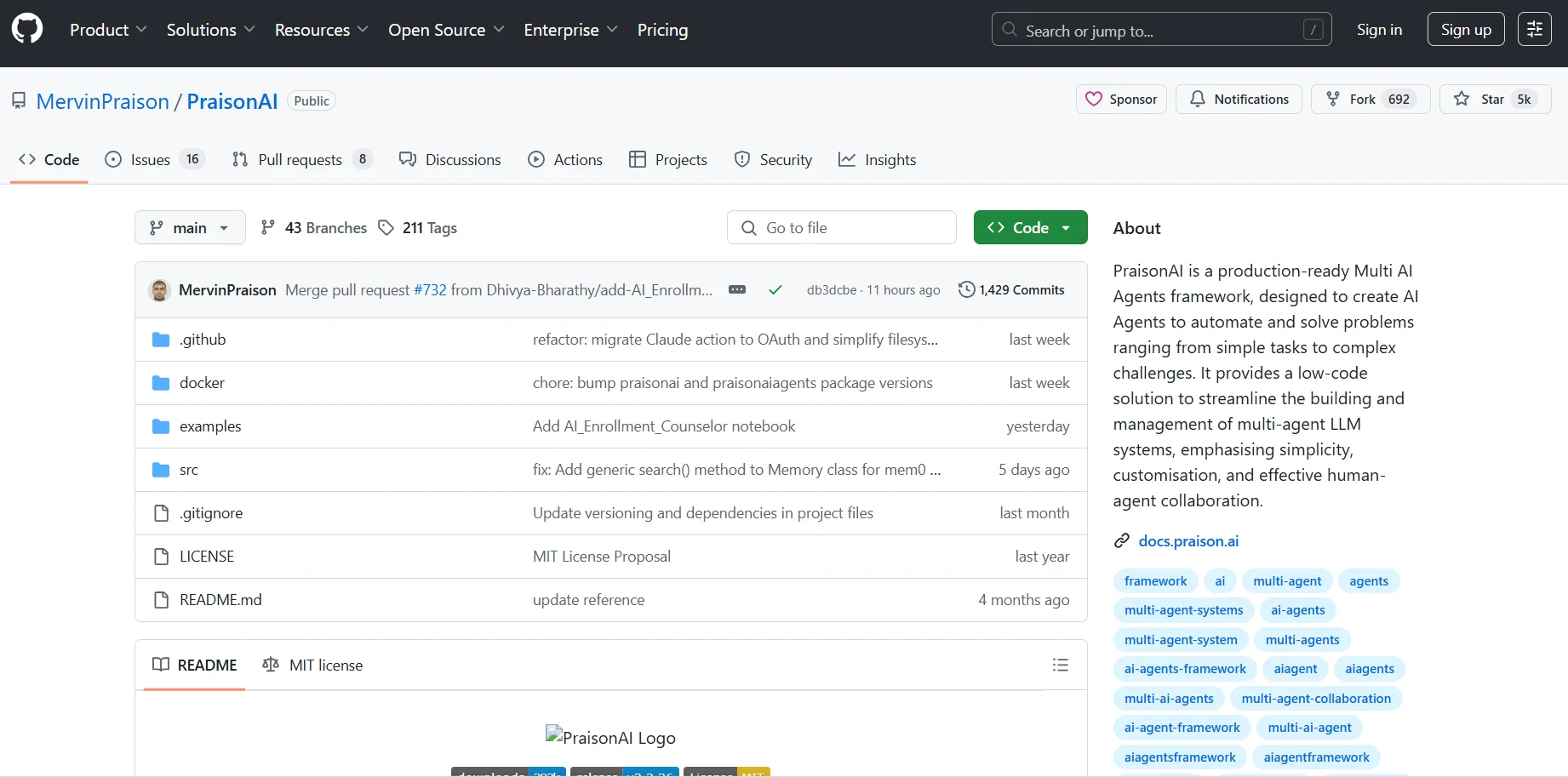
PraisonAI is a free, open-source tool that lets you create your own coding-focused AI assistant. It’s great for developers who want a smart bot to answer technical questions, help with debugging, or assist with programming tasks. While it requires some setup and basic tech knowledge, it’s highly customizable, and its capabilities are promising – all with zero cost.

Fluid AI gives users access to an intelligent assistant that runs entirely locally, ensuring data privacy and security. The tool offers a seamless and instant user experience, with both text and voice interaction capabilities, and the ability to easily resume previous conversations. Integration with macOS and system shortcuts makes Fluid AI a seamless part of your daily workflow, boosting productivity and making interactions quick and intuitive.
The Way of Code offers an innovative digital experience that combines programming, art, and philosophy in an interactive environment. The site aims to develop programmers’ way of thinking and make code a tool for creative expression and critical thinking, rather than merely writing traditional code. The site relies on ASCII art, interactive graphics, and short texts to convey concepts, while integrating artificial intelligence to provide an interactive experience where users can freely modify code or digital projects, thereby fostering creativity and hands-on experience.
expeDITA is a project and technology based on the DITA (Darwin Information Typing Architecture) standard for organizing and authoring technical content in a smart and reusable way. It enables content to be stored in a structured format and dynamically converted and displayed according to the reader’s needs or preferences. It also allows content to be displayed in various formats via HTML on demand, while supporting collaboration among multiple authors and effective management of documentation projects.
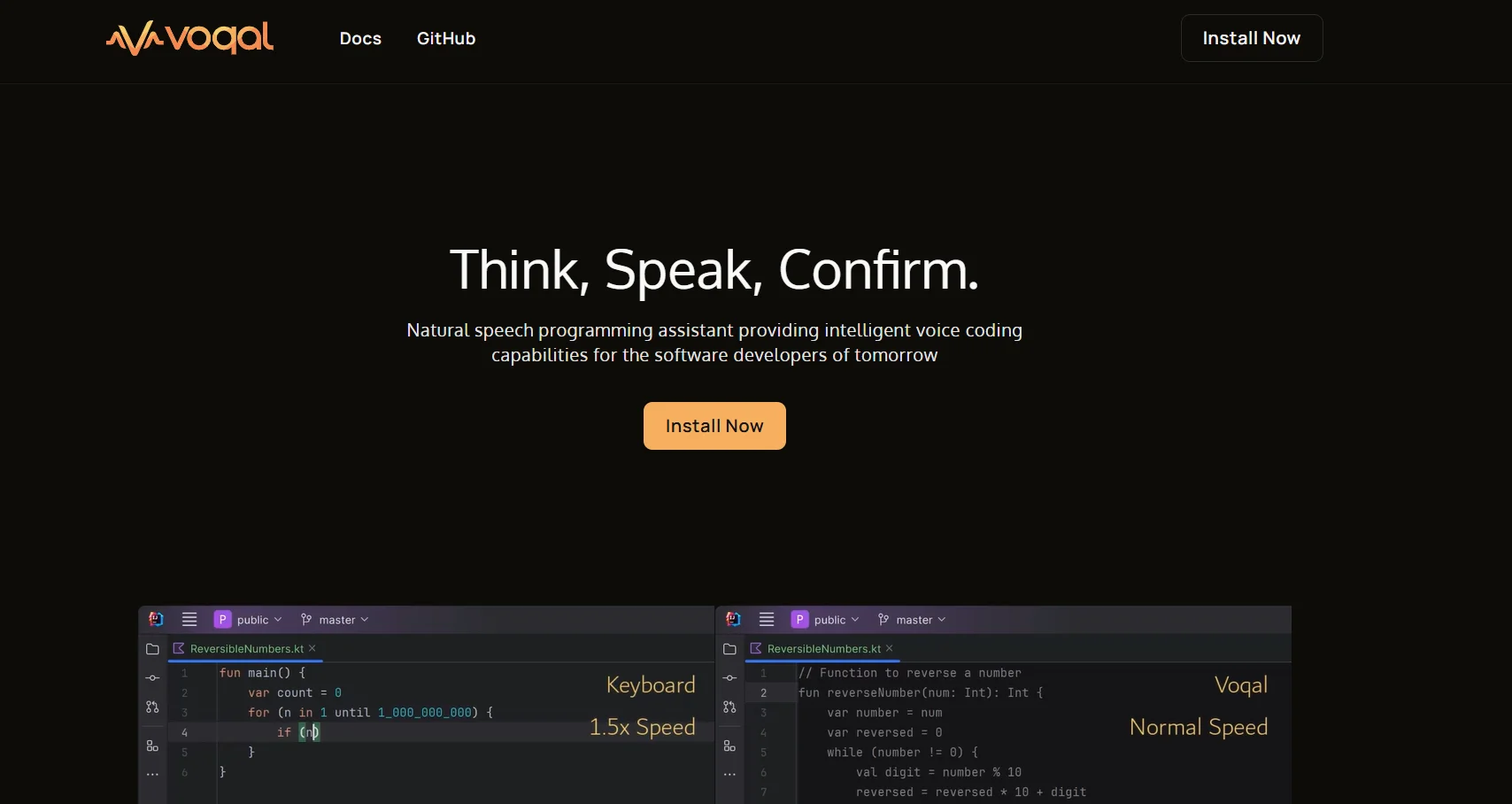
Voqal is a software tool that enables voice control over your development environment, allowing you to write code and execute IDE commands easily through speech. It supports multiple AI providers and customizable voice assistants. The free version is powerful enough for those experimenting with voice programming, while the paid plan offers advanced features and professional support for developers and teams. The tool helps speed up workflow and reduces manual typing effort.
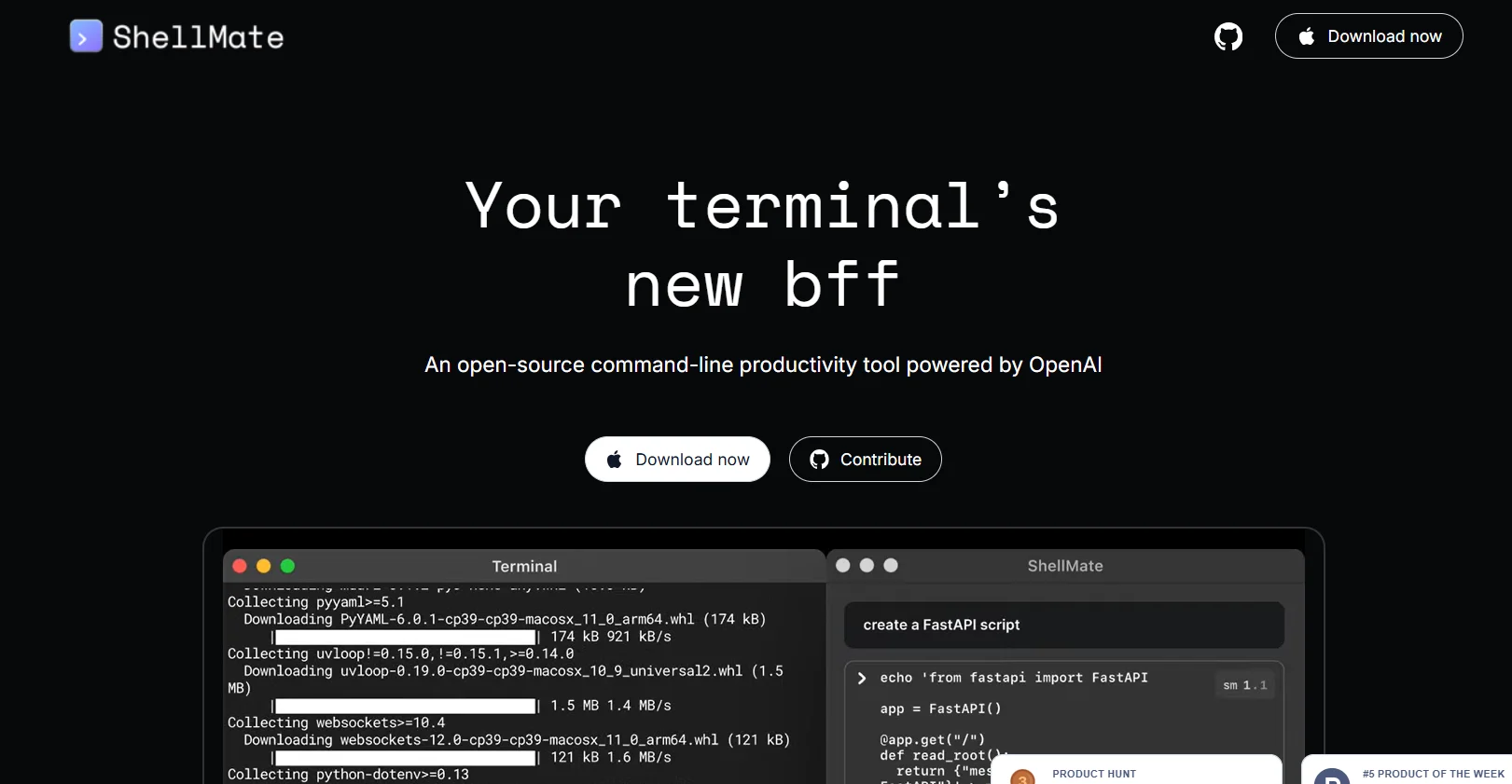
ShellMate AI is the perfect companion for terminal users on Mac devices, as it is an open-source productivity enhancement tool powered by OpenAI technologies. The tool allows users to send queries directly from the terminal, either via stdin, command input media, or highlighted text, to provide quick answers without having to leave the current environment. ShellMate also features the ability to predict upcoming commands based on the user's terminal history, making task execution faster and smoother. Users can highlight specific text to focus the tool's attention on it, facilitating interaction without the need to rephrase queries. Using the sm shortcut, it becomes easy to insert AI-generated suggestions directly into the active terminal, ensuring a seamless and efficient work experience without the need to switch between different windows or applications.
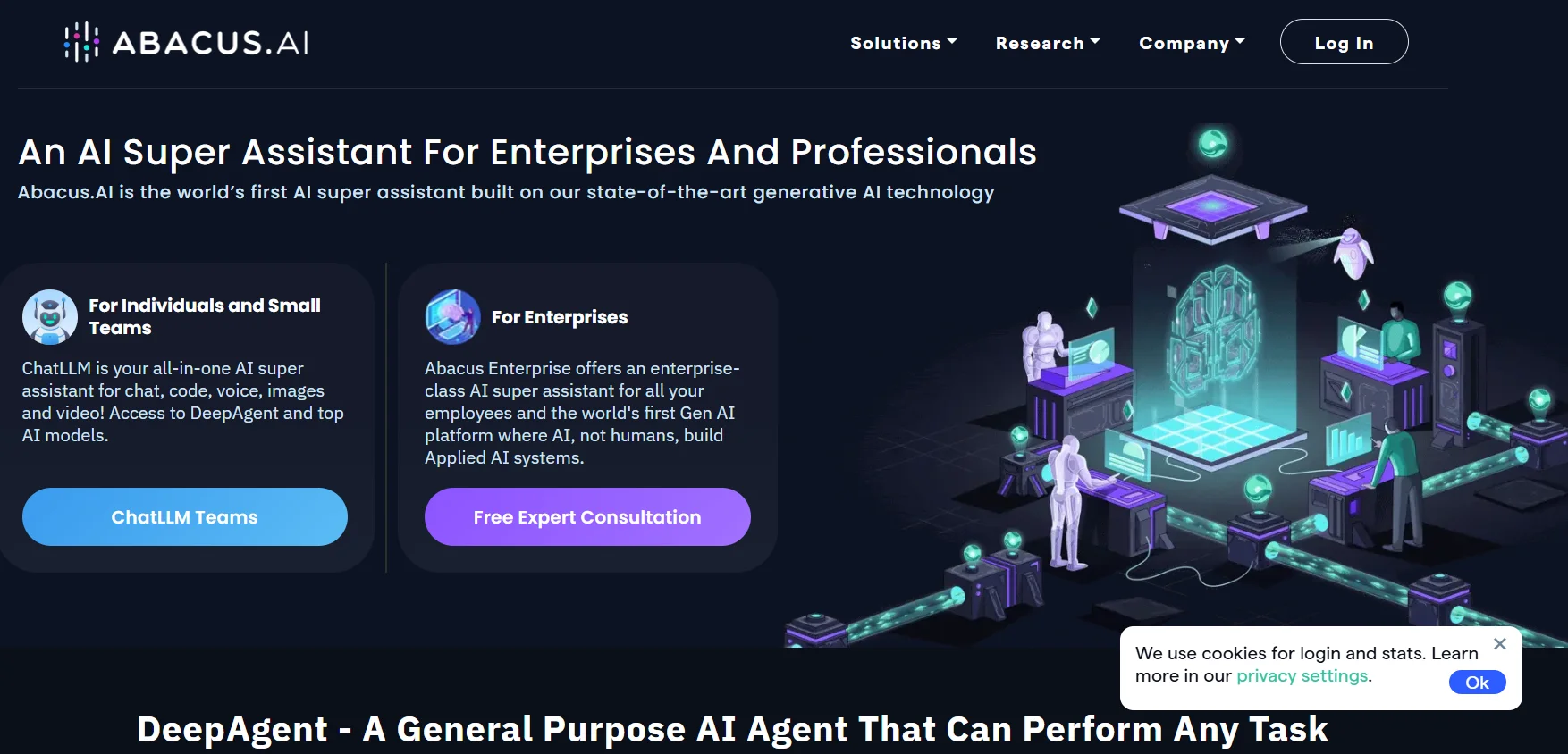
Abacus.AI is an advanced artificial intelligence platform that offers what is known as an AI super assistant, a comprehensive system designed to help professionals and companies perform various types of tasks using advanced language models and intelligent agents capable of performing tasks semi-automatically. The platform relies on technologies such as ChatLLM and Deep Agent, where the user can describe the task they want to perform in detail, and then the system analyzes the request and builds an intelligent workflow to perform the task. The platform allows for a wide range of tasks to be performed, such as data analysis, presentation creation, application development, website building, chatbot creation, and advanced research. It can also be used to create web or mobile applications, build customer relationship management systems, perform software quality testing, analyze financial data, and prepare research reports. Abacus.AI also offers the ability to create intelligent agents that can work across multiple tools and services such as email, cloud storage, communication platforms, and software development tools. It also supports the creation of websites linked to payment systems such as Stripe and the production of audio and visual content using artificial intelligence. In addition, the platform provides advanced capabilities for companies, such as creating chatbots based on RAG technology to access internal enterprise data and connecting more than 100 enterprise applications to integrate data and facilitate automation. It also supports high-performance infrastructure using graphics processors and provides enterprise security systems that include single sign-on, access management, and compliance with security standards such as SOC 2, GDPR, and HIPAA.
Jsonify is a powerful tool to automate workflows and process large volumes of pages and data automatically. It offers plans suitable for all company sizes—from a 7-day free trial to Starter, Growth, Scale, and customized Enterprise plans. Automation, scheduling, and integrations are key strengths, backed by solid support. Perfect for businesses aiming to boost productivity with minimal manual work
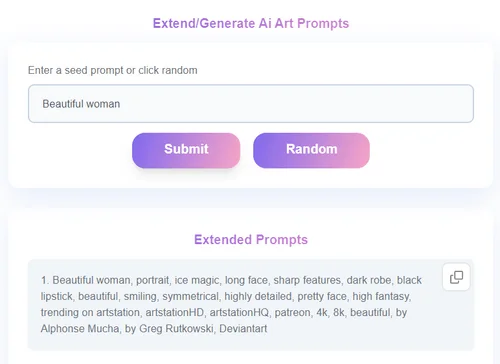
PromptExtend is a web-based tool that helps users optimize, reframe, and expand AI prompts for better results across platforms such as ChatGPT, Claude, and Gemini. It is designed for writers, marketers, developers, and creators who want to transform basic ideas into detailed, high-performance prompt structures that unlock richer and more accurate AI outputs.
A tool to write detailed prompts from basic prompts.
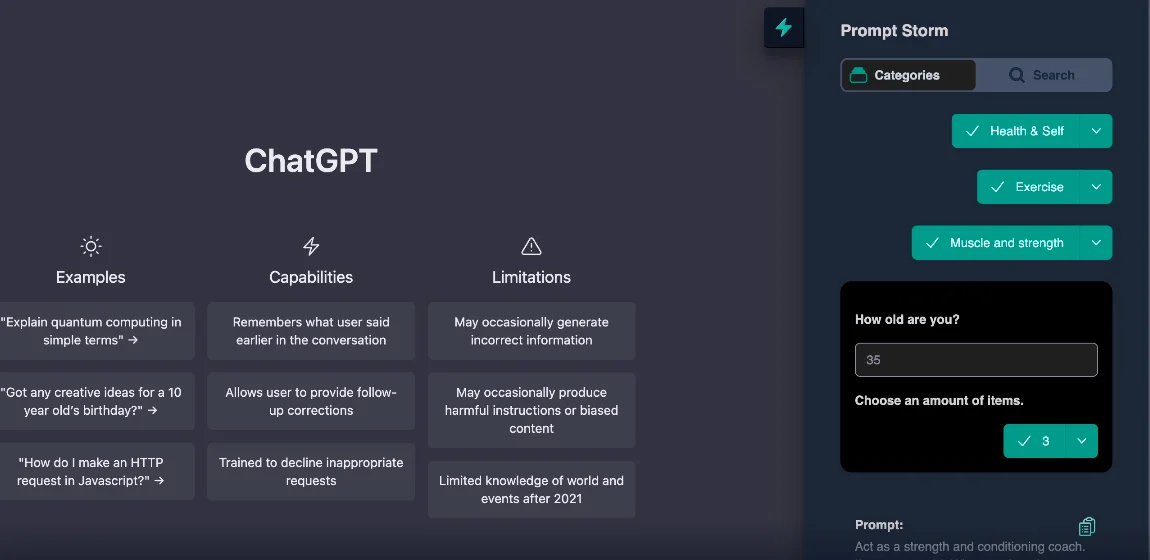
Prompt Storm offers a wide range of carefully designed prompts that work directly with AI platforms such as ChatGPT, Google's Gemini, and Anthropic's Claude. They help users learn and gain knowledge on any topic, increase productivity by easily creating articles, blogs, letters, reports, and business plans, as well as quickly develop software projects and turn ideas into testable applications. They also provide expert advice in various fields such as marketing, health, fitness, travel, and career guidance.
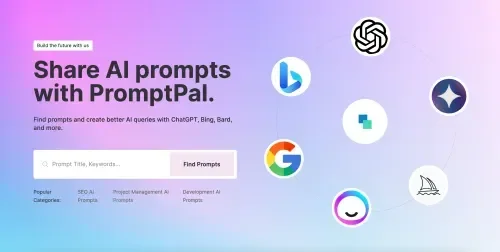
Promptimize automatically optimizes prompts by writing the base prompt and clicking the optimize button, making it easier to use AI more effectively without requiring the user to be an expert in prompt engineering. Its features include creating dynamic variables that are personal or shared with the team to maintain context, a prompt library for quick access to favorites, and comprehensive integration with all major AI platforms. These tools help improve the quality of output, increase efficiency, maintain brand consistency, and develop the user's prompt engineering skills through AI-enhanced suggestions.
A tool to create GPT-4 prompts for Markdown documents.
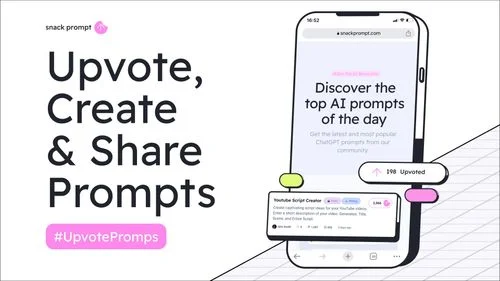
SnackPrompt: A community platform for sharing and discovering creative content and ready-made prompts in the fields of artificial intelligence, art, design, gaming, marketing, and e-commerce.

Promptmetheus offers a comprehensive system for creating, running, and optimizing the performance of AI-powered prompts, applications, and agents. The platform divides prompts into modular sections: context ⇢ task ⇢ instructions ⇢ examples ⇢ motivation, allowing each part to be tested and adjusted independently to achieve the best results at the lowest cost. The tools include reliability testing using different data sets, visual output evaluation, and performance analysis for each step in the prompt chain to ensure accurate and consistent results. The platform also facilitates collaboration between teams through shared workspaces, a shareable prompt library, and centralized project, data, and statistics management.
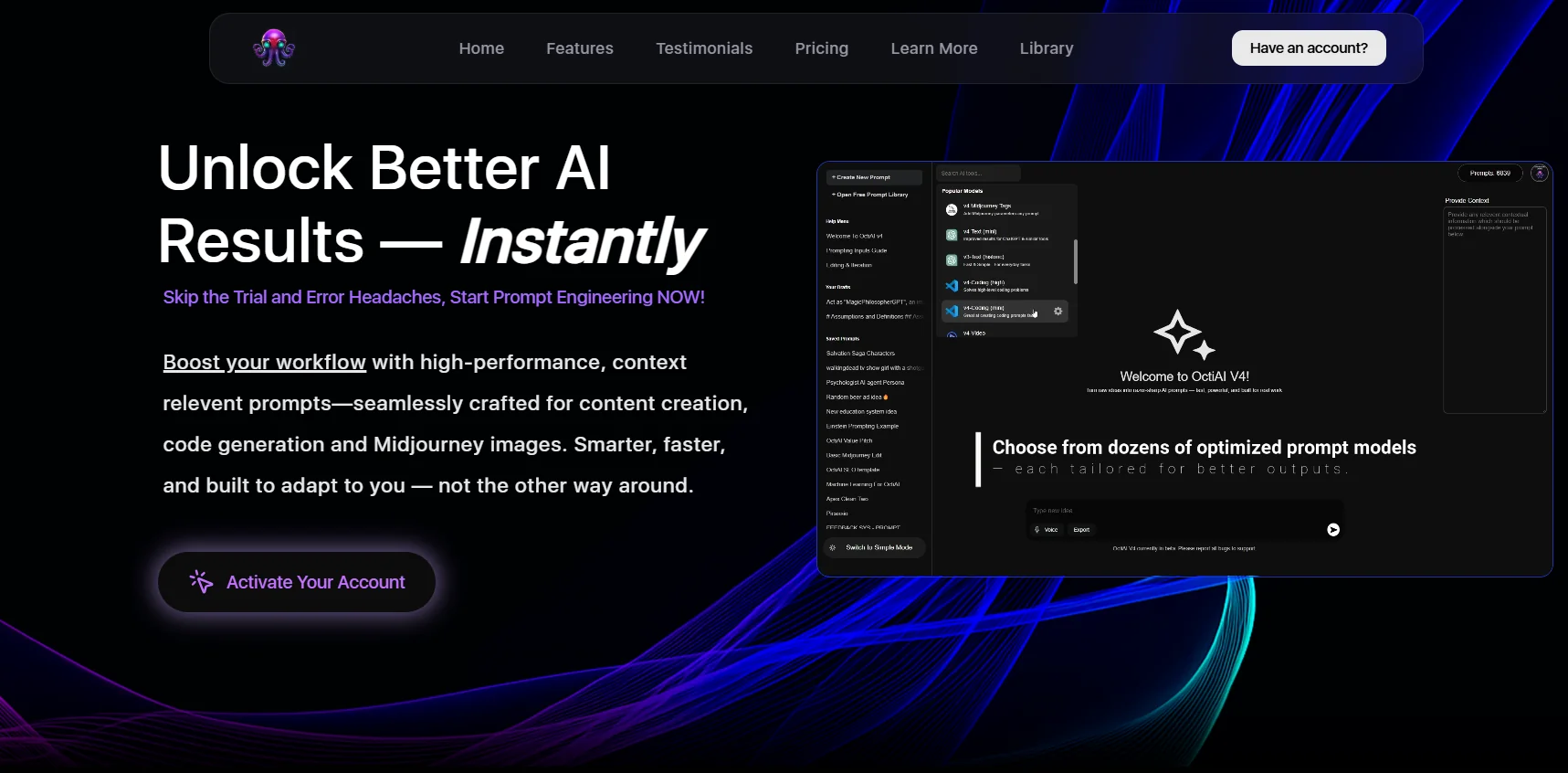
OctiAI offers a comprehensive system for transforming prompt-based work from scattered individual experiences into organized, traceable workflows. Prompt version management allows you to document changes and preserve original intent, with the ability to quickly revert to any previous version. It provides a searchable library for efficient reuse of patterns and tracks execution history to see what was run, why it succeeded, and what changed. The platform is based on the "Bring Your Own Key" principle, which gives the user complete control over billing and settings with the service provider, such as OpenAI, while OctiAI remains an organizational and optimization layer on top. It also provides easy-to-use context engineering to add background knowledge without cluttering the core instructions, and an automatic prompt optimization system that allows you to modify any part and explore alternative formulations in a single flow. In addition, it enables users to design reusable prompt engines without writing code, with access to dozens of regularly updated ready-made templates, supporting use cases such as content creation, code generation, Midjourney images, and integration with ChatGPT and APIs.
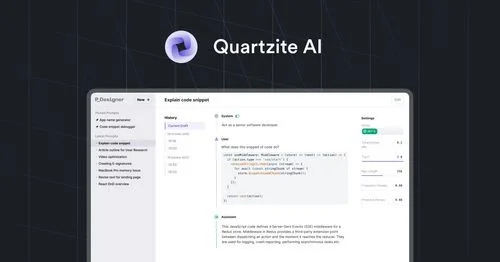
Quartzite AI provides an integrated environment for working with the best AI models such as Opus 4.5, Gemini 3, GPT-5.1, and GPT-5, as well as supporting other models such as o3-pro, OpenRouter, DeepSeek, Perplexity AI, Llama 3, and Mistral. The platform includes an advanced Markdown-based command editor for easily designing precise commands, with the ability to try multiple versions, track changes via version history, preview execution costs before running, managing a template library to avoid duplication, automatically optimizing commands using Prompt Optimizer, entering variables or importing CSV data to quickly create multiple versions, and exporting results in various formats.