insMind
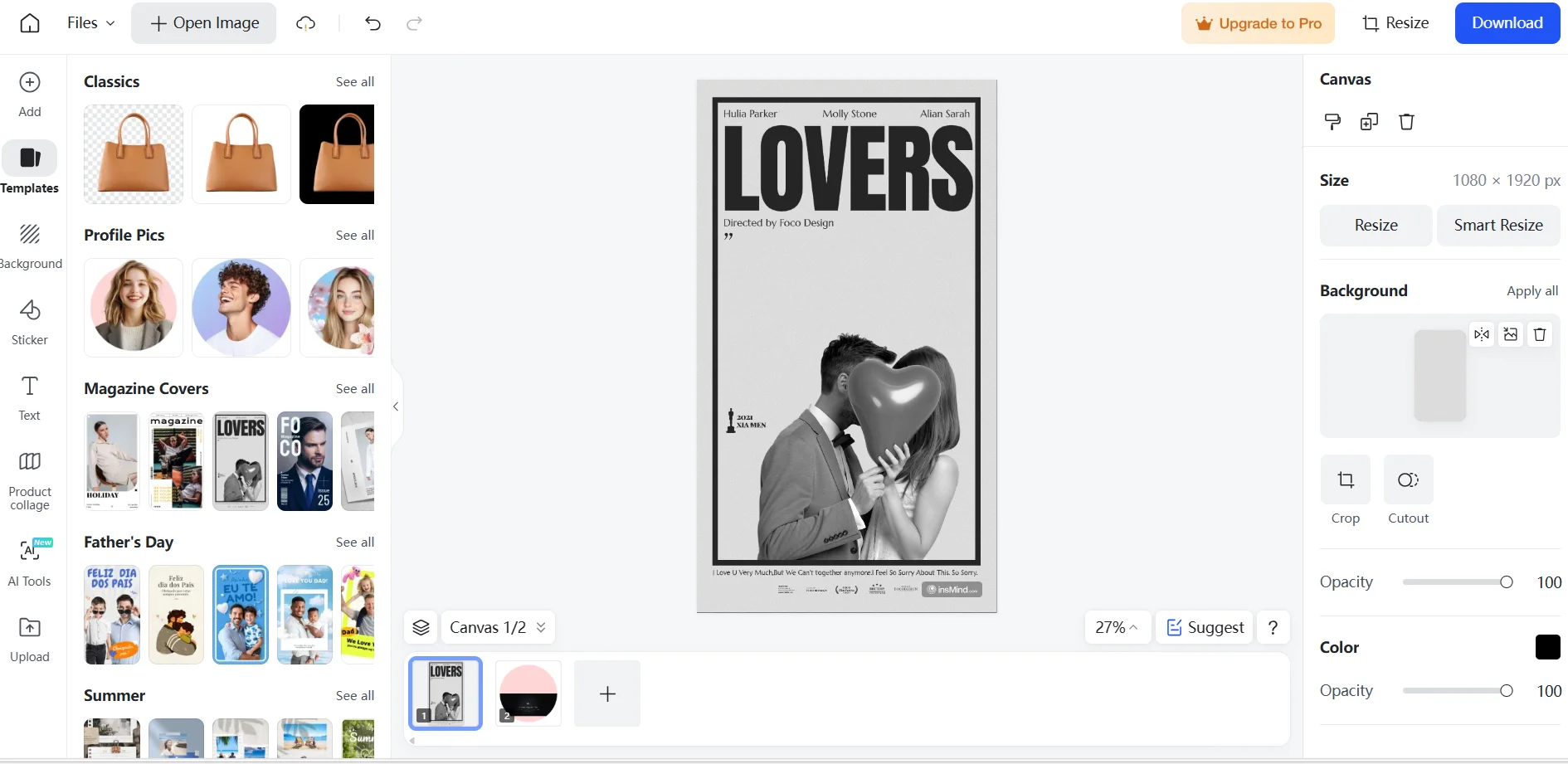
insMind is a smart AI tool specialized in image editing, enhancement, and generation. It’s perfect for marketers, designers, and e-commerce owners. You can start for free and upgrade to paid plans for more advanced features, higher quality outputs, and priority support. The platform is easy to use right from your browser with no hassle.
- Text to Image Generation
- Customer Support & CRM
- HR & Recruiting
- Brand Guidelines
- Brand Collateral Templates
Last updated
Features
- Removes backgrounds automatically
- Removes unwanted objects from images
- Enhances image quality
- Upscales images without quality loss
- Generates avatars, artistic and professional images
- Creates AI backgrounds, fashion model images and design templates
- Processes images in batches on advanced plans
- Runs in any browser without installation
Pricing Details
The platform offers a freemium pricing model with a completely free plan and two paid upgrades. The free plan provides a wide range of AI-powered image tools such as automatic background removal, magic eraser for unwanted elements, image enhancement, expansion, avatar generation, art and headshot creation, text-to-image, image-to-image generation, and fashion model images. However, images saved on the free plan include a watermark, and export resolution is limited. High-quality downloads and removal of watermarks require upgrading.
The Plus plan costs $6.99 per month and removes watermarks, allows high-resolution downloads, grants access to advanced editing tools, increases upload limits, and speeds up processing. The Pro plan at $14.99 per month includes all Plus features plus batch image editing, access to a premium template library, and dedicated customer support.
Refunds are generally not offered due to the nature of digital products, though exceptions may be made with a 20% service fee deducted. Overall, the free plan suits casual users or trials, while Plus and Pro plans provide more professional capabilities for higher-volume or advanced editing needs.
Tips for insMind
Related Tips
- A professional prompt for turning a meal name into a full recipe infographic · Image Design and Creation, Text to Image Generation…
- Bosala Brand Studio Explains: How to Create a Complete Visual Identity from a Logo in Minutes? · Image Design and Creation, Text to Image Generation…
- An Explanation of GeminiGen AI for Creating Videos and Images for Children · Video Generation & Editing, Text and Images to Video…
- A Comparison of VisualGPT and NoteGPT for Creating Free Images and Designs on GPT Image 2 · Image Design and Creation, Text to Image Generation
- Ready-made prompts for designing countries, their landmarks, and their most famous dishes · Image Design and Creation, Text to Image Generation