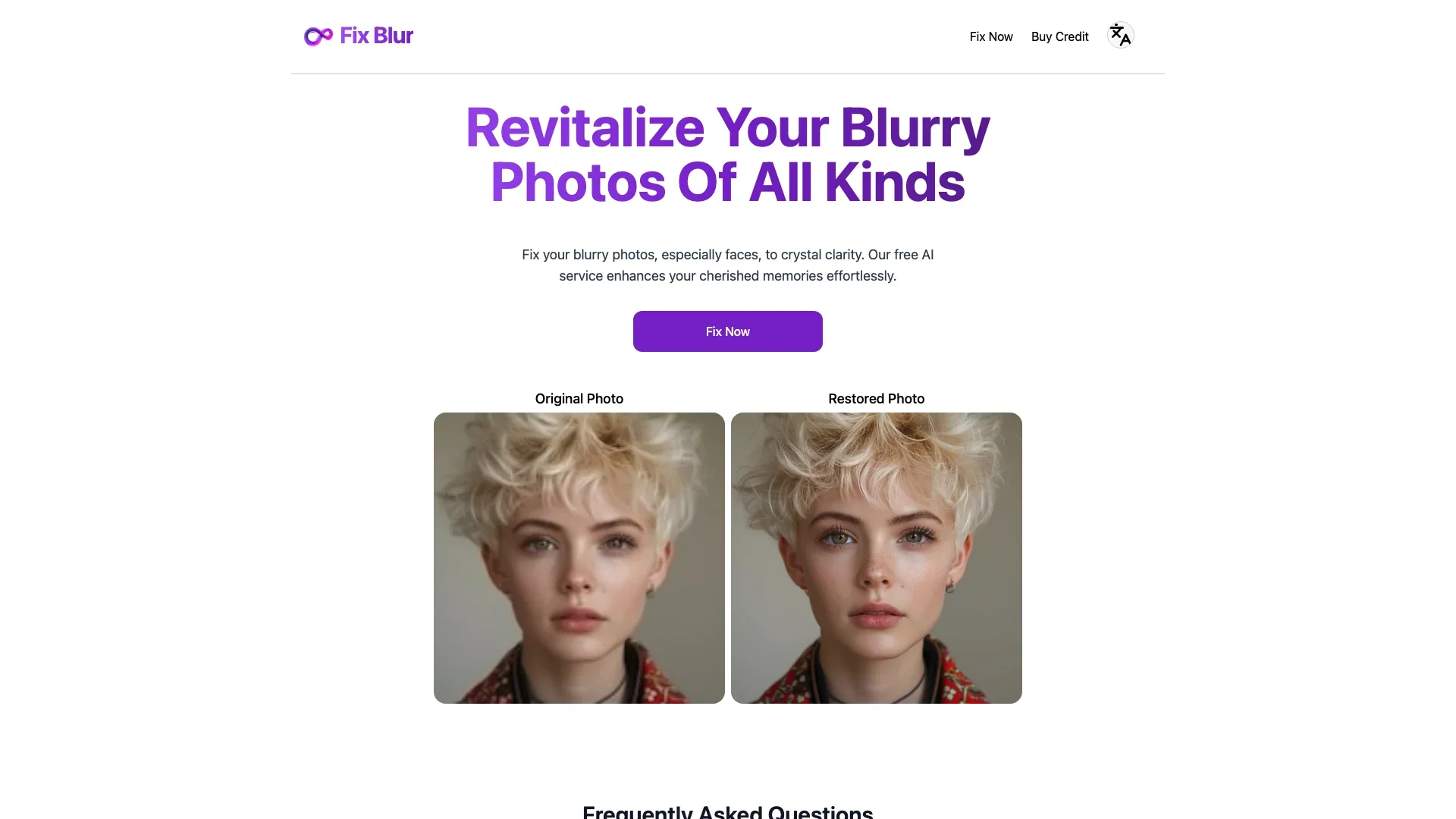
Description
🖼️ Tool Name:
Fix Blur
✏️ What does this tool offer in 2026?
Face-Focused AI Sharpening: Specifically detects human faces to reconstruct eyes, skin texture, and hair that were lost to blur.
Motion Blur Removal: Corrects the "streaking" effect caused by fast-moving subjects or shaky hands.
Text Legibility Enhancement: Unblurs screenshots or documents, making fuzzy text readable and OCR-ready.
Real-Time Preview: A side-by-side comparison slider allows you to see the AI's magic before downloading.
8x Upscaling: Often combined with "Image Upscalers," it can take a small, blurry photo and turn it into a sharp 4K image.
Batch Processing: Allows users to upload up to 50 photos simultaneously to save time during large catalog edits.
Browser-Based Processing: No heavy software downloads are required; most processing happens in the cloud for instant results.
⭐️ What does it offer? (User Experience)
"The Memory Saver": Rated 4.9/5 for its ability to rescue "impossible" shots that were previously considered trash.
Simplicity: It's designed for one-tap or one-click use, making professional photo restoration accessible to everyone.
🤖 Automation:
Auto-Detection: The AI analyzes the image to decide if the blur is "Motion," "Lens," or "Gaussian" and applies the correct mathematical model automatically.
💵 Pricing (January 2026 Status)
Most "Fix Blur" tools (like Artguru, Pixelbin, or Remini) follow a credit-based or subscription model.
🎁 Is the free version a trial or completely free?
It is Freemium. While you can use it for free to fix a few photos (usually with daily limits or watermarks), the professional-grade, high-definition, and watermark-free results typically require a Pro subscription.
⚙️ Access or Source:
Official Website
Platforms: Web (Browser), iOS, and Android.
🔗 Experience Link: