Teal Resume Builder
Description
️ 🖼Tool Name:
Teal
🔖 Categories:
Resumes and Cover Letters, Human Resources and Recruitment, Automation and Smart Agents, Productivity and Scheduling, Education and Research, Marketing and Sales
️ ✏What does this tool offer?
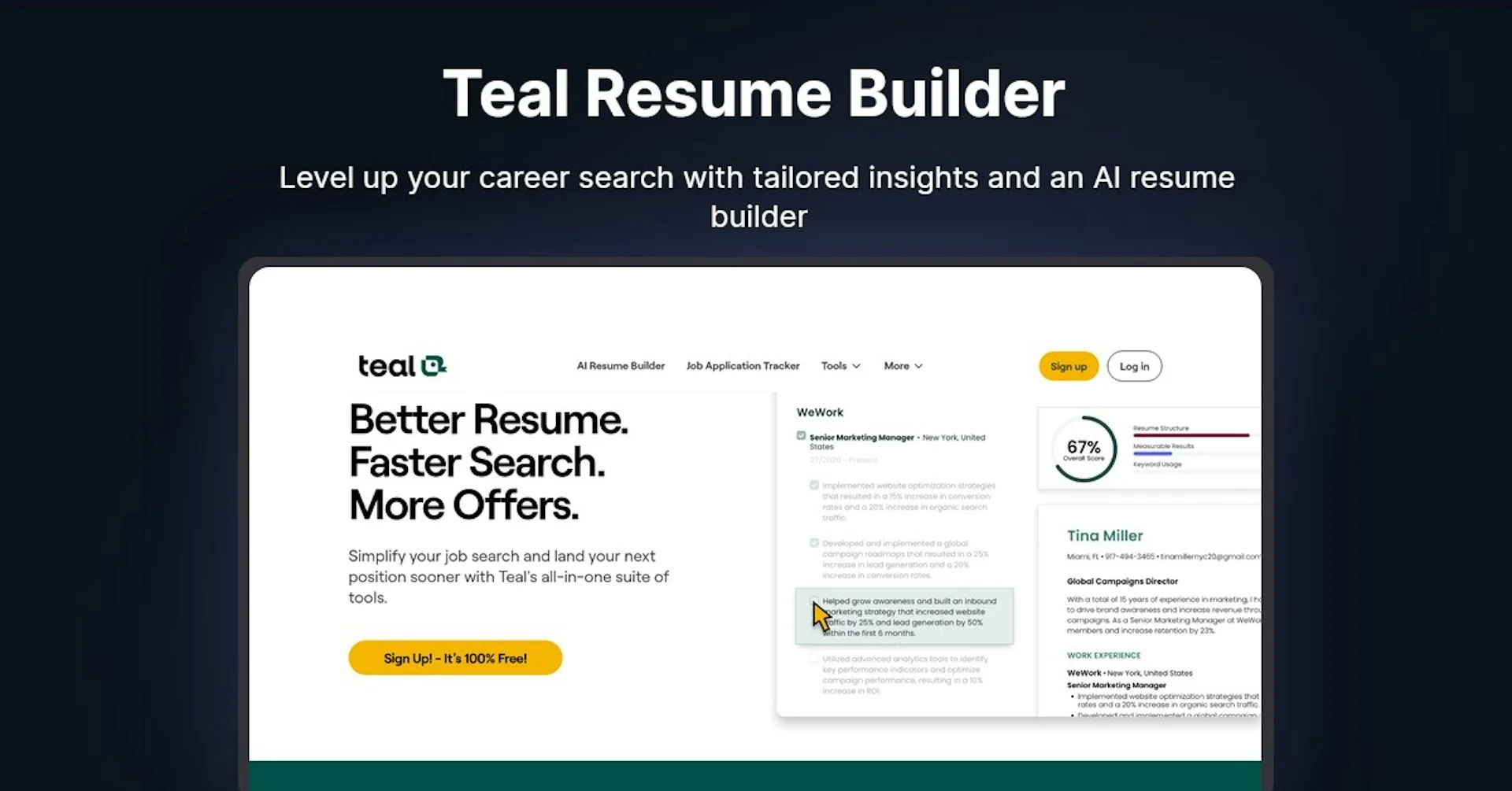
Teal offers an integrated platform to help job seekers create, optimize, and tailor resumes for different jobs using artificial intelligence. The AI Resume Builder tool allows you to create a new resume from scratch, upload an existing one, or import professional information from LinkedIn, then edit it using a drag-and-drop editor and select the appropriate experiences and sections for each version. It also analyzes the resume against the job description in more than 15 ways and provides an ATS score along with recommendations for improving content, structure, and keywords. Job Matching analyzes the job description, extracts the required skills, keywords, and experiences, then compares your resume to them and provides a Match Score. It also provides professional, ATS-compatible templates, AI tools for creating professional summaries, bullet points, and cover letters, and the ability to create and export an unlimited number of resume versions. The platform also includes tools for job tracking, managing job applications, and professional networking. Teal reports that more than 4 million job seekers have used the platform.
⭐ What does it actually offer, based on user experience?
Teal displays user reviews and testimonials on its website, including users who mentioned that the platform helped them tailor their resumes to specific jobs, analyze how well they matched job requirements, and save time when creating multiple versions of their resumes and cover letters. The platform also boasts a rating of over 4.4/5 on Trustpilotand states that its users report securing job interviews up to six times faster than with traditional methods. These testimonials and figures are provided by Teal or based on its data and are not all independent reviews.
🤖 Does it involve automation?
Yes. Teal relies on automation and artificial intelligence to analyze resumes and match them to job openings, extract keywords and skills, suggest improvements, and generate summaries, bullet points, and cover letters. You can also create multiple versions of your resume and tailor them to different jobs, with the ability to track jobs and applications and communicate with employers directly from within the platform. The paid plan offers advanced analysis, unlimited keyword matching, and unlimited AI features, unlike the limitations of the free plan.
💰 Pricing Model:
Freemium;Teal offers a free-forever version, in addition to the paid Teal+ subscription. The free version does not require a credit card, and there is no traditional free trial that requires payment information. Teal+ is currently available in three published billing cycles: $13 per week, $29 every 30 days, and $79 every 90 days. The Terms of Service state that paid subscriptions are also available on an annual basis, while the current pricing page directly displays weekly, monthly, and quarterly rates.
🆓 Free Plan Details:
| Feature | Details |
|---|---|
| Price | $0 |
| Duration | Free forever |
| Create Resumes | Unlimited |
| Download resumes | Unlimited |
| Track Jobs | Unlimited |
| Resume Templates | 10 freetemplates |
| Keyword matching | Show Top 5 Keywords |
| Resume Analysis | Basic Analysis and Recommendations |
| AI-Generated Career Highlights | 5 Profiles |
| Create a Professional Summary | 2 credits |
| Create a Cover Letter | 2 credits |
| Email Templates | One template for each career stage |
| Resume Design | Basic Design Settings |
| Import Resume | Option to upload your current resume or import information from LinkedIn |
| Credit Card | Not required |
Teal emphasizes that creating, editing, and exporting resumes remains completely free, and that the free version never expires.
💳 Paid plan details:
| Plan | Current Official Price | Details |
|---|---|---|
| Teal+ Weekly | $13 every 7 days | All the features of the free version, plus unlimited templates, unlimited advanced analytics, unlimited keyword matching, unlimited keywords in Job Tracker, unlimited email templates, advanced design settings, and unlimited AI tools. |
| Teal+ Monthly | $29 every 30 days | Same features as Teal+, with monthly billing. |
| Teal+ Quarterly | $79 every 90 days | Same benefits as Teal+, billed every 90 days. |
| Teal+ Annual | Available subject to subscription terms | The Terms of Service state that Teal+ supports annual billing, but the current annual price does not appear as a separate figure on the verified pricing page. |
Teal+ includes unlimited advanced resume analysis, unlimited keyword matching, display of all keywords and skills, unlimited email templates, Advanced Design Mode, Premium templates, and unlimited AI-generated bullet points, professional summaries, and cover letters. It also includes the unlimited AI interview tools available in the free plan.
🧭 How to access the tool:
| How to Access | Details |
|---|---|
| Web | Browser-based platform |
| AI Resume Builder | Create, optimize, and customize resumes |
| Import professional information from a public LinkedIn link | |
| Upload files | You can import an existing resume, including PDF and Word files, or paste text |
| Export files | Export resumes in PDF and Word formats |
| Job Tracker | Save jobs and track applications and application stages |
| AI Tools | Resume analysis, job matching, and generation of summaries, key points, and cover letters |
| ATS Templates | A library of templates designed to be compatible with applicant tracking systems |
🔗 Demo link or official website:
Teal – AI Resume Builder