Photoleap
Description
️ 🖼Tool name:
Photoleap
🔖 Tool Rating:
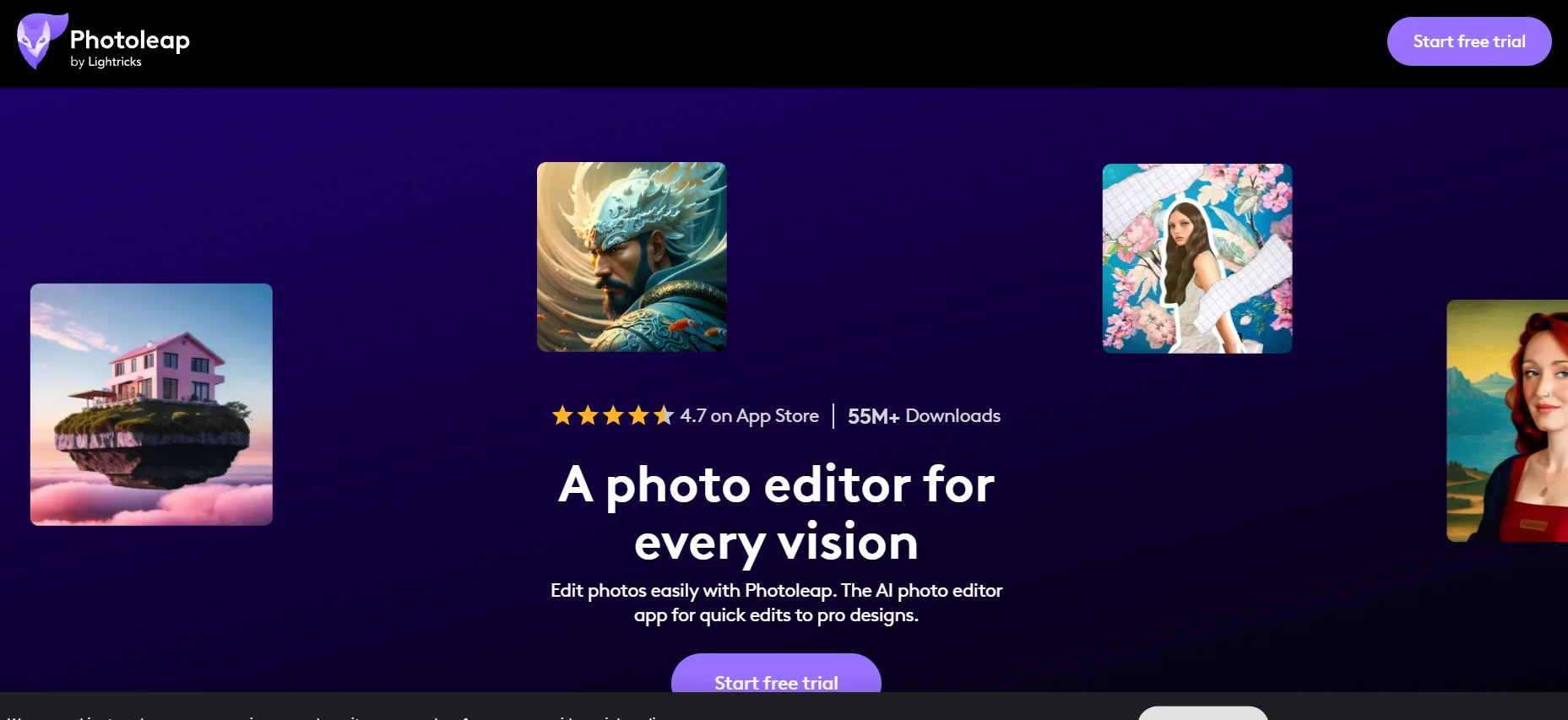
An AI-powered photo editing and visual design app that combines traditional editing tools with advanced AI features to optimize photos and create professional visual content.
️ ✏What does it do?
Photoleap makes photo editing easy, with tools to improve image quality, enlarge photos, remove backgrounds, remove unwanted elements, adjust lighting, add text, effects, and filters, merge photos, and create designs with multiple images. Photos can be transformed into art styles or drawings using artificial intelligence, making images ready to be posted on social media, online stores, or for personal use.
⭐ What does it actually offer based on user experience?
Users find Photoleap easy to use, and its AI tools are effective for quickly optimizing images. The tool is useful for content creators, designers, and bloggers who need attractive images without complicated software. However, some advanced features are reserved for the paid plan, and the quality of some results depends on the quality of the original image.
🤖 Does it include automation?
Yes, Photoleap uses artificial intelligence to automate photo enhancement, zoom in, remove or change backgrounds, remove unwanted elements, and convert photos into artistic styles, without the need for complex manual adjustments. It supports batch image processing and makes it easy to integrate different tools into the workflow.
💰 Pricing model:
Photoleap adopts a Freemium model with a paid plan (Pro) that unlocks full features, including advanced AI tools and high-quality image export.
🆓 F ree plan details:
Allows basic editing tools like cropping, simple editing, and some limited AI capabilities. The app can be used to edit simple photos or to try out the tool at no upfront cost.
💳 Paid plan details:
The paid plan (Pro) gives all advanced editing tools, all AI features, high-quality export, layer support, and premium effects and filters. The monthly subscription is around $6.99, and the annual subscription is around $39.99, with full features for professionals or commercial use.
🧭 How to access the tool:
Photoleap can be accessed via smartphones (iOS and Android) by downloading the app, selecting the image to be edited, using the editing or AI tools, and then exporting the final image in high quality.
🔗 Experience Link or official website:
Experience Link: https://www.photoleapapp.com