PixAI.art
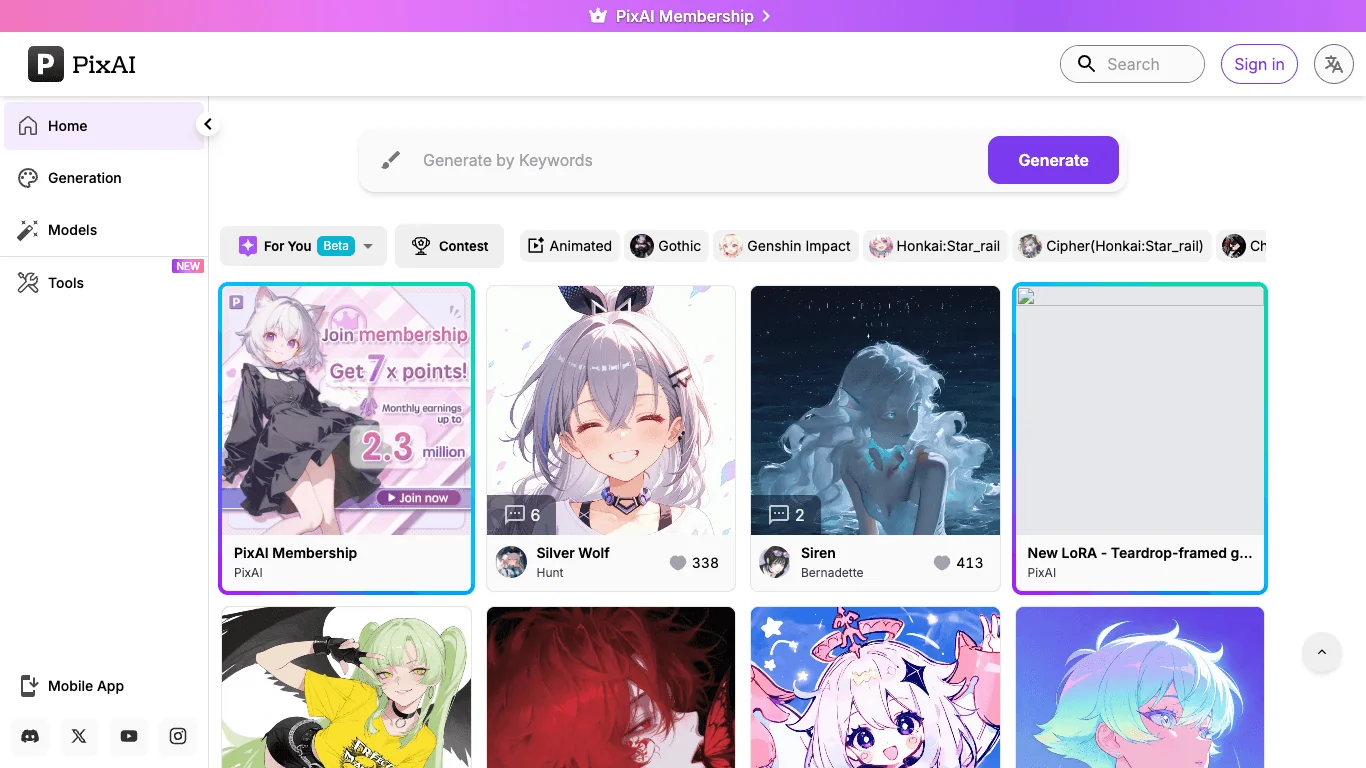
PixAI is a tool for creating images and illustrations using artificial intelligence, with a special focus on anime art and digital characters. The platform offers community-driven AI models and additional resources such as LoRAs to customize results, along with tools for generating, editing, and exploring user-created works, as well as participating in art contests.
Last updated
Features
- Anime Image Generation: Creating illustrations and characters in the anime and manga styles.
- Diverse community models: Access to a library of more than 1.8 million models and LoRA resources, according to the website.
- Character Customization: Control appearance, clothing, styles, and details using the appropriate templates.
- Convert Text to Image: Create images based on a text description.
- Photo Editing: Edit existing photos and enhance their details using AI tools.
- Convert Photos to Video: Animate still images and create short videos, depending on the available plan.
- Customizing Models Using LoRA: Combining Multiple Resources to Control Style and Outputs.
- Explore Community Work: View user creations and take advantage of published templates.
- . Creative Contests and Events: Participate in art contests and events organized by the platform.
Pricing Details
PixAI offers a free plan priced at $0, which, according to the platform’s documentation, gives users 10,000 credits per day, along with the ability to try out image generation and use community-created models. Paid subscriptions include three plans: Starter for $9.99 per month or an average of $7.99 per month when billed annually, Plus for $29.99 per month or an average of $22.99 per month when billed annually, and Premium for $49.99 per month or an average of $35.99 per month when billed annually. Paid plans include additional credits, faster generation, photo editing and video creation tools, and free LoRA training (the number of which varies by subscription), along with other benefits that differ from plan to plan. Prices may vary by region and subscription method, so it is recommended that you check the official pricing page before paying.
Related Tips
- How to Use the Pokecut Tool to Easily Extract Images · Image Design and Creation, Editing, Enhancement & Upscaling…
- A professional prompt for turning a meal name into a full recipe infographic · Image Design and Creation, Text to Image Generation…
- Bosala Brand Studio Explains: How to Create a Complete Visual Identity from a Logo in Minutes? · Image Design and Creation, Text to Image Generation…
- An Explanation of GeminiGen AI for Creating Videos and Images for Children · Video Generation & Editing, Text and Images to Video…
- A Comparison of VisualGPT and NoteGPT for Creating Free Images and Designs on GPT Image 2 · Image Design and Creation, Text to Image Generation