
Snopes FactBot
An AI Fact Checker to verify the accuracy of news claims and rumors.
5,120 results
An AI Fact Checker to verify the accuracy of news claims and rumors.
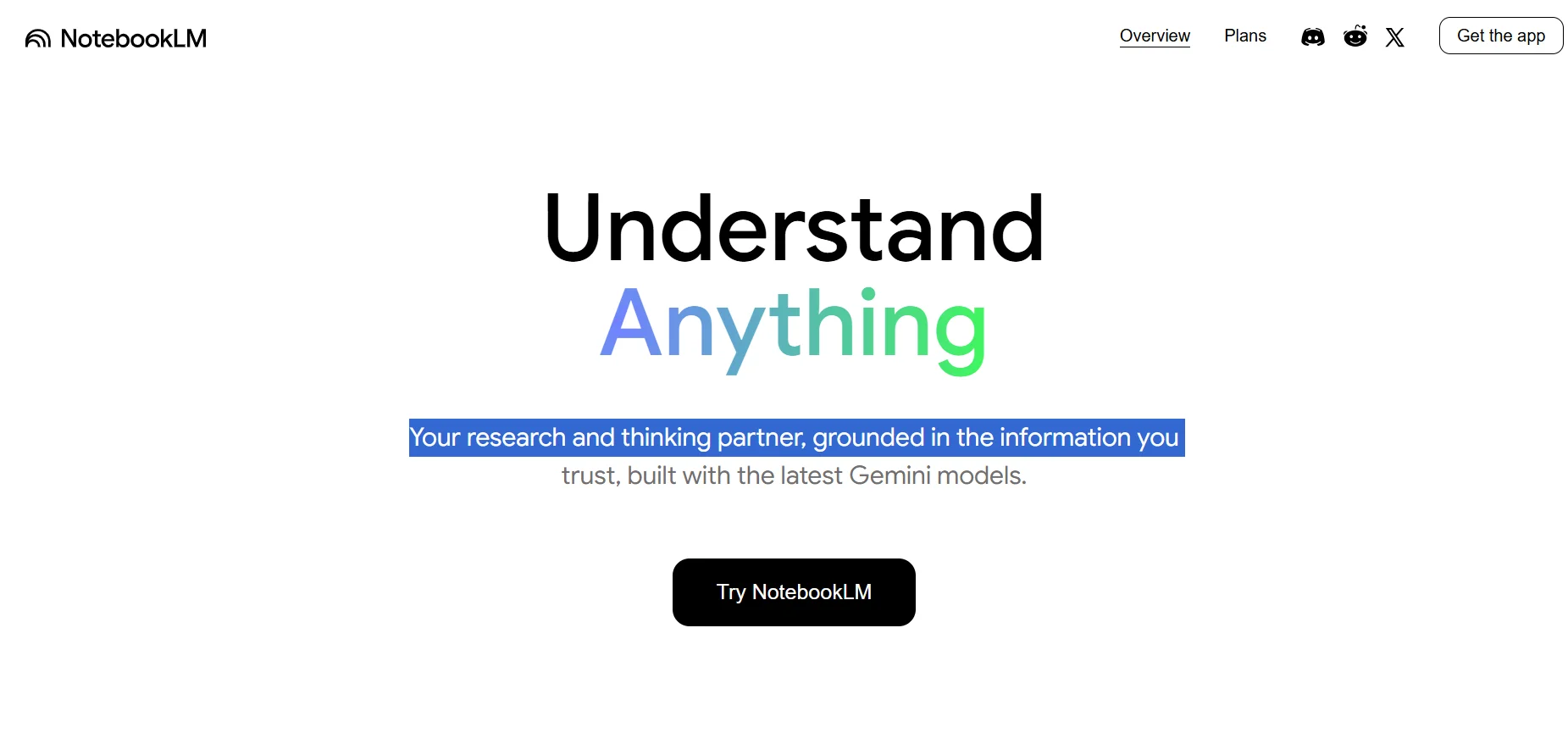
NotebookLM by Google lets you create smart notebooks packed with your own sources — and chat with them like a personal researcher who understands everything you’ve uploaded. The free plan is great for studying, summarizing, or casual use. But if you’re a university student or doing deep research, NotebookLM Plus (included in Google One AI Premium) unlocks 5x the capacity, powerful sharing tools, extra storage, and access to other advanced AI tools like Gemini and Whisk.
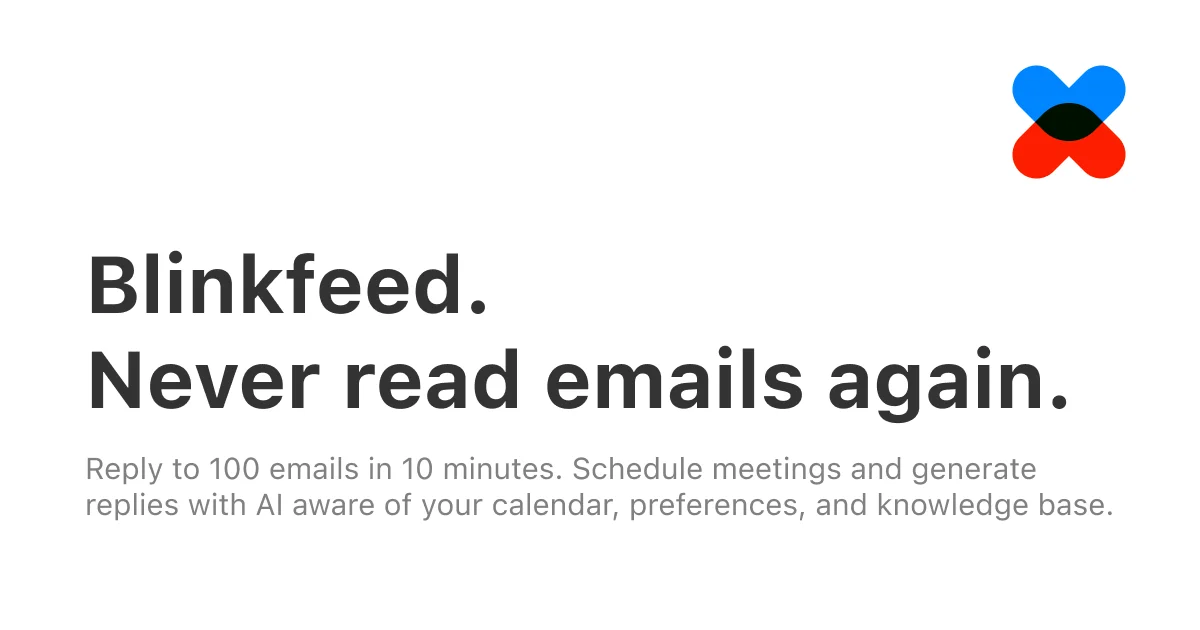
A tool for emails management.
A tool to convert Twitter profiles into AI-generated voices and animated avatars.

Kling AI gives you a simple, fast way to turn text or images into realistic short videos. The quality is impressive — especially in paid plans — and the free version lets you explore its capabilities. Ideal for creating social media content, concept videos, or even marketing materials. It suits both beginners and professionals, offering flexible plans depending on your needs.

Whisk is an experimental tool from Google that lets you create images and animations using artificial intelligence by typing a description of your idea or generating random prompts. Users can enter a text description of a scene or add images to be transformed or edited using visual effects (FX) tools. The tool also allows users to create projects and save them in a personal library for later review or editing.

The HiberWorld platform allows users to easily create 3D virtual worlds and games directly in their browser, without the need for programming experience. Users can design interactive environments, build their own gaming experiences, and share them with others within the community. The platform also offers social features that allow users to interact with one another and explore worlds created by others.
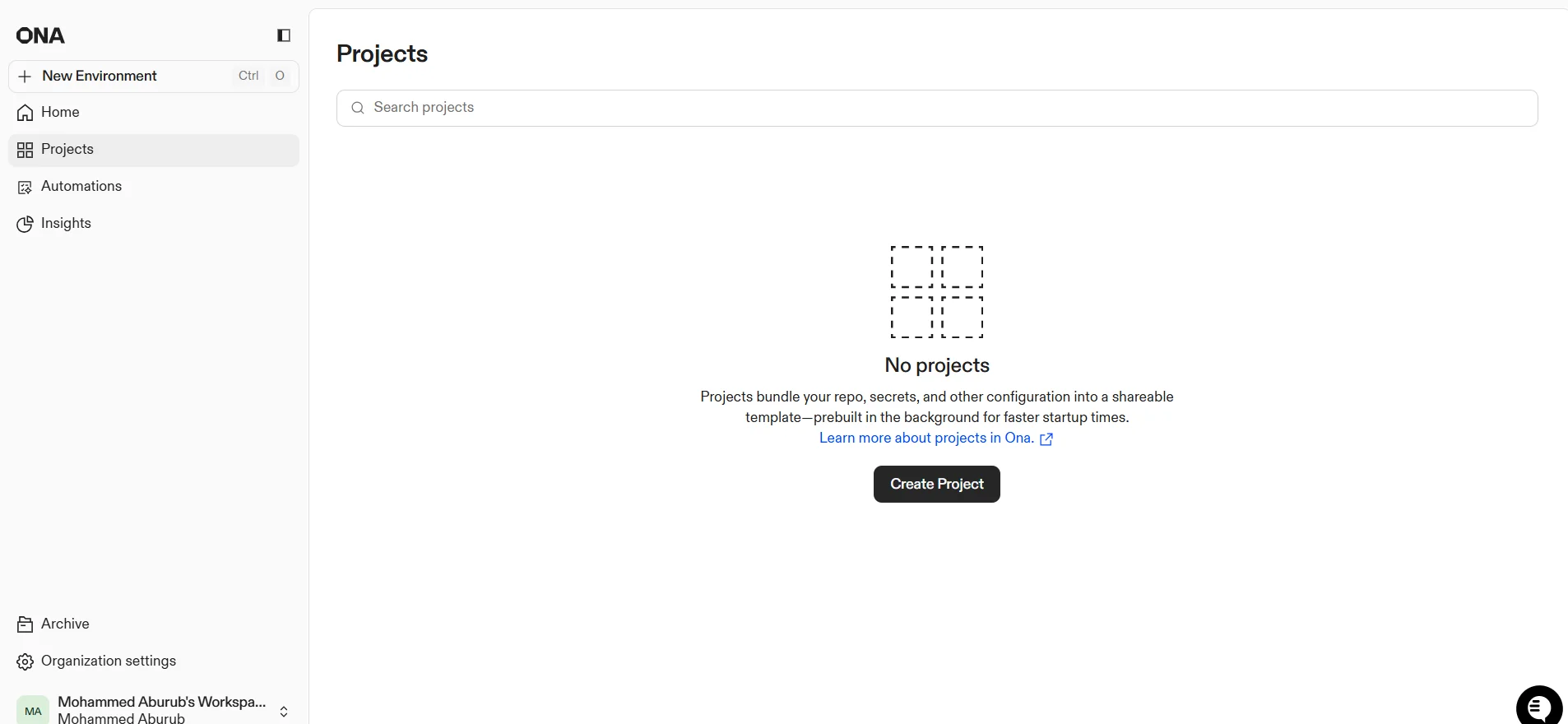
ONA provides an advanced AI platform for developers and software teams, enabling the full automation of software tasks through intelligent agents. The tool can link user projects and analyze code, detect errors, update dependencies, generate documentation, and prepare ready-to-submit PRs, as well as automatically generate release notes and optimize development environments. It also supports integrations with external tools such as Linear, Notion, Figma, and Sentry to create multi-step automations that include code analysis, modification, testing, and deployment.

Hedra provides a comprehensive platform for creating professional and cohesive visual content, with features for generating images and videos, managing projects, organizing assets and the library, and using creative tools such as inspiration and ready-made templates. The platform also includes an educational blog that offers tips and ideas on content creation.
DeepSeek offers an advanced AI platform that provides tools for accessing various models for data processing, coding, and technical projects. Regular users can use the platform for free under a "fair use" policy, with access to models such as V3 and R1, while the system provides developers and business owners with an API for professional use. The tool efficiently processes text, code, and data, with the ability to customize models according to user needs. The platform enables the integration of AI into various development environments and improves productivity, while also supporting direct project management and data analysis.
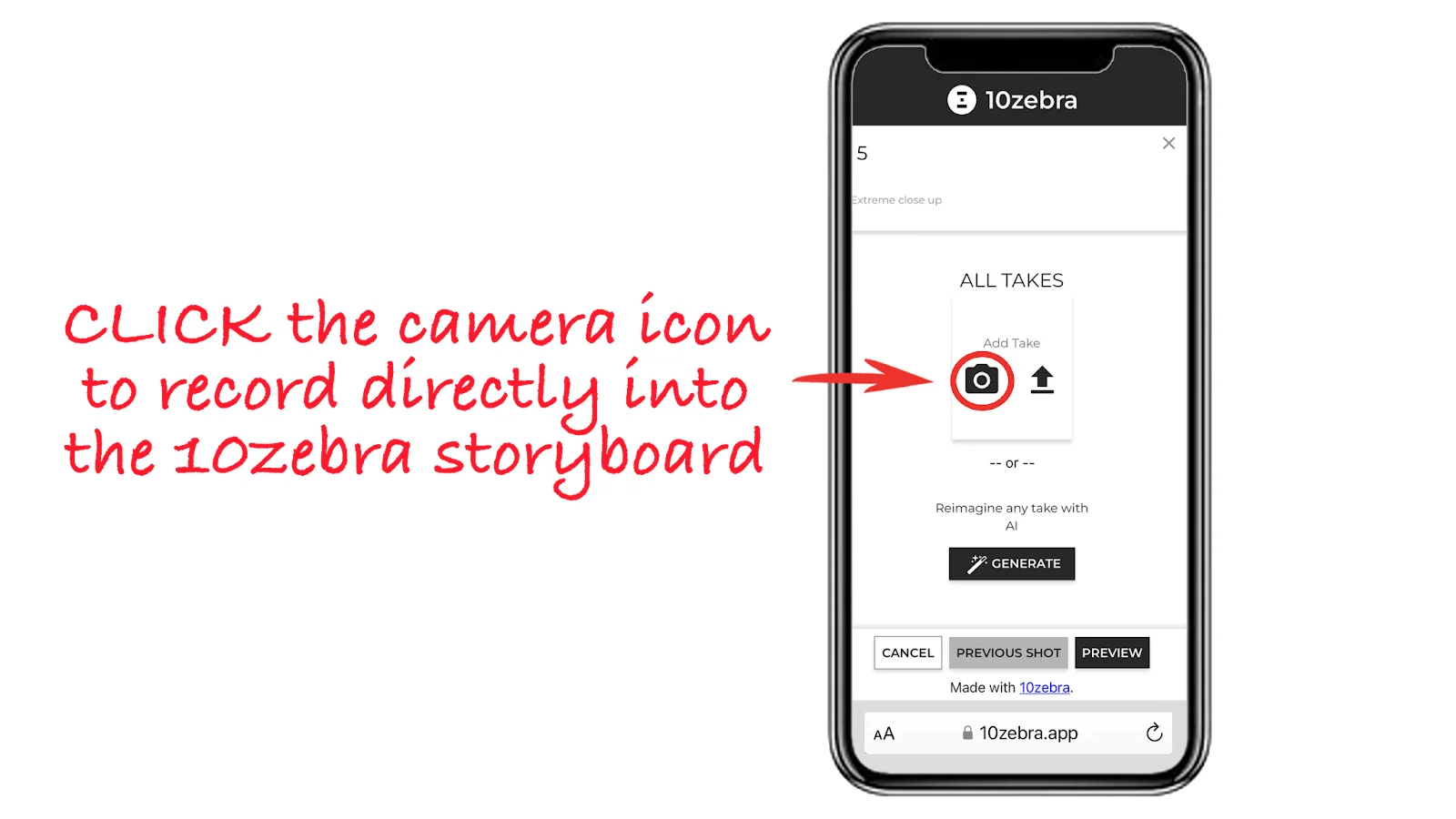
A tool to create and edit videos with storyboards.

Aider offers a completely free, open-source tool that helps transform the programming experience into a smart, interactive one powered by artificial intelligence. Users can install the tool using `python -m pip install aider-install`, then run it to set up the environment and integrate it with their current project. Aider supports connecting to models via APIs such as DeepSeek V3, Claude 3.5, Sonnet, and GPT-4o to automatically generate code or modify existing projects. Users can type requests directly into the Terminal interface—such as creating a website or modifying code—and the tool analyzes the request, suggests steps, and writes the code automatically. Aider provides help commands (/help), project file reading (codebase mapping), automatic Git commits, and the ability to embed images or web pages to clarify context. The tool can also be integrated with an IDE to add comments within the code that are executed automatically.

Producer AI offers an AI platform for creating music in an interactive and personalized way. Users can generate complete music tracks based on specific text prompts, organize their work into a Songs library, Playlists, Projects, and even create music videos. The tool offers customization features such as the Turntable, which allows users to listen to and vote on samples to help the AI learn their musical preferences, and the "Apply personalization" option to generate more accurate results over time. Every activity within the platform earns points that help users advance from the "Learning" level to higher levels such as "Debut."

Unbaited is a prototype browser extension for X that uses an LLM through Groq to blur engagement-bait posts, with one-click reveal.

Right Click Prompt helps users save time and effort when using AI tools like ChatGPT and Claude on a daily basis. Instead of rewriting the same prompts, users can insert them directly from any website, with the ability to organize, share, and sync prompts—making it ideal for individuals and professional teams.
Hailuo AI transforms short prompts or images into animated videos (6–10 s) using advanced models with camera-control features — ideal for rapid, creative video creation.

PicLumen is a free AI art platform that turns prompts orerence images into stunning visuals—realistic, anime, logo, or illustration styles—plus tools to colorize, upscale, inpaint, and extend your creations.
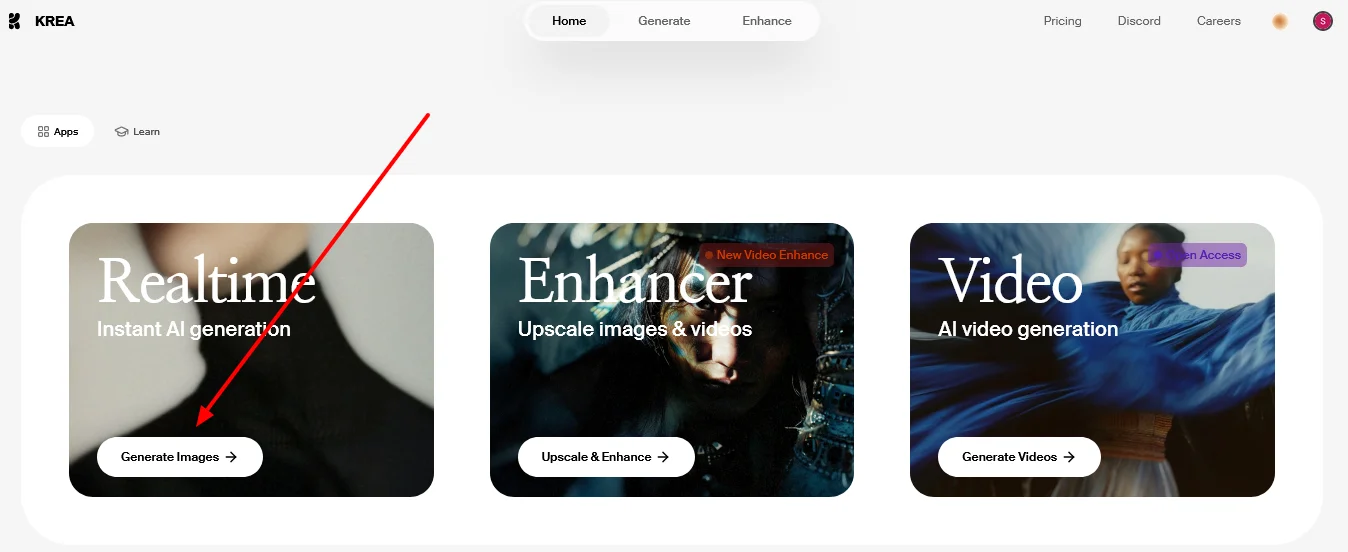
Krea.ai generates 3D images and videos from text, enhances content, supports customization via LoRA, and makes file management a breeze.
The platform enables users to turn simple ideas into publish-ready advertising content in minutes, with integrated editing and optimization tools, as well as support for ready-made templates to speed up the production of ads and short videos. The platform offers full control over usage through a Credits system, allowing beginners, content creators, and marketers to produce effective content without the need for technical expertise or complex software.
Heygen turns scripts into avatar-led videos in minutes — ideal for sales, training, and global communication in 40+ languages.

vivago.ai offers an integrated platform for quickly and efficiently creating, editing, and publishing content. The tool connects artificial intelligence with social media platforms to provide a complete workflow from concept to published content. The platform includes tools such as Lip Sync, Image Enhance, and BG Remove, along with an Assets section for content management, a Publish button for direct publishing, and sections to track performance such as Published and Likes. The platform’s design creates a seamless and connected experience at every step, reducing the need for external tools.

Riffo AI is a smart tool for instantly organizing messy or unstructured files. Using advanced AI (GPT‑4), it can rename files in bulk based on their content and sort them into folders automatically. User reviews are highly positive, with a top rating on Product Hunt. It's currently free to use — via Mac download or browser-based demo — and a fully local version is on the way for better privacy. If you handle a lot of files and want to stay organized without manual work, Riffo AI is a great choice!

A smart administrative assistant that operates within Slack to automate daily follow-up tasks, asking team members periodic questions, collecting responses, and generating summary reports for managers. The assistant integrates with GitHub to link code updates to reports and provides a smart query interface (Ask Anything) to quickly analyze the status of the team and projects. This system helps reduce the need for lengthy meetings and gives team members greater freedom to respond, while the smart summarization feature provides a comprehensive overview and quickly highlights obstacles. Features include full automation of question scheduling, response collection, and regular generation of analytical summaries, which enhances team management efficiency, saves managers’ time, and ensures accurate, continuous, and organized tracking of project updates.
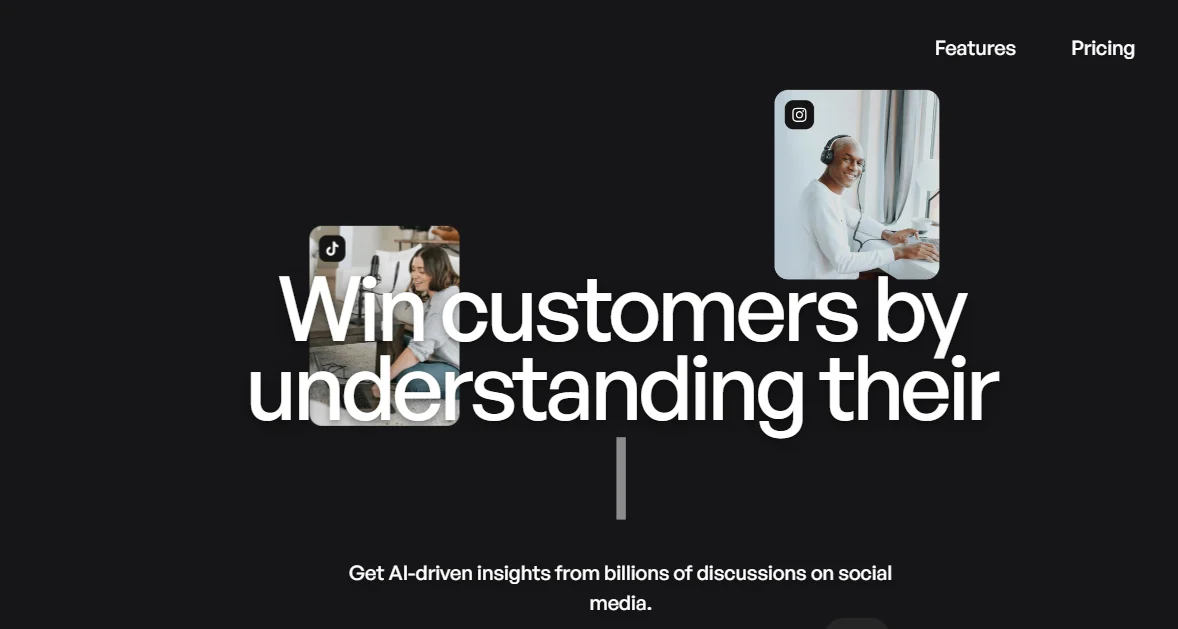
buzzabout is an AI platform specializing in analyzing social media trends and transforming digital buzz into actionable insights for marketing campaigns. The tool doesn’t just display data; it helps marketing teams make better strategic decisions before launching campaigns by collecting and analyzing billions of online conversations and providing accurate insights about audiences, competitors, and trending topics.