AI Bosala

العربية

Edu-Games & Fun

Tools in Edu-Games & Fun

161 tools

Filter and sort these tools

  1. Gimkit

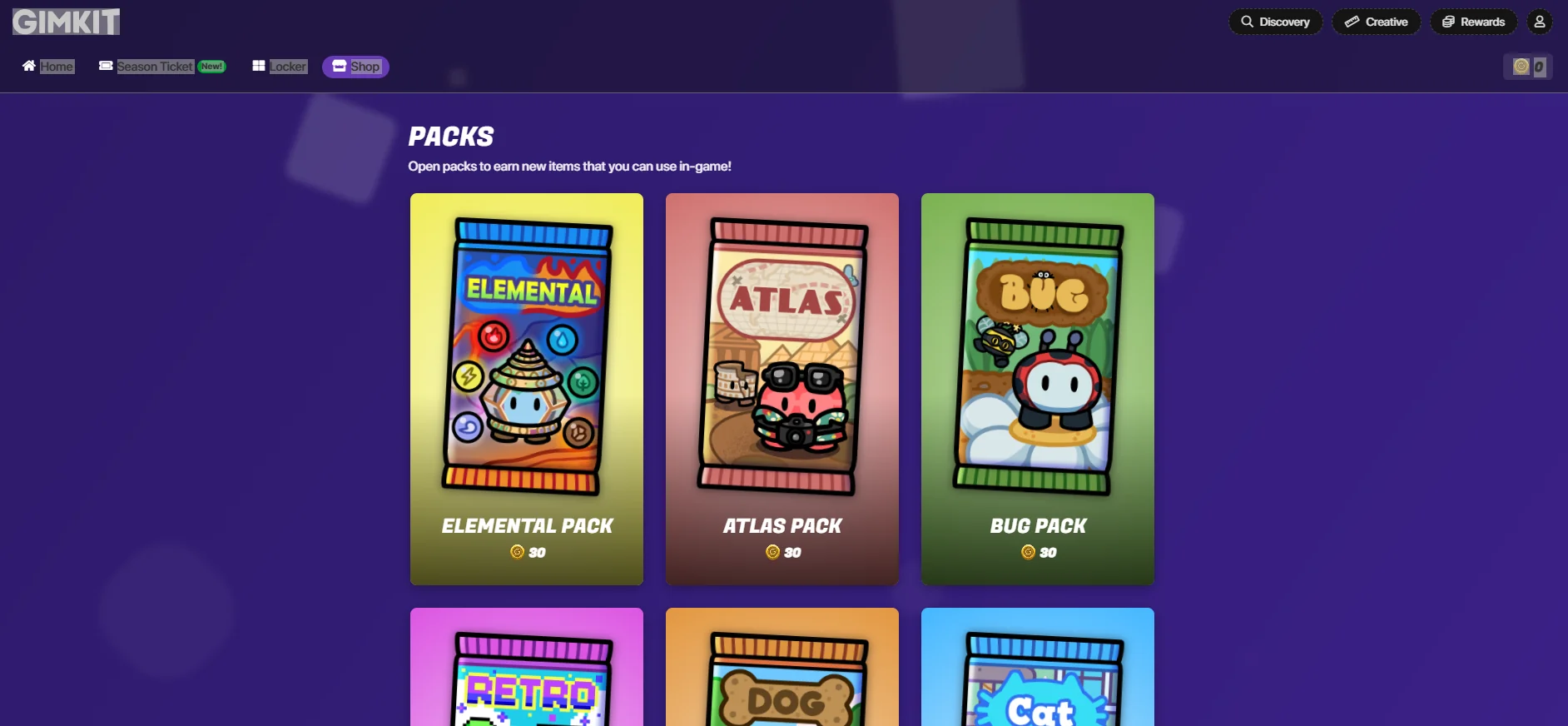
    Gimkit allows teachers and users to create sets of questions called "Kits," which include multiple-choice or text-based questions, with the option to add images, equations, or additional content within the question. Once a Kit is created, the game can be launched directly in the classroom or online using a Game Code, where students begin answering the questions. Each correct answer earns in-game points or coins that can be used to purchase upgrades or features to help increase scores, turning learning into a fun, game-like experience.
  2. Blooket

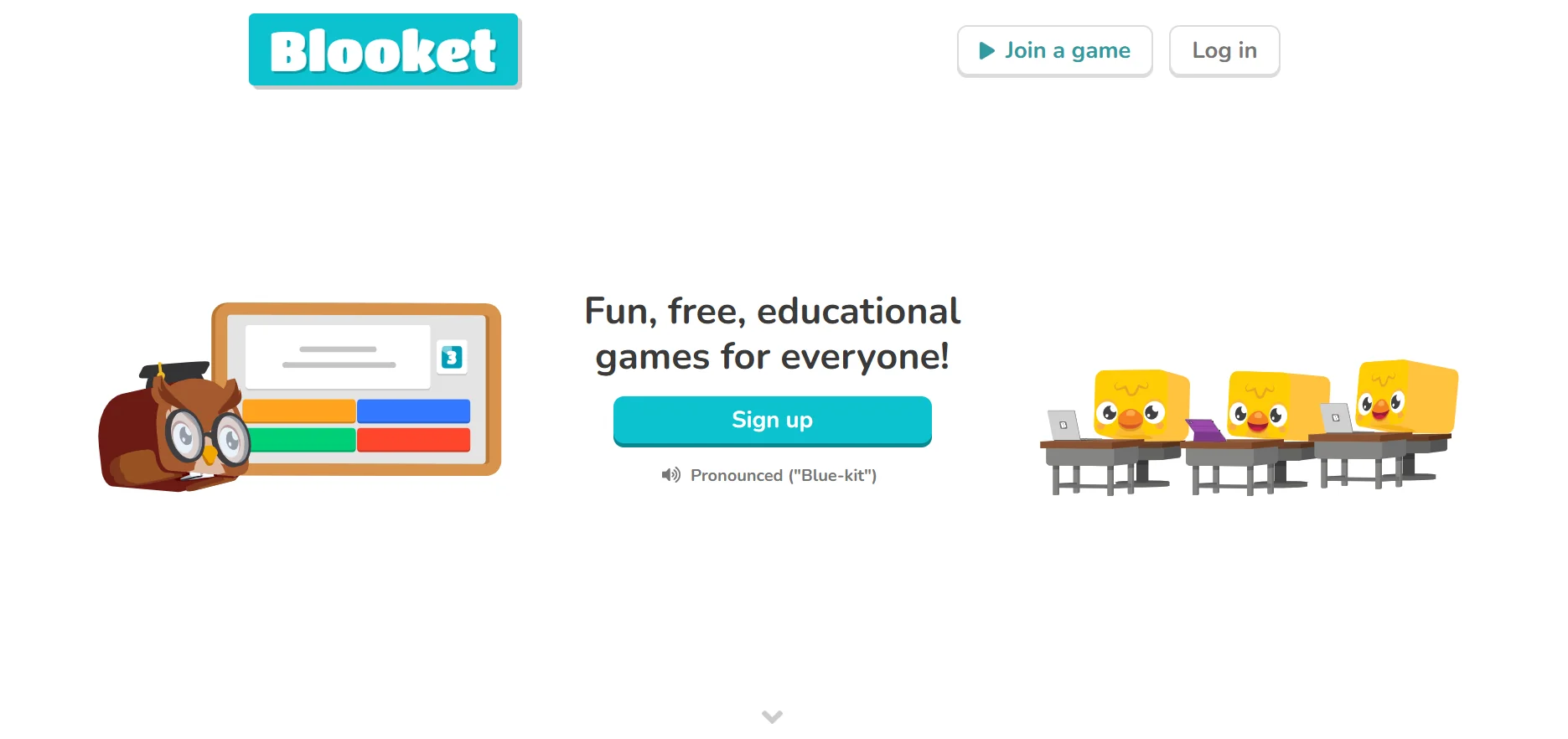
    Blooket is an educational platform designed to turn academic questions into interactive games that can be played in the classroom or online. The teacher creates a set of questions on a specific topic, such as math, science, or languages, then selects a game mode from the available options and shares it with the students. Students join the game using a unique code (Game ID) and begin answering questions; correct answers earn them points and in-game rewards.

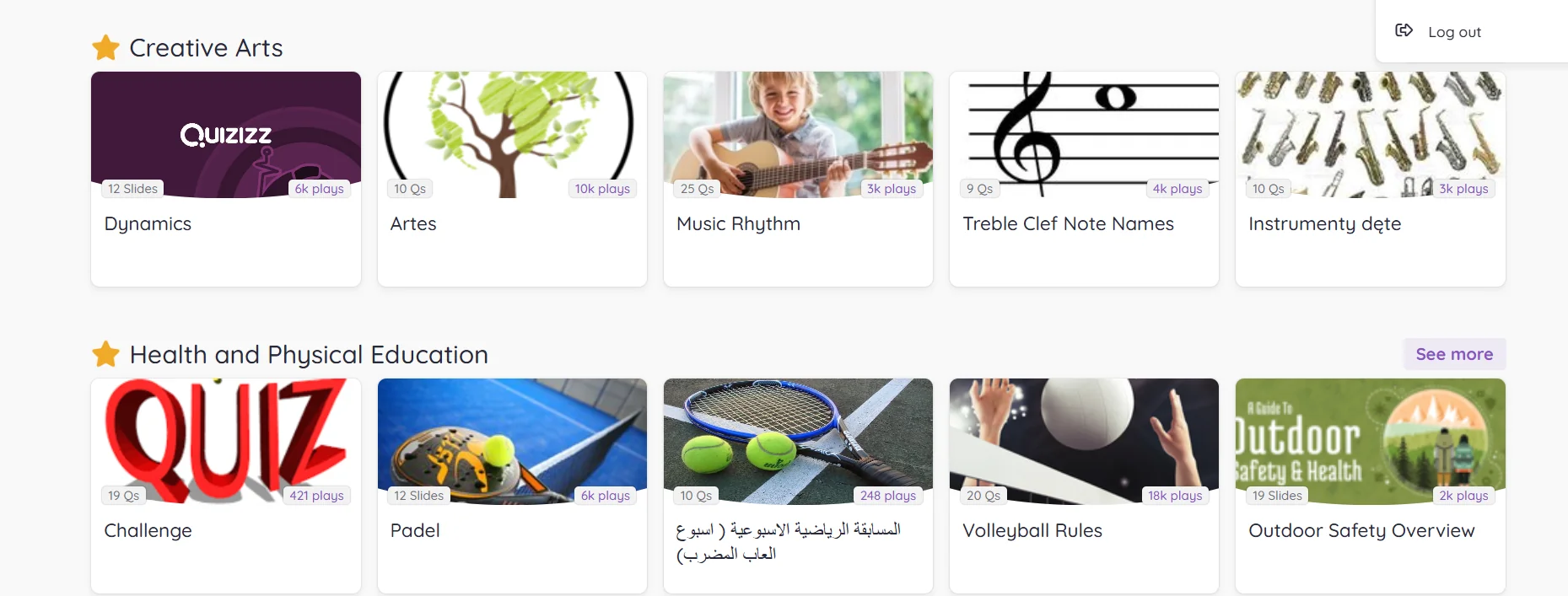
  3. Quizizz

    Wayground is an interactive educational platform designed to transform traditional lessons into interactive activities and quizzes that resemble educational games. The platform allows teachers to create a variety of questions, such as multiple-choice, true/false, or interactive questions, and then share them with students via a unique access code so that all participants can join and answer the questions, whether in person in the classroom or remotely.

  4. Tinkercad

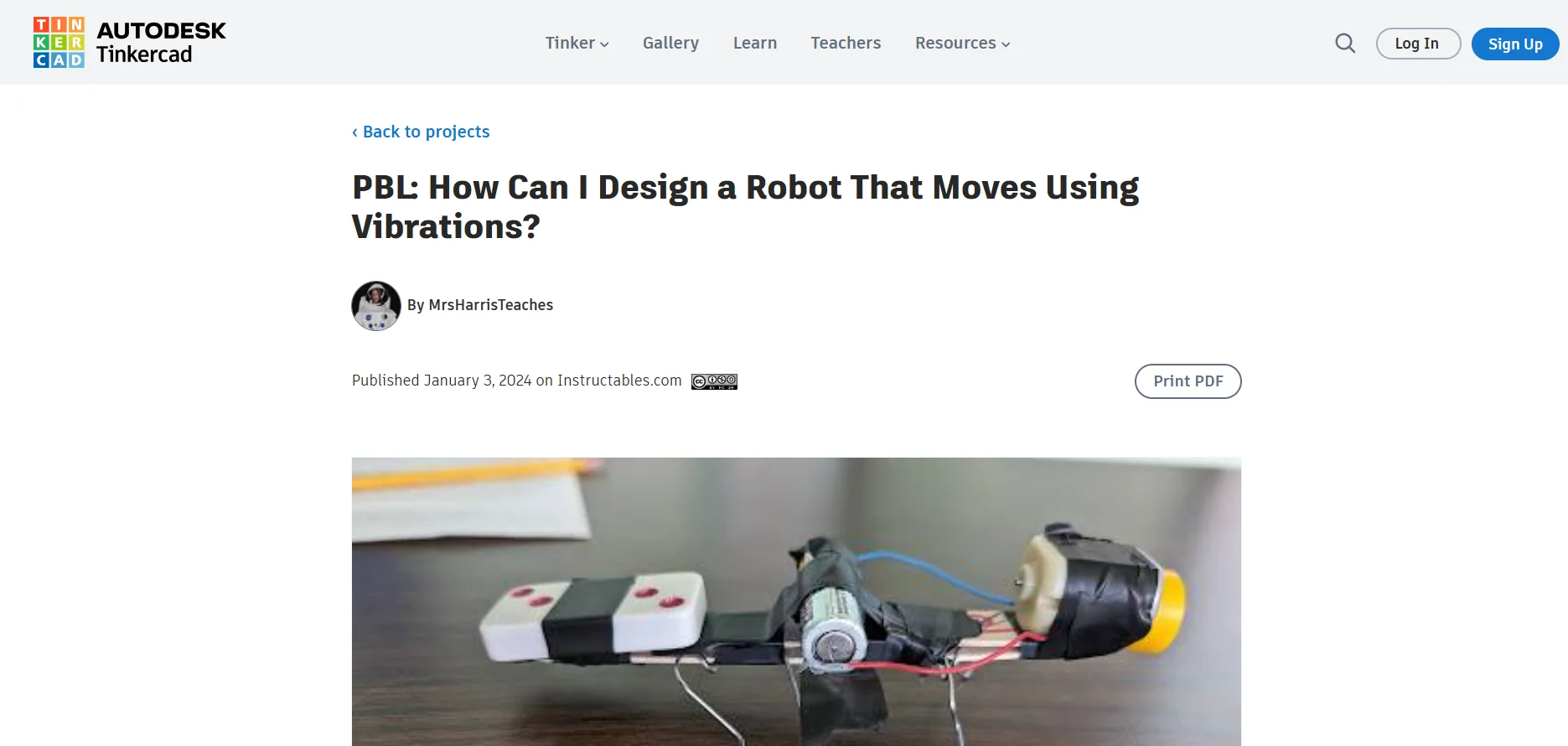
    The Tinkercad platform offers a free, open learning experience for everyone without the need to download any software, allowing users to start designing and learning right from the first click. The platform focuses on hands-on learning through interactive projects that build confidence, problem-solving, and engineering skills, with a safe environment for children that is KidSAFE and COPPA certified to ensure privacy. Tools include 3D designs to turn ideas into tangible models, electronic circuits to teach the basics of electronics, and Codeblocks programming to easily create dynamic and interactive designs. The platform offers NGSS and Common Core-aligned educational content for teaching computer science, mathematics, arts, and robotics, making Tinkercad an ideal introduction to learning design and digital modeling under the guidance of Autodesk, preparing students for future careers in STEM fields through hands-on, creative learning.