Description
️ 🖼Tool name:
Ideatum AI
🔖 Tool Rating:
Brand Guidelines
Brand & Logo
Intelligent Automation and Agents
Fonts and icons
Design and image making
Productivity and scheduling
️ ✏What does this tool offer?
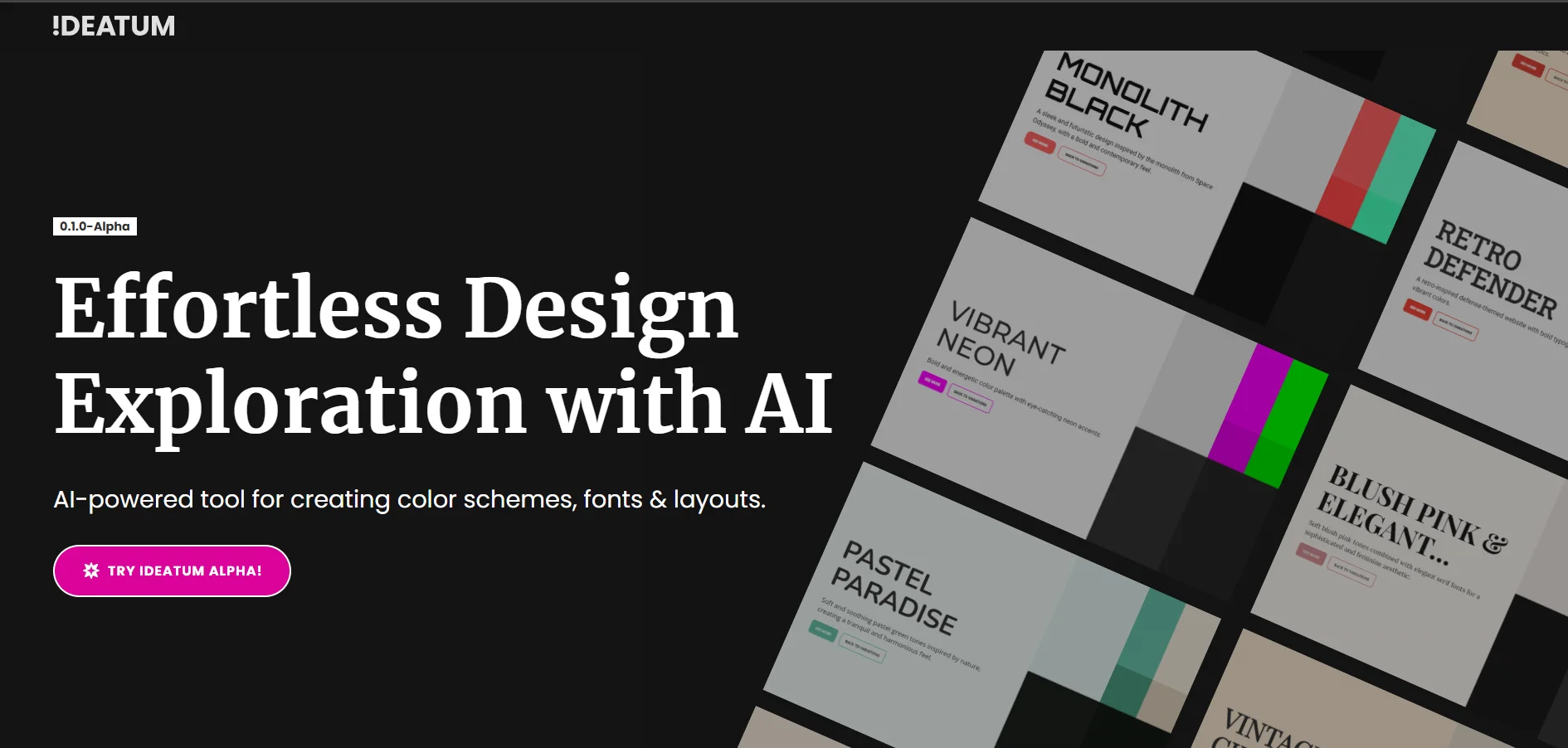
Ideatum AI is an intelligent design platform that acts as a creative assistant for generating visual identities. It transforms textual descriptions of projects into full-fledged Style Guides that include consistent color palettes, professional font combinations, and Moodboards. The tool enables designers and startups to build the visual foundation of their projects in seconds and export it directly to major design tools like Figma and Webflow.
⭐ What does it actually offer based on user experience?
Eliminates the "blank page" issue at the beginning of any design project.
The ability to export color schemes and fonts directly to Figma and Webflow, saving hours of manual work.
AI accuracy in understanding "Tone" and transforming it into colors that reflect the desired emotions.
Suitable for individual designers and small businesses to produce fast and professional visual identities.
🤖 Does it include automation?
Yes, it includes full automation of text analysis, automatic generation of color and font combinations, and automation of CSS export and Moodboards.
💰 Pricing model:
Freemium model: Limited free plan with paid plans for professionals and businesses.
🆓 F ree plan details:
Generate a limited number of color schemes and fonts per day.
Preview results within the platform.
There may be restrictions on exporting to formats such as Figma or Webflow.
💳 Paid plan details:
Unlimited project generation.
Access to an exclusive font and color library.
Enable full export of Figma, Webflow, and HTML/CSS files.
Support for generating high-resolution Moodboards.
🧭 How to access the tool:
It can be used directly via a web browser, create an account and then start typing text commands to generate visual identities instantly.
🔗 Link to the demo or official website:
https://ideatum.ai