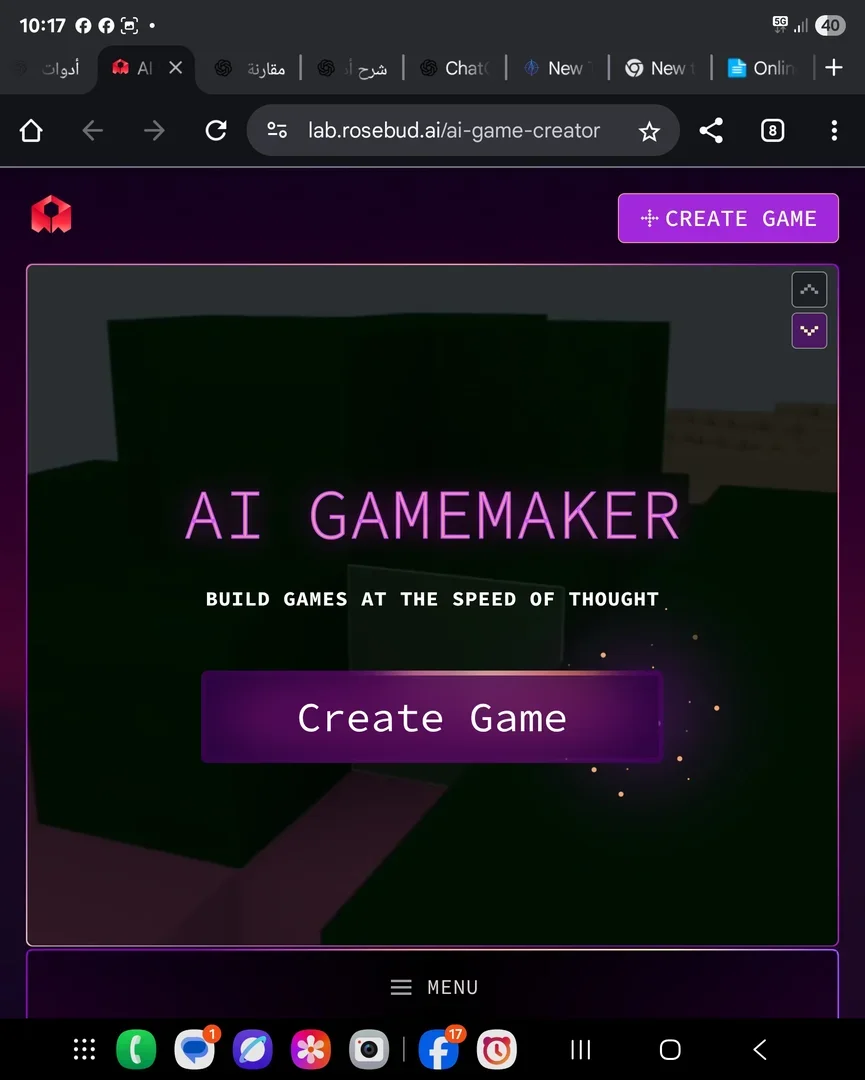
Rosebud AI Game Creator
Rosebud AI is a free, browser-based platform for creating games, apps, and websites using artificial intelligence, where users simply describe their idea in text, and the platform generates the initial code and turns the idea into a project that runs directly in the browser without the need for programming or downloading any software. It supports the creation of 2D and 3D games, visual novels, role-playing games (RPGs), and interactive games, as well as character creation, graphic asset creation, AI-powered image generation, background removal, image resizing, sprite sheet creation, skybox creation, and 3D model creation, as well as tools for sprite animation, AI-powered NPCs that interact with players, and advanced options for customizing characters in terms of appearance, traits, and behavior. It also enables the creation of interactive websites and applications using ready-made templates and 3D graphics, with the ability to modify the generated code and share it directly through the browser. The platform is aimed at both developers and beginners to accelerate the process of developing games and applications.
- Text and Images to Video
- Image Design and Creation
- Chat/Voice Agents
- Robot Creation
- Programming & Development
- Interactive Stories & Characters
- Game Assets Generation
- 3D Modeling & Rendering
- Code Generation & Review
Last updated
Features
- Turns a text description into a playable game that runs in the browser
- Generates initial code automatically and lets you edit it
- Creates 2D and 3D games, visual novels and RPGs
- Generates images, sprite sheets, skyboxes and 3D models
- Removes image backgrounds and resizes images
- Adds AI-powered NPCs that respond to players
- Modifies projects later with new text commands
- Builds interactive websites and apps from templates
- Shares projects through a direct link
Pricing Details
The tool is based on the Freemium model, which combines a free plan with paid subscription plans. The free plan allows you to use the tool at no cost, with the ability to create games, apps, and websites; create games using text commands; and run projects directly in your browser without needing to download any software or have programming experience. It also allows you to create images and assets needed for your projects and share them with others. The free plan includes several free prompts when you start, plus 20 prompts per week—this information has been officially confirmed. In contrast, the tool offers paid subscription plans; however, their current prices are not consistently displayed on the official website but appear on the “My Plan” page after logging in. These plans include additional benefits such as commercial use, the ability to sell games and assets, and the option to publish projects and generate revenue while retaining 100% of the profits, in accordance with the official terms and conditions. The tool can be accessed and used directly through a web browser, without the need to install any software on the device.
Tips for Rosebud AI Game Creator
Related Tips
- A video prompt that gives you the feel of GTA with an Arabic twist · Video Generation & Editing, Text and Images to Video
- 2 million free tokens to create videos! on Seedance · Video Generation & Editing, Text and Images to Video
- How to Use the Pokecut Tool to Easily Extract Images · Image Design and Creation, Editing, Enhancement & Upscaling…
- A professional prompt for turning a meal name into a full recipe infographic · Image Design and Creation, Text to Image Generation…
- Bosala Brand Studio Explains: How to Create a Complete Visual Identity from a Logo in Minutes? · Image Design and Creation, Text to Image Generation…