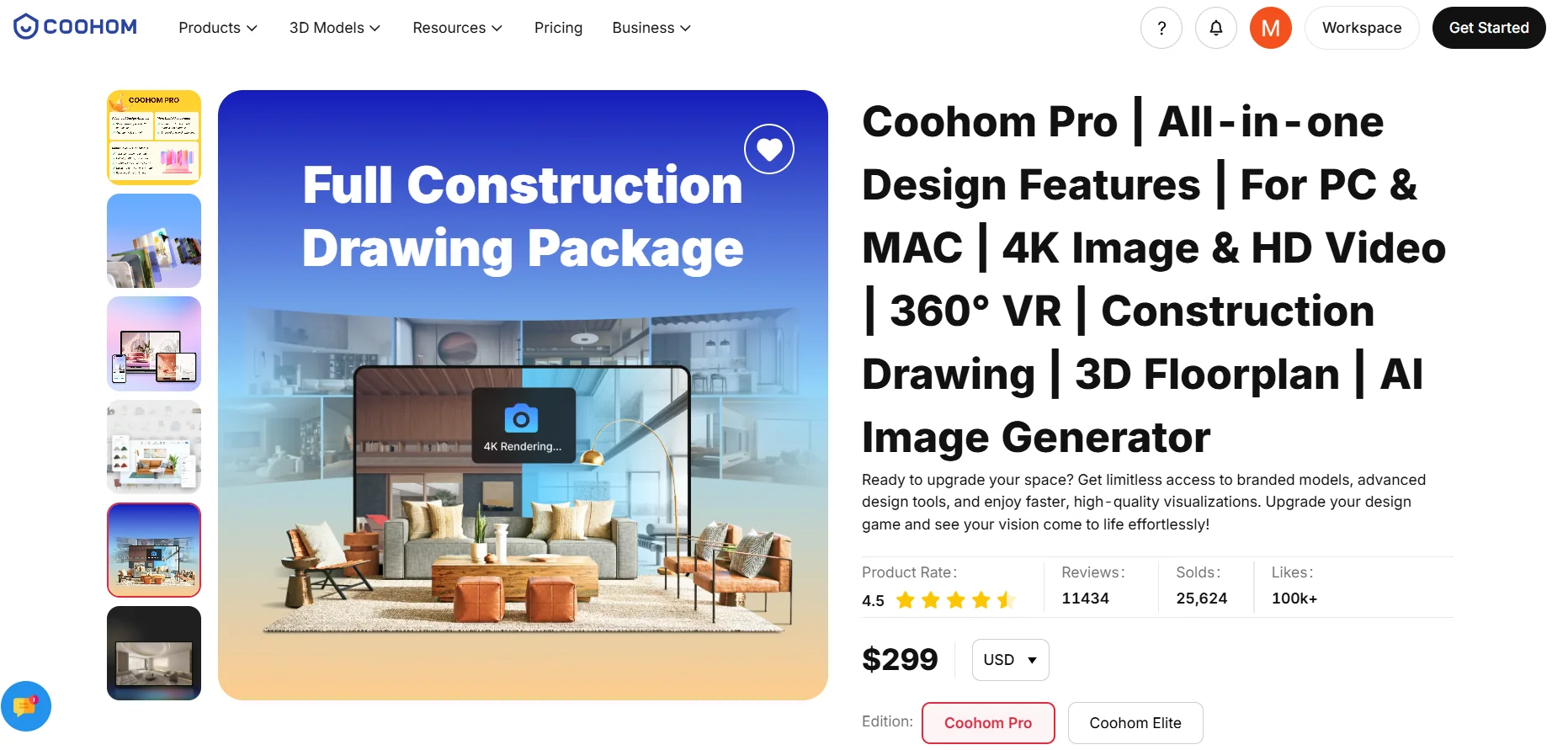
Description
️ 🖼Tool Name:
Coohom
🔖 Categories:
3D and Architectural/Interior Design; Smart Interior Design; 3D Modeling and Rendering; Architecture and Interior Design; Image Design and Creation; Product Visualization and AR/VR; Automation and Smart Agents; CAD Engineering Design.
️ ✏What does this tool offer?
Coohom is an integrated platform for interior design, home design, 2D and 3D planning, and realistic visualization, allowing users to create floor plans and convert them into editable 3D environments, complete with a vast library of 3D models, furniture, and elements. It also provides AI-powered tools for home and room design and remodeling. The platform supports the creation of high-resolution visualizations and renderings, as well as interactive presentations and panoramic tours.
Coohom’s products include tools such as 3D Home Design, AI Home Design, Home Remodel, Free Floor Planner, 2D Floor Planner, 3D Floor Planner, and Floor Plan Creator, as well as tools for designing kitchens, closets, bathrooms, rooms, and offices, and tools such as 3D Home Render and Real Time Render. It also offers a Model Library, AI 3D Generator, 3D Modeling, and the ability to upload brand-specific models.
The platform allows users to import floor plans and convert them into editable 3D models, and it offers a library containing over one million 3D models, according to the official website.
Coohom serves designers, engineers, homeowners, and businesses, with customized solutions for teams and organizations that enable collaboration, asset and project management, and the integration of design with pricing and manufacturing processes. The Enterprise solutions allow users to create custom products and link them to a pricing system that automatically calculates the price when the size, materials, or style are changed.
⭐ What does it actually offer based on user experience?
- Create 2D and 3D floor plans.
- Convert a floor plan into an editable 3D space.
- Design homes, rooms, kitchens, bathrooms, and offices.
- Create high-resolution, realistic renderings.
- Create 4K renderings with paid plans.
- Create 360° panoramic tours.
- Access a large library of 3D models, furniture, and elements.
- Upload user- or brand-specific models and elements.
- Use AI tools to assist with home and room design.
- Share projects and collaborate with team members.
- Create material and product lists for projects.
- Use Enterprise tools to create custom products and link designs to pricing and manufacturing.
- Create 3D presentations for projects.
🤖 Does it include automation?
Yes. Coohom includes AI-powered tools to assist with space planning and design, and it can convert floor plans into editable 3D environments. In Enterprise plans, pricing can be automated; the system automatically recalculates prices when a product’s size, material, or style changes.
Coohom also uses a separate Credits system for some of the new AI features in the Enterprise plan, where each invocation of an AI tool consumes a specific number of credits based on the tool and the query used.
💰 Pricing model:
Freemium + Monthly Subscription + Annual Subscription + Enterprise Plans.
Free accounts are available, and you can upgrade to paid plans to get additional benefits in design, prototyping, and collaboration. The official help page explains that the basic account is free, while prices and features vary by plan and region.
🆓 Free Plan Details:
| Feature | Details |
|---|---|
| Current Plan Name | Starter |
| Price | $0 |
| Duration | Free |
| Credit Card | No credit card required |
| Floor Plan | Floor plan → 3D |
| Furniture Library | Over 3,000 items on the current plan page |
| AI Assistant | Basic AI Layout Assistant |
| Styling | 10 renderings per month |
| Shareable Links | 3 shareable links |
| 360° Panorama | Not available |
| Photo → 3D Model | Not available |
| Watermark | Depends on output and usage plan |
This page explains that the Starter plan is free forever and requires no credit card; it includes floor-plan-to-3D conversion, a basic catalog, an AI-powered design assistant, and 10 renderings per month.
💳 Paid plan details:
| Plan | Current Listed Price | Key Features |
|---|---|---|
| Pro Monthly | $9/month | Premium catalog with over 10,000 items, unlimited 4K renderings, 360° links, Photo → 3D Model import, priority cloud rendering, watermark-free export, and full AI assistant |
| Master | $100 one-time payment with the current offer, instead of $299 | All Pro features, lifetime license, commercial use rights, branded PDF export, priority support, and future updates |
| Elite | Price displayed upon payment completion | Custom workflows for project delivery, unlimited 4K renderings, 3D model uploads, mood boards, unlimited materials, 360° panoramas, and advanced tutorials and courses |
| Enterprise | Custom Pricing | Team and organization management, collaboration, custom assets, design and manufacturing solutions, enterprise pricing, and dedicated support |
Current prices for Starter, Pro, and Master are confirmed on Coohom’s current website. As for Elite, the current page states that the final price depends on the region and taxes and is displayed upon completion of the payment process; therefore, I do not consider the $69/$58 mentioned in the text to be a confirmed current price.
Coohom also allows you to upgrade from Pro to Elite; you can choose a one-time or recurring Elite subscription, specifying the number of seats required for team members. As for Enterprise, you can upgrade to it by contacting the sales team.
🧭 How to access the tool:
| How to Access | Details |
|---|---|
| Web | Browser-based platform |
| Windows app | The Coohom app is available for Windows |
| Mac app | The Coohom app is available for Mac |
| Coohom app/platform | Available for accessing the workspace and design tools |
| Enterprise | Workspace and solutions tailored for businesses |
| 3D Modeling | Tools for creating and managing 3D models |
| API / Integration | Enterprise solutions and integrations are available; however, details regarding the public API must be verified based on the specific product required |
The official page features direct links to the Windows and Mac apps, as well as the Help Center, Academy, and Coohom App.
🔗 Trial link or official website: