AI Bosala

العربية

Audio & Voice

Tools in Audio & Voice

673 tools

Filter and sort these tools

  1. FixMeBot

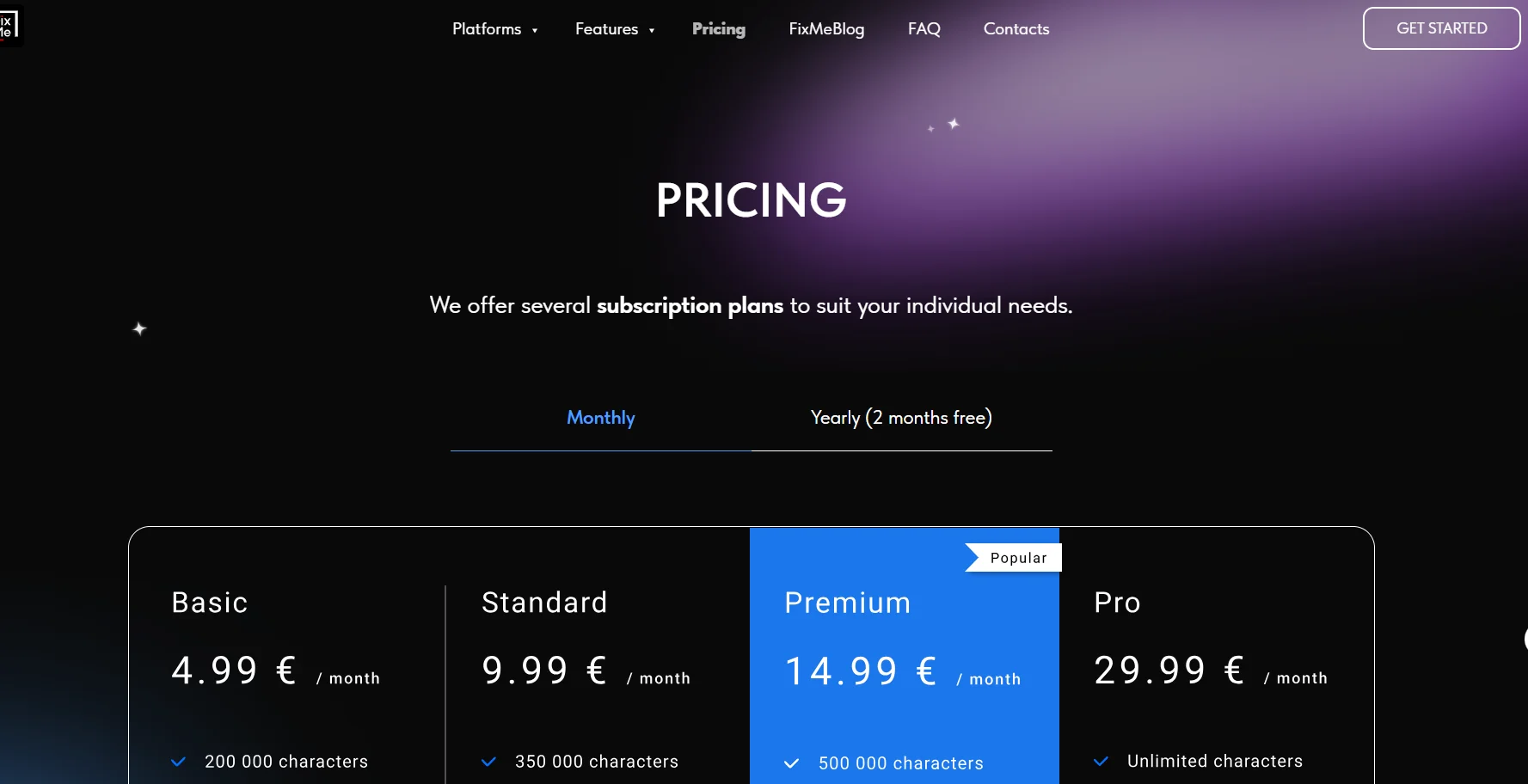
    FixMeBot is an AI-powered writing assistant that helps users correct, rephrase, adjust the tone of, and translate their text directly within the text box they’re working in, without having to copy and paste. The tool is used by more than 600,000 people, supports more than 90 languages, and provides 10,000 free characters upon account creation.
  2. French AI

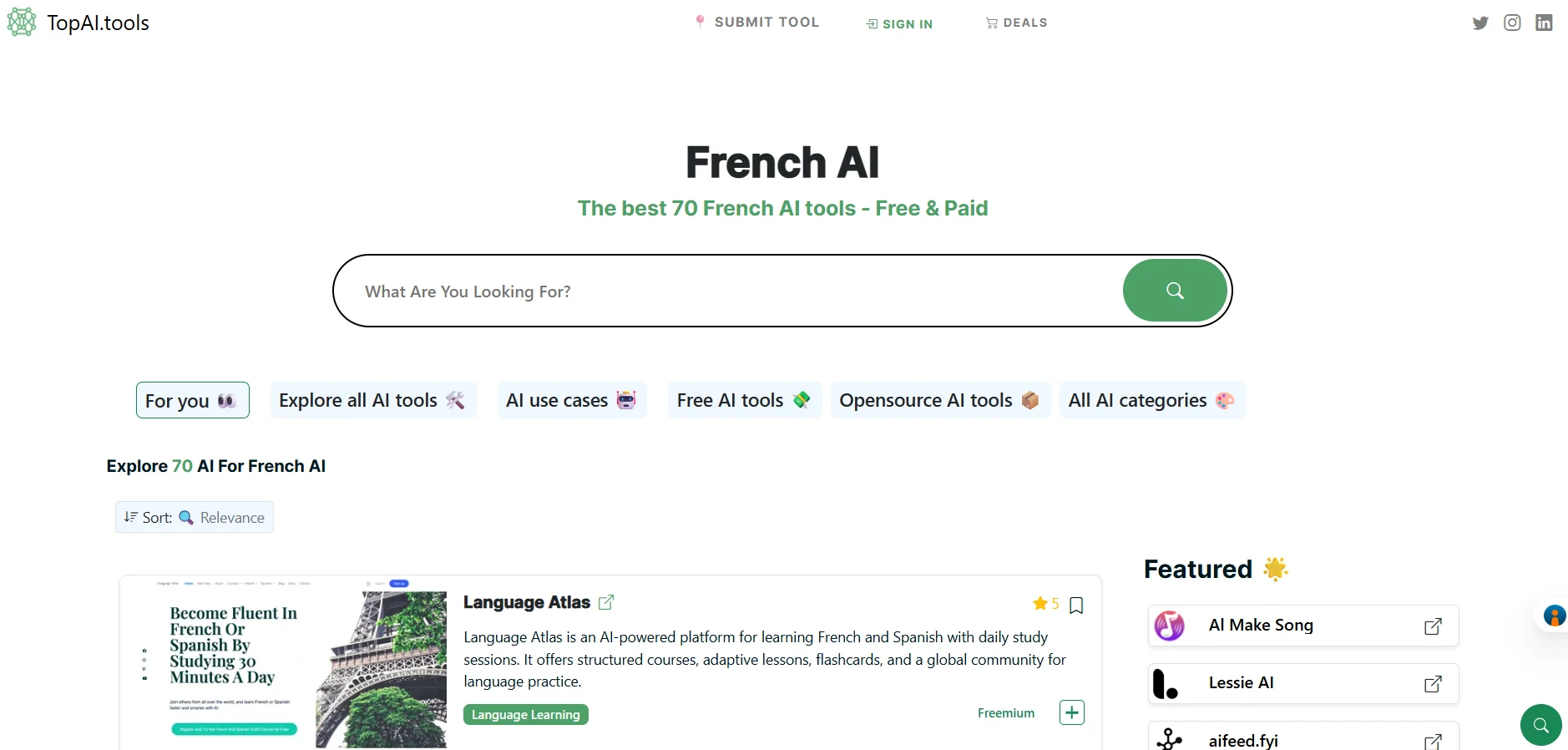
    TopAI.tools is a platform specializing in discovering artificial intelligence tools, helping users find the right tools for various tasks and applications. The platform features a "French AI" page that lists 70 French AI tools across multiple fields, including smart utilities, conversation, translation, writing, image and video generation, education, data analysis, programming, automation, and more.

  3. Creative Reality™ Studio

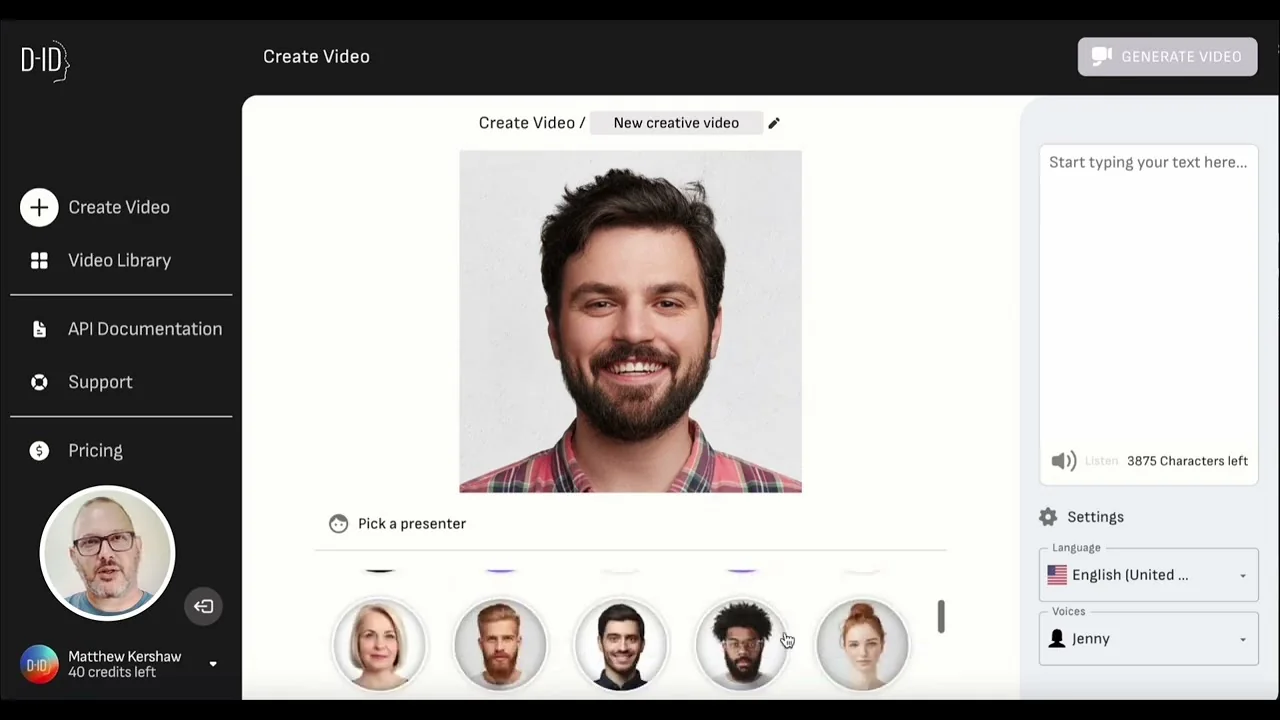
    D-ID's Creative Reality™ Studio 3.0 is a platform that uses generative artificial intelligence to create videos using digital avatars, allowing users to convert text, audio, or still images into high-quality videos featuring realistic digital avatars, without the need for cameras or film crews. It can be used to create video ads, tutorials, social media content, product demos, personal messages, and storytelling.

  4. Levio

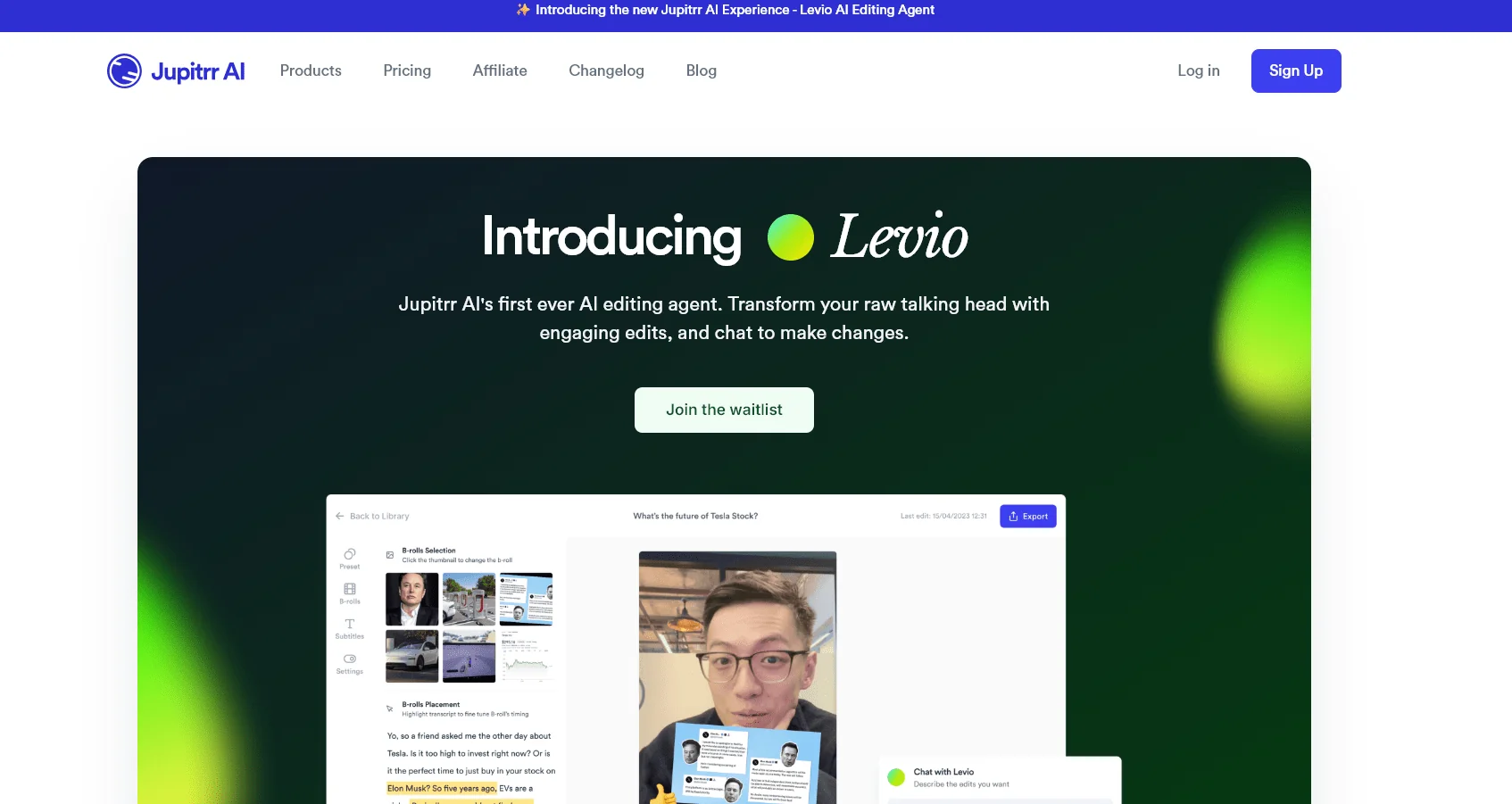
    Jupitrr AI is a platform for creating and editing video content, specifically designed for trainers, consultants, business owners, marketers, and content creators, It offers a suite of tools that help transform raw footage—especially talking-head videos—into professional, publish-ready videos. The platform features Levio, an AI-powered video editing assistant that allows users to upload raw footage and then automatically adds editing elements within seconds, including AI-generated hooks, animated subtitles, B-roll footage, GIFs, emojis, motion graphics, transitions, a brand logo, a closing sequence, AI-generated background music, and color correction and grading.

  5. BlinkVideo

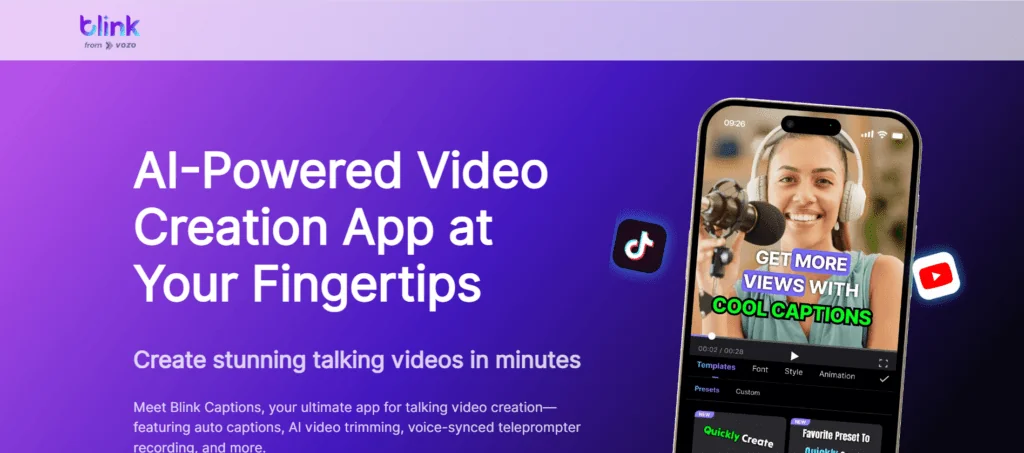
    Blink Captions by Vozo AI is an AI-powered video editor focused on creating subtitles and dynamic captions, as well as editing and translating videos. The app can automatically generate captions with up to 98.9% accuracy, with precise synchronization to the audio and over 200 customizable styles. It also supports one-click translation of captions into up to 120 languages. The app currently supports 74 languages across 118 dialects in its Auto Captions and AI Translate features.

  6. TommasoLiu AI Tools Directory

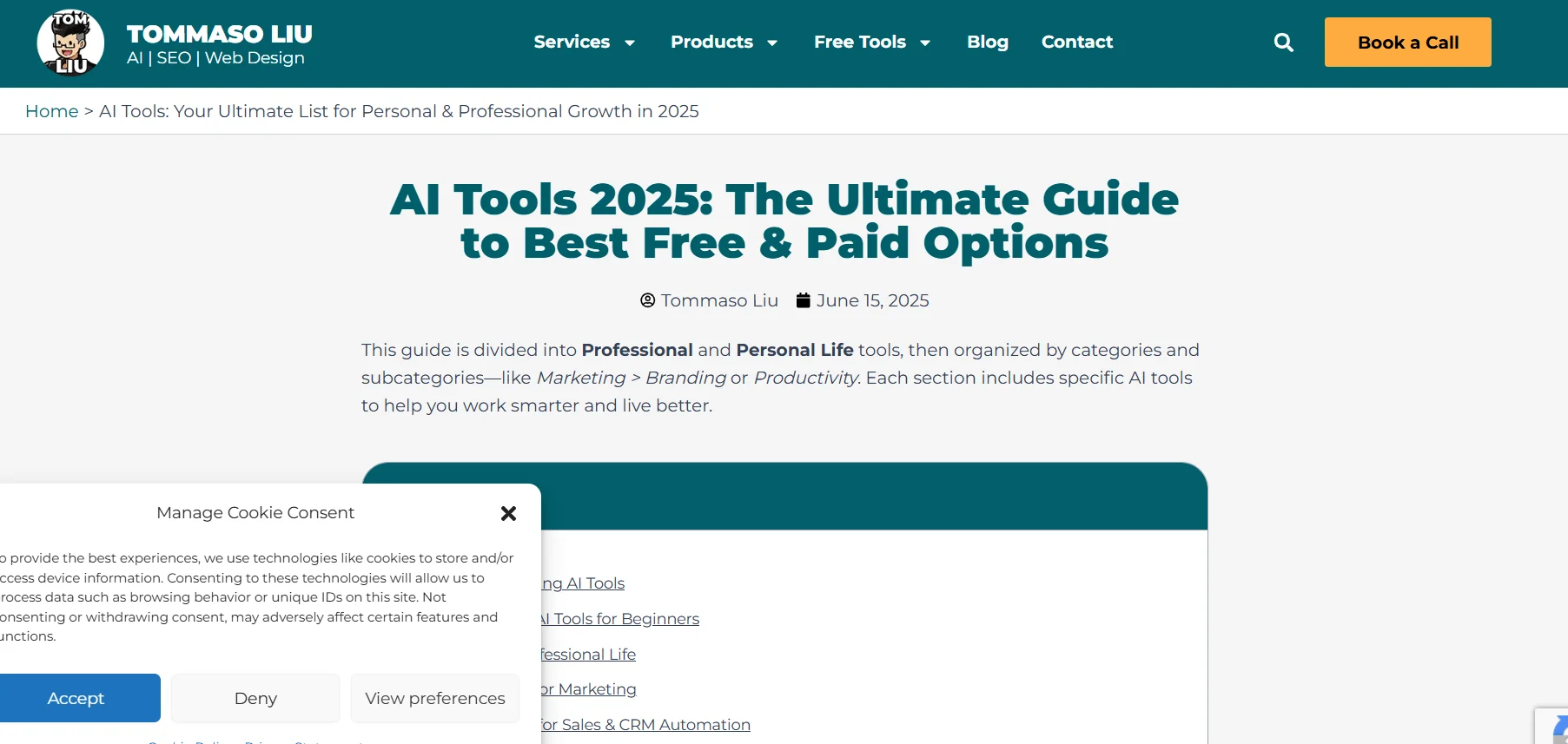
    This is not a single AI tool, but rather a guide and curated list of AI tools presented by Tommaso Liu under the title “100+ Best AI Tools for Work & Life: March 2026 Ultimate List.” The guide is divided into tools for professional use and those for personal use, and is organized into categories and subcategories such as marketing, branding, productivity, automation, writing, images, video, email, analytics, and more.

  7. Fireflies.ai

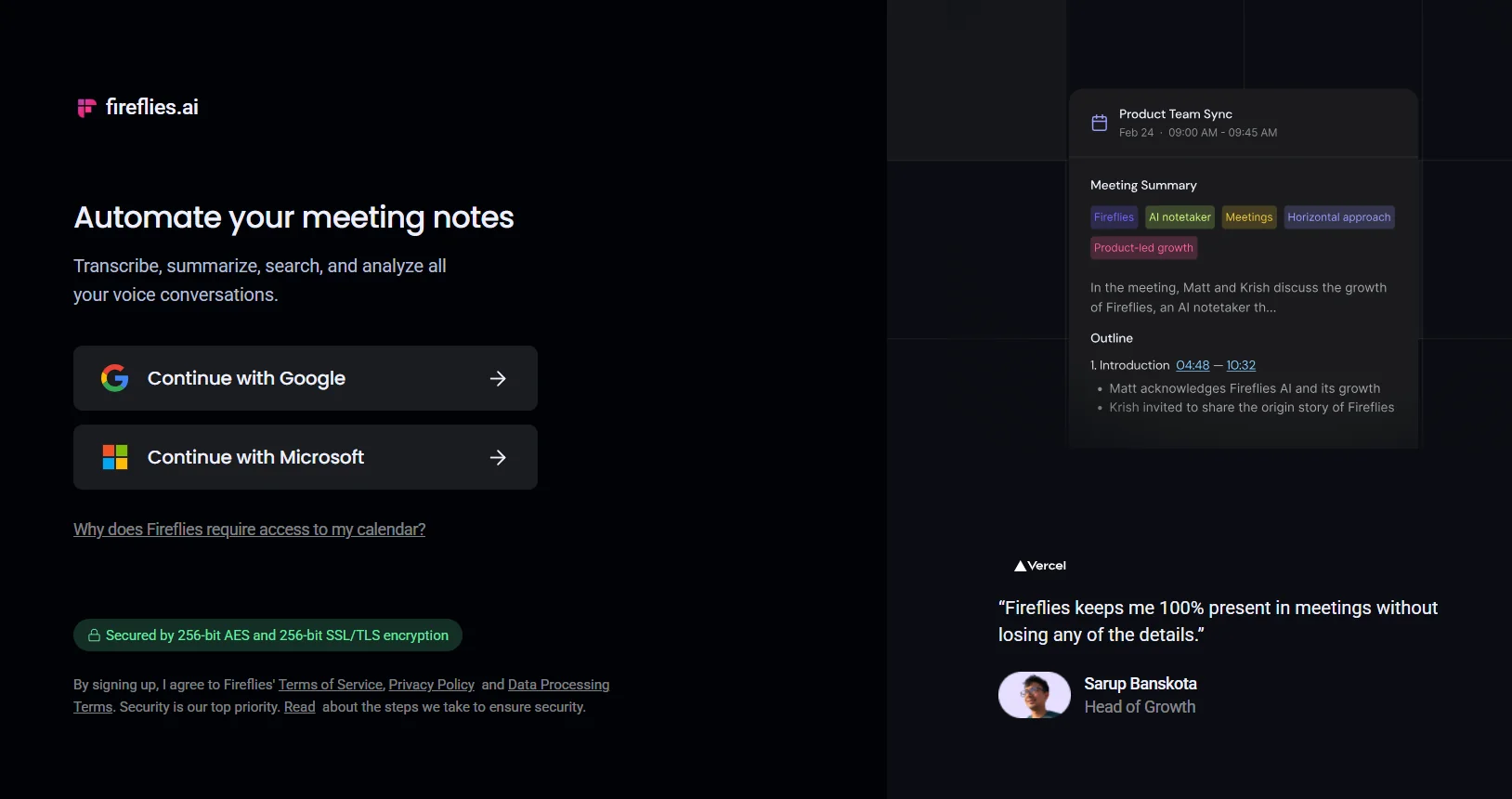
    Fireflies.ai is a smart meeting assistant that allows you to record, transcribe, summarize, search, and analyze meetings and conversations, with up to 95% transcription accuracy and support for over 100 languages, along with speaker recognition and automatic language detection. The platform provides AI-powered summaries that include detailed notes, action items, and customized summaries immediately after the meeting ends.

  8. VidMage

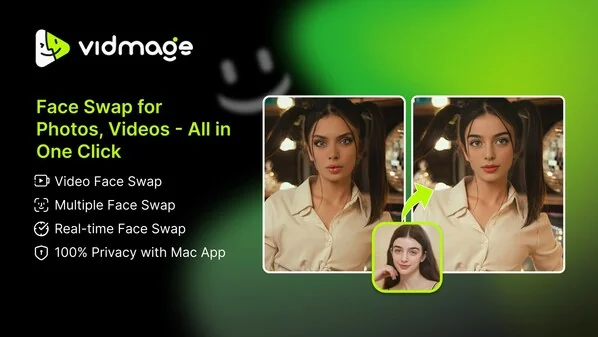
    VidMage is an AI-powered platform for creating and editing images and videos, with a primary focus on face-swapping technology for images and videos. It allows users to upload the original image and add the desired face, then automatically perform the swap to produce realistic and seamless results.

  9. Casablanca.AI

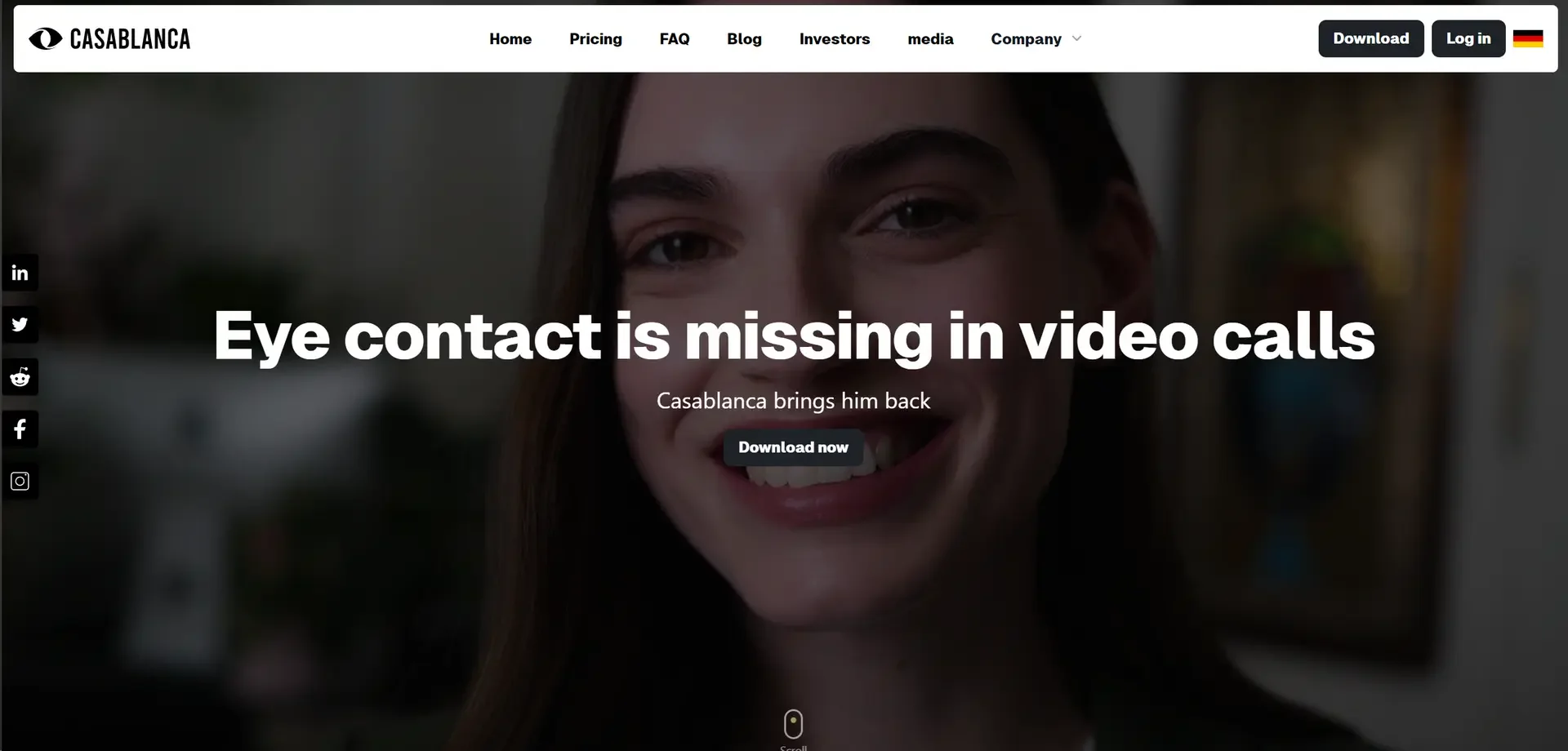
    Casablanca AI is an AI-powered tool designed to enhance communication during video calls by correcting gaze direction and recreating the effect of natural eye contact in real time. It functions as a virtual camera that can be selected within video conferencing software, making it appear as if the user is looking directly into the camera in the center of the screen, without the need to purchase additional hardware. The tool works with popular video conferencing apps such as Zoom, Microsoft Teams, Google Meet, Webex, OBS Studio, and Zoho.

  10. MimicPC

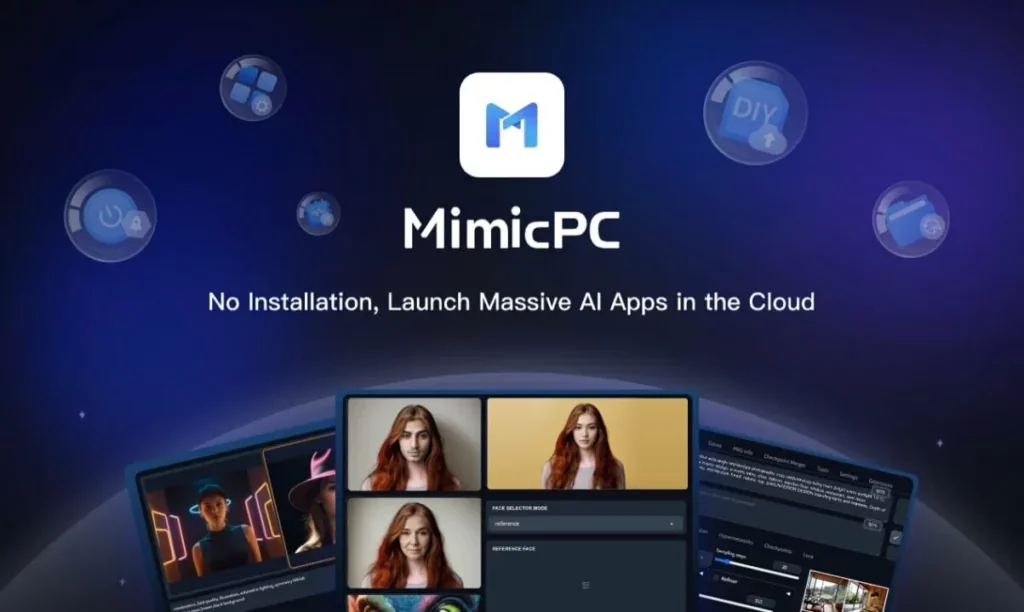
    MimicPC is an open-source, customizable AI platform that allows users to create images, videos, and audio content, train LoRA models, and add custom models—all without needing a computer equipped with an expensive graphics card. The platform offers more than 20 pre-installed, ready-to-use AI applications, including ComfyUI, SD WebUI, WebUI Forge, Fooocus, FaceFusion, AI-Toolkit, and RVC.

  11. VideoDubber AI

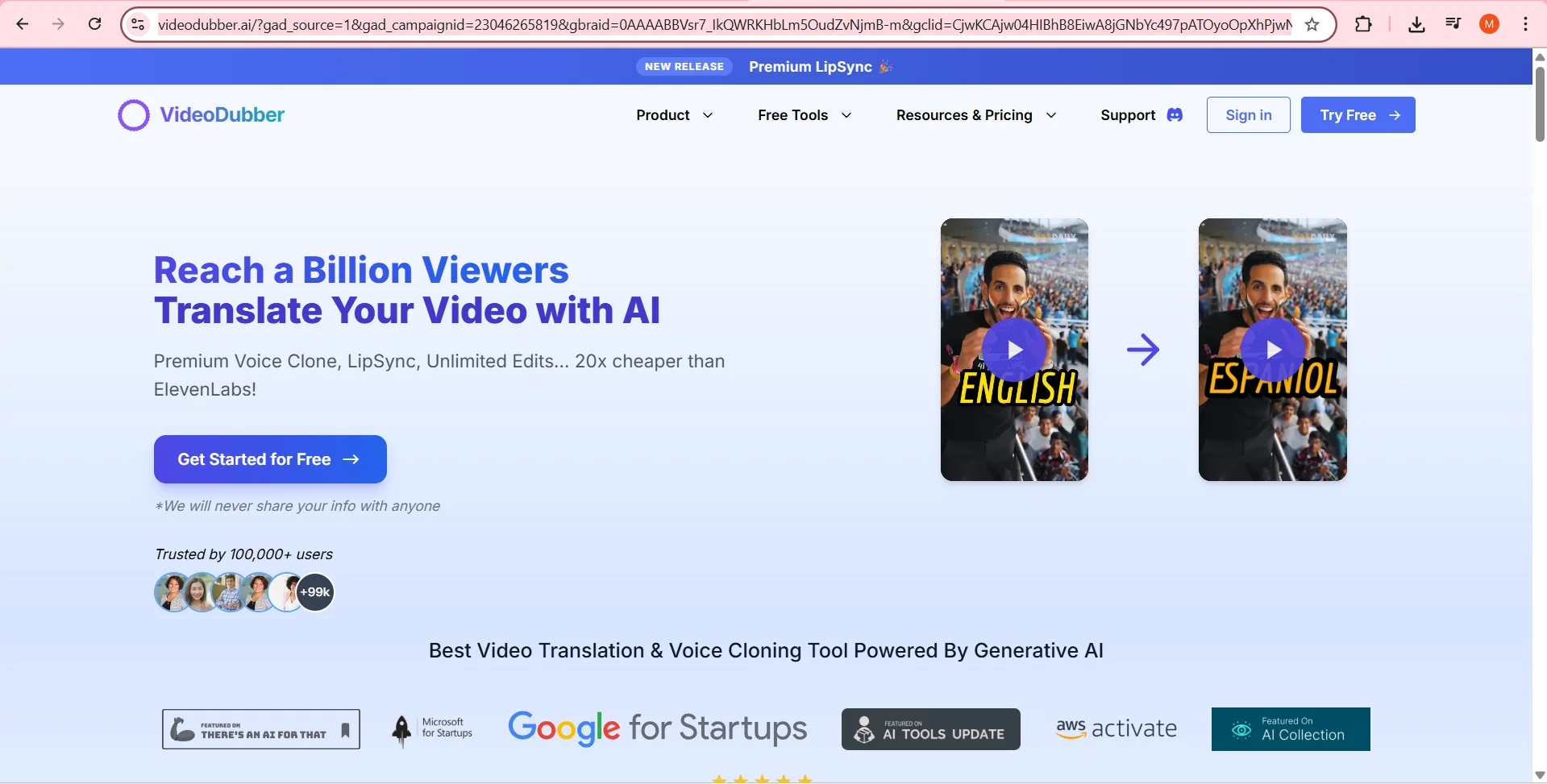
    VideoDubber supports uploading SRT and VTT files and extracting text using OCR from subtitles embedded within the video; it also allows you to export a fully dubbed video with bilingual subtitles or text embedded within the video. It also offers independent lip-syncing or lip-syncing linked to the translated dubbing, as well as text-to-speech conversion to create natural and expressive voiceovers, with support for multiple languages and voice control.

  12. NarrAI

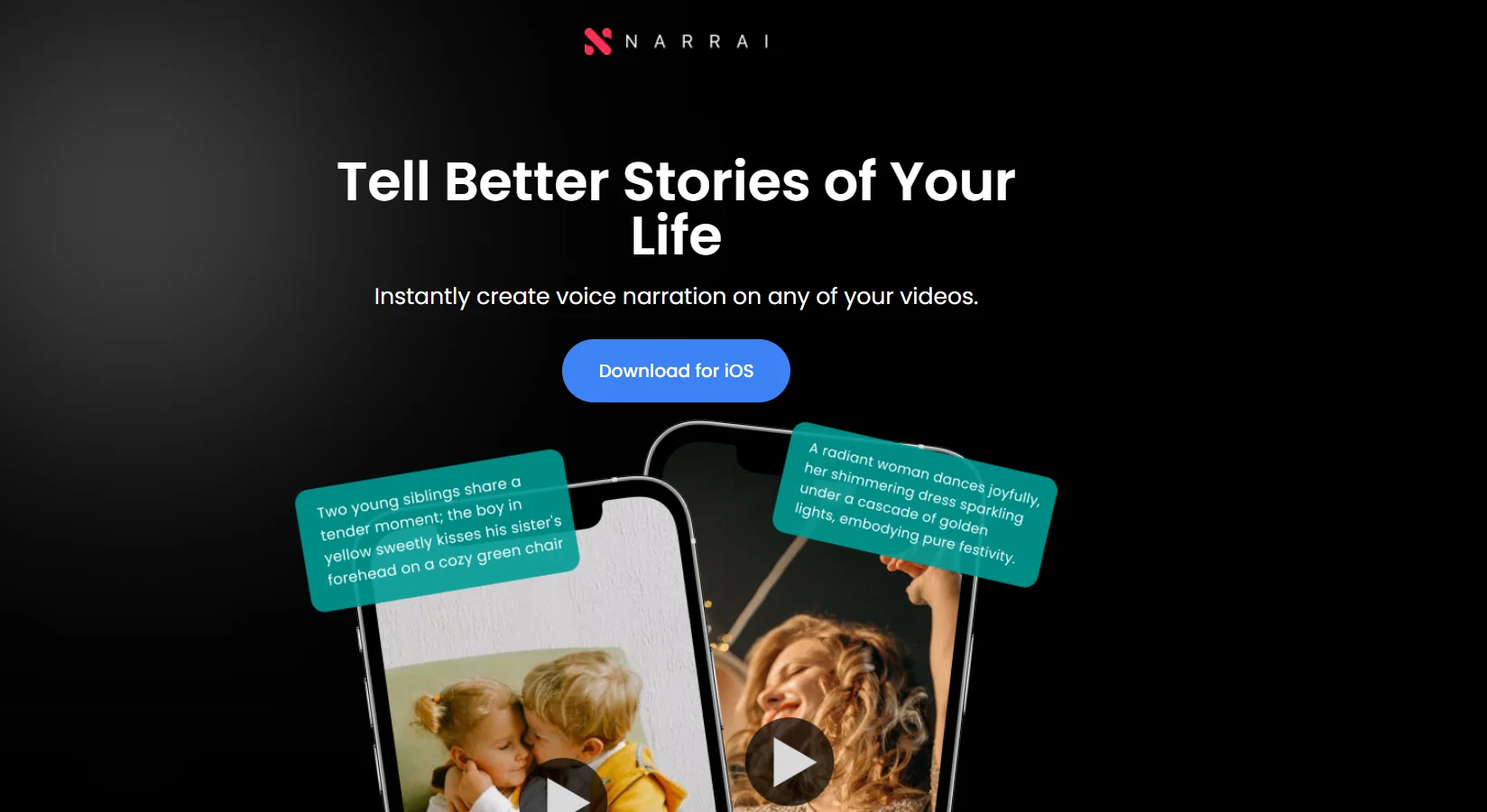
    Narrai is an AI-powered tool that makes it easy to add voice-overs to videos. It allows you to create a voice-over that fits your video content quickly and easily, whether for personal use, social media, or business. The tool generates a script tailored to the video, then creates the voiceover, adds background music, and merges these elements with the video so it’s ready to be saved or published.

  13. UniFab AI Video Enhancer

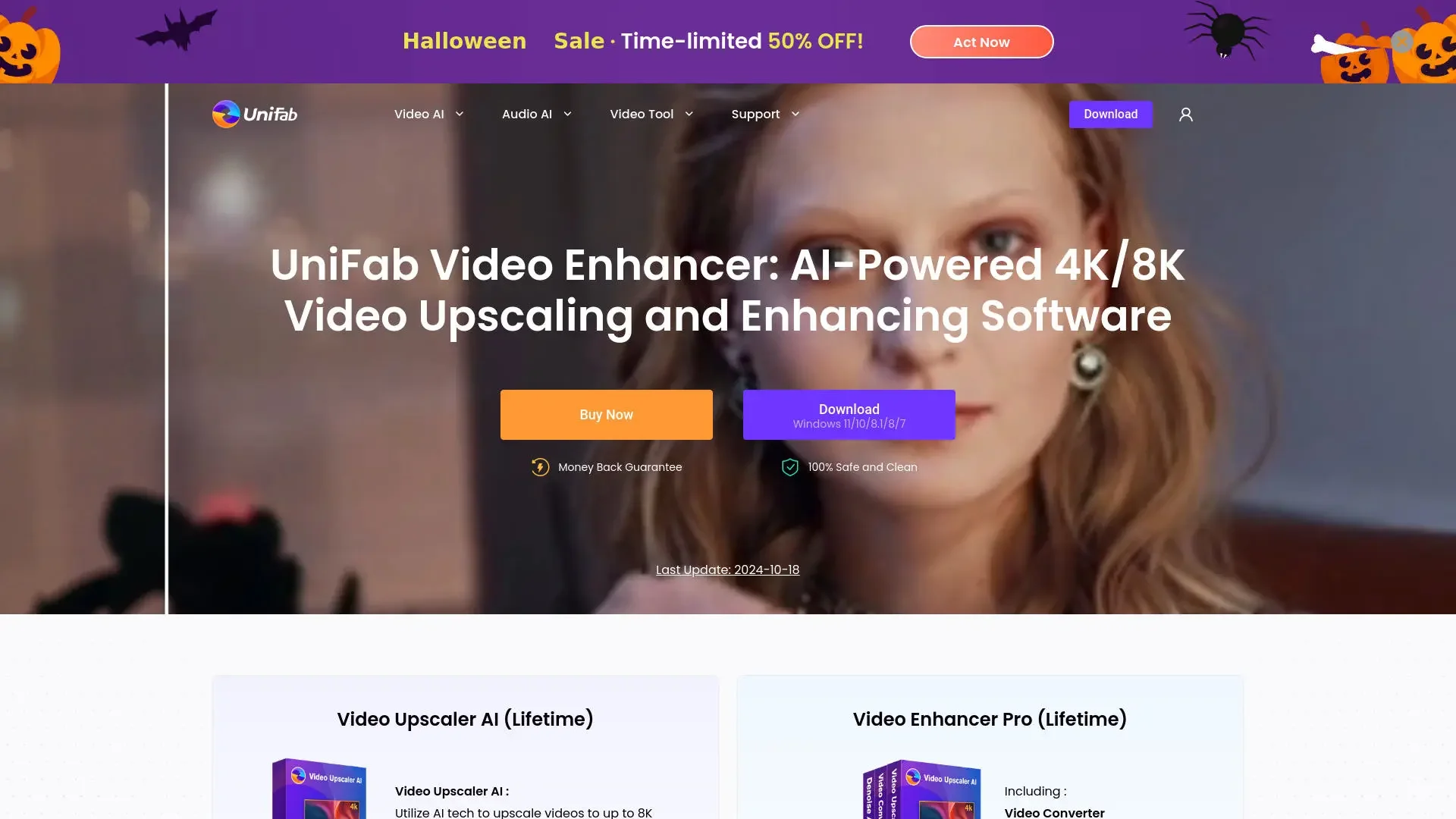
    UniFab AI is a platform specializing in video and audio enhancement and processing using artificial intelligence, bringing together a wide range of processing and enhancement tools within a single application. The platform allows users to upscaling video quality to resolutions of up to 1080p, 4K, 8K, and 16K, while enhancing brightness, contrast, sharpness, and detail, as well as removing noise and grain from low-quality videos or those shot in low-light conditions. It also provides tools for colorizing old and black-and-white videos, enhancing facial details, increasing the frame rate for smoother motion, removing jitter, and improving video stability.

  14. Clipchamp

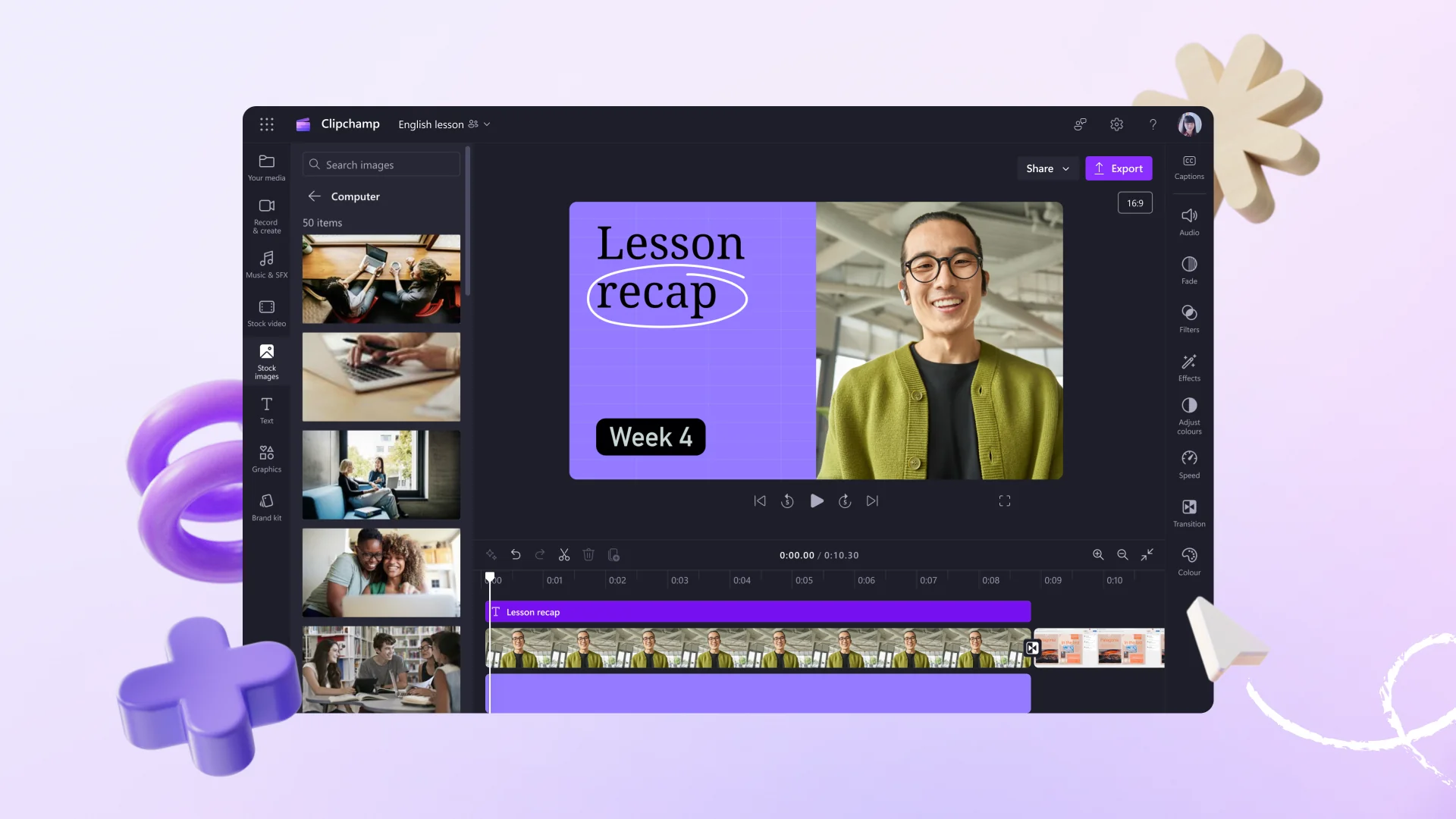
    Clipchamp is a video editor from Microsoft that operates primarily online, allowing users to create, edit, and share videos directly from their browser, with a desktop app available for Windows. The platform is aimed at beginners, content creators, and users in the business and education sectors, combining video editing, recording, artificial intelligence, and a media library into a single, easy-to-use interface.

  15. DaVinci Resolve

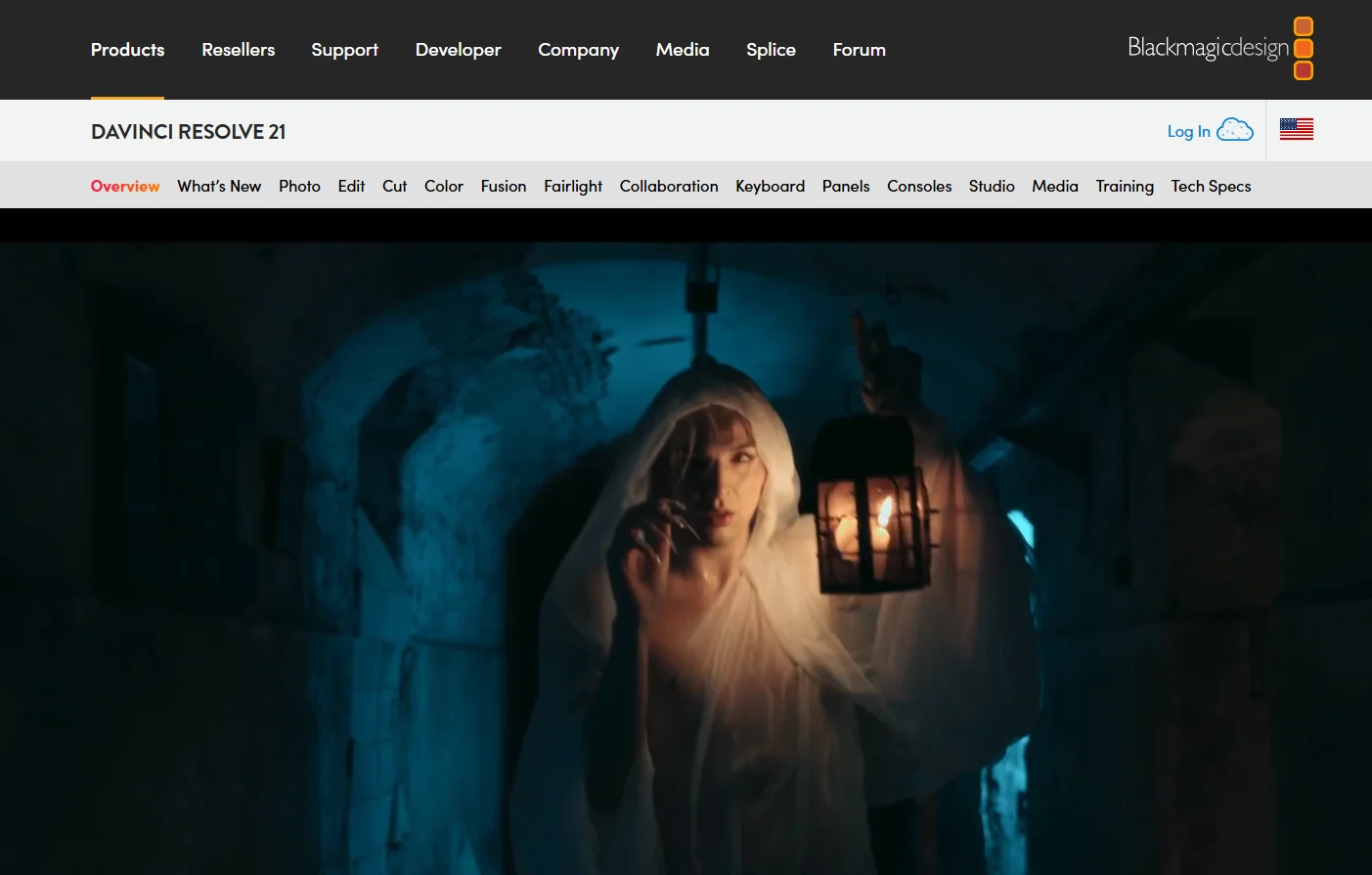
    DaVinci Resolve is a comprehensive professional video production and editing software developed by Blackmagic Design. It combines multiple stages of post-production into a single application, including video editing, color correction and grading, visual effects, animation, audio processing, media organization, and exporting. The software is available for Windows, macOS, and Linux. (Confirmed)

  16. Ztalk.ai

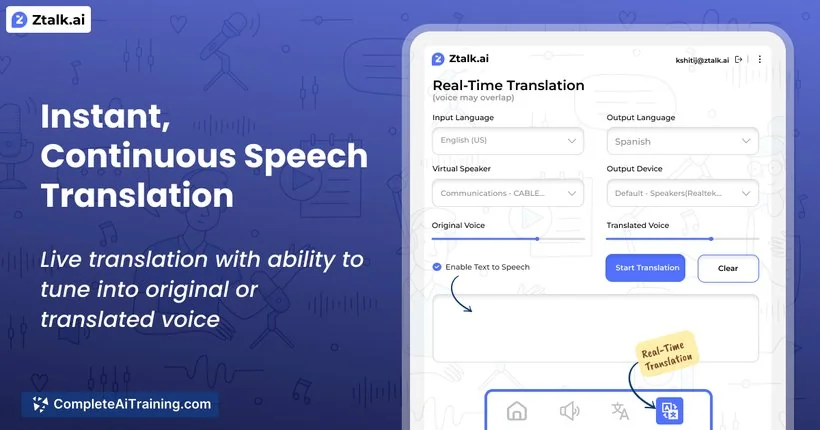
    Ztalk.ai is an AI-powered tool that provides real-time voice translation during meetings and video calls, converting speech from one language to another in real time during the call, with the goal of overcoming language barriers without having to switch communication platforms.

  17. Dubpro.ai

    Dubpro.ai uses artificial intelligence to provide video dubbing and localization services, combining AI with human review within a human-in-the-loop model. The platform offers context-aware translation, customized voiceovers, and precise timing synchronization accurate to two decimal places, in addition to more than 10 quality checks.