🎨 GraphicSprings AI Logo Design
· 2 min read
💡 Compass Tip
Start your brand with a logo that expresses you from the very first moment!
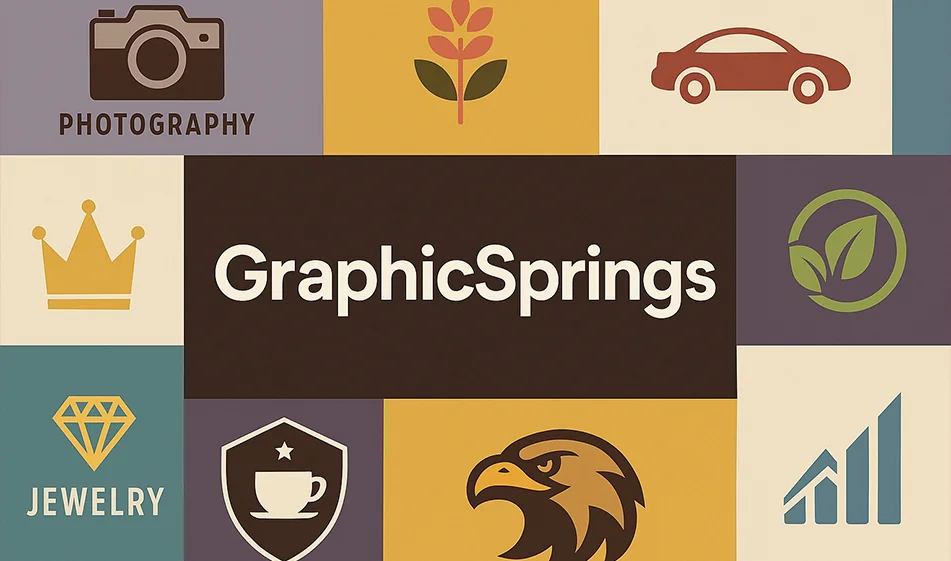
If you're looking for a quick and professional way to design a professional logo without a designer, try GraphicSprings - a smart tool that generates logos from just your business name and lets you fully customize them with the colors and fonts of your choice.
️ ⚙ How does it work?
- Type in your business name and a few words that describe your industry or style (e.g. technical, modern, luxury).
- The AI gives you dozens of ready-made templates for various logos.
- Easilycustomize the design by changing colors, fonts, icons, and layout until you find the perfect look.
- Download the logo in multiple formats (PNG , JPG, or PDF) for use in print or on digital platforms.
⭐ Highlights
- Instant logo generation with no design experience required.
- Extensive customization options including colors, fonts, and icons.
- Ability to save the design and review it later or edit multiple versions.
- High-quality files that can be printed and used commercially.
- A simple and fast user interface that supports clear and straightforward English.
💰 Plans and Pricing
- Basicplan: Allows creating and editing logos for free with a watermark view.
- Paid plan (about 10-20$):
- Download the logo in high quality and without watermark.
- Full ownership of the design with commercial use rights.
- Access to source files (SVG or PDF).
- Additional plans: Available for organizations and companies that need full visual identity management (colors, templates, fonts).
🧭 Golden Compass Tip
Keep your logo simple and clear.
The power of design comes not from too many details, but from clever symbolism and harmony between color and font.
Try the logo in black and white first before choosing colors to make sure it is clear in all uses.
Compass Summary
GraphicSprings isn't just a logo generator, it's a platform to build a smart visual identity quickly and professionally.
You can go from idea to brand in minutes, no design skills required.
Start with your name... and let the AI create your first impression in style.
About Category Image Design and Creation
Image Design and Creation
Tools in this category:
- Text2Infographic
- ChatSlide AI
- Molypix.ai
- Grok
- 3D AI Studio
- Banani
- PlayMix AI
- Storyteller AI
- Vmake AI
- Polarr AI Color Match
- +437 more
About Category Text to Image Generation
Text to Image Generation
Tools in this category:
About Category Logo Generation
Logo Generation
Tools in this category:
About Category Fonts & Icons
Fonts & Icons
Tools in this category:
About Category Branding & Logo
Branding & Logo
Tools in this category:
Related Tips
- How to Use the Pokecut Tool to Easily Extract Images
- A professional prompt for turning a meal name into a full recipe infographic
- Bosala Brand Studio Explains: How to Create a Complete Visual Identity from a Logo in Minutes?
- An Explanation of GeminiGen AI for Creating Videos and Images for Children
- A Comparison of VisualGPT and NoteGPT for Creating Free Images and Designs on GPT Image 2