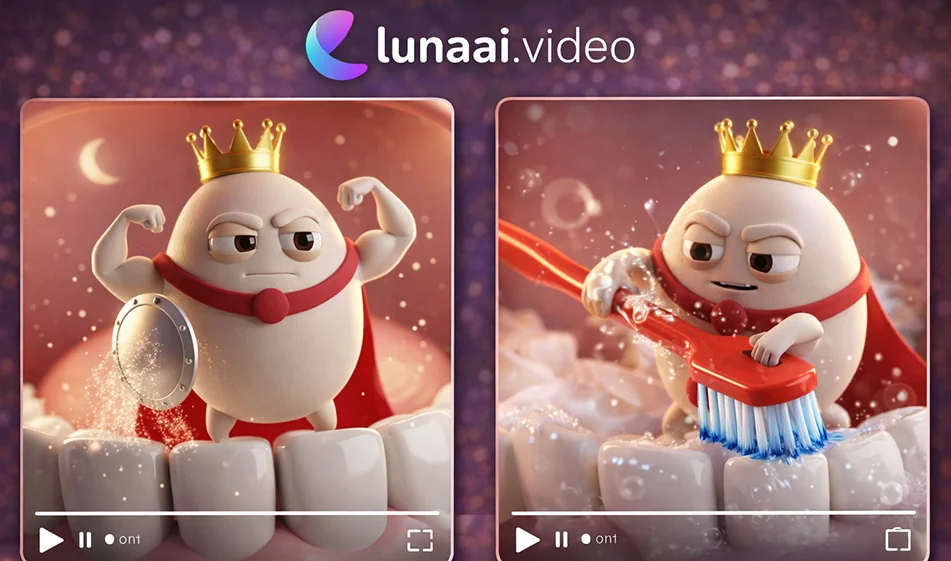
🎓 Imagine every boring lesson... Turn it into a trendy, personalized 3D video that explains it for you.
💡 Compass tip
If you are a teacher or educational content creator and want to make explanations easier and more enjoyable for students and children, lunaai.video helps you convert simple Arabic text into educational videos with 3D characters, ready to be posted on TikTok, Reels, and Shorts, with the option to start for free before upgrading to a paid plan.
What can you do with lunaai.video?
- Convert text into educational videos with 3D characters
- Make lessons short, fun, and easy to understand
- Produce videos suitable for the 9:16 vertical format
- Create a series of lessons with the same characters and style
Steps (brief and practical)
- Open lunaai.video and select Create Educational Video.
- Choose the type of 3D character (male/female/child/cartoon).
- Paste the Arabic text you want to explain.
- Specify:
- Duration: 15–30 seconds
- Aspect ratio 9:16
- Voice tone (cheerful/calm/educational)
- Click Generate, then review the video and edit a sentence or two to make it lighter.
- Export and publish the video, and repeat the same template as a "series" to increase reach.
🧩 Prompt template ready for a short lesson (copy and edit the topic)
"Create a 20-second,9:16 vertical educational video.
A cute 3D character explains (the topic) to children aged 7–12.
The explanation is very simple and in standard Arabic, with short sentences, one clear example, and a conclusion with a question for interaction.
A playful style, simple classroom background, light hand movements, without too much text on the screen.”
Tip for increasing views (educational trend)
- Make the first two seconds: a shocking question or a clear promise
- Use the rule: only one idea per video
- End with a question: "What would you like me to explain next?"
- Repeat with the same character so that the audience quickly recognizes you
"If you want the link to the tool and the ready-made prompts, write the word 'compass' in the comments and I'll send it to you."